

Bookkeeping Tips for Service Owners to Streamline Finances
Struggling to stay on top of receipts, invoices, and bank statements can leave Kansas City service business owners feeling overwhelmed by numbers. Keeping financial records organized matters for accurate federal tax reporting and peace of mind, as outlined by the IRS. This guide shows you how to use QuickBooks Online for efficient bookkeeping, highlighting simple steps like setting up accounts, categorizing transactions, and running essential reports for clear financial insights.
Table of Contents
- Step 1: Set Up QuickBooks Online For Seamless Tracking
- Step 2: Categorize Transactions For Accurate Records
- Step 3: Reconcile Bank Accounts To Ensure Reliability
- Step 4: Generate P&L Reports To Monitor Performance
- Step 5: Review Entries To Prepare For Tax Season
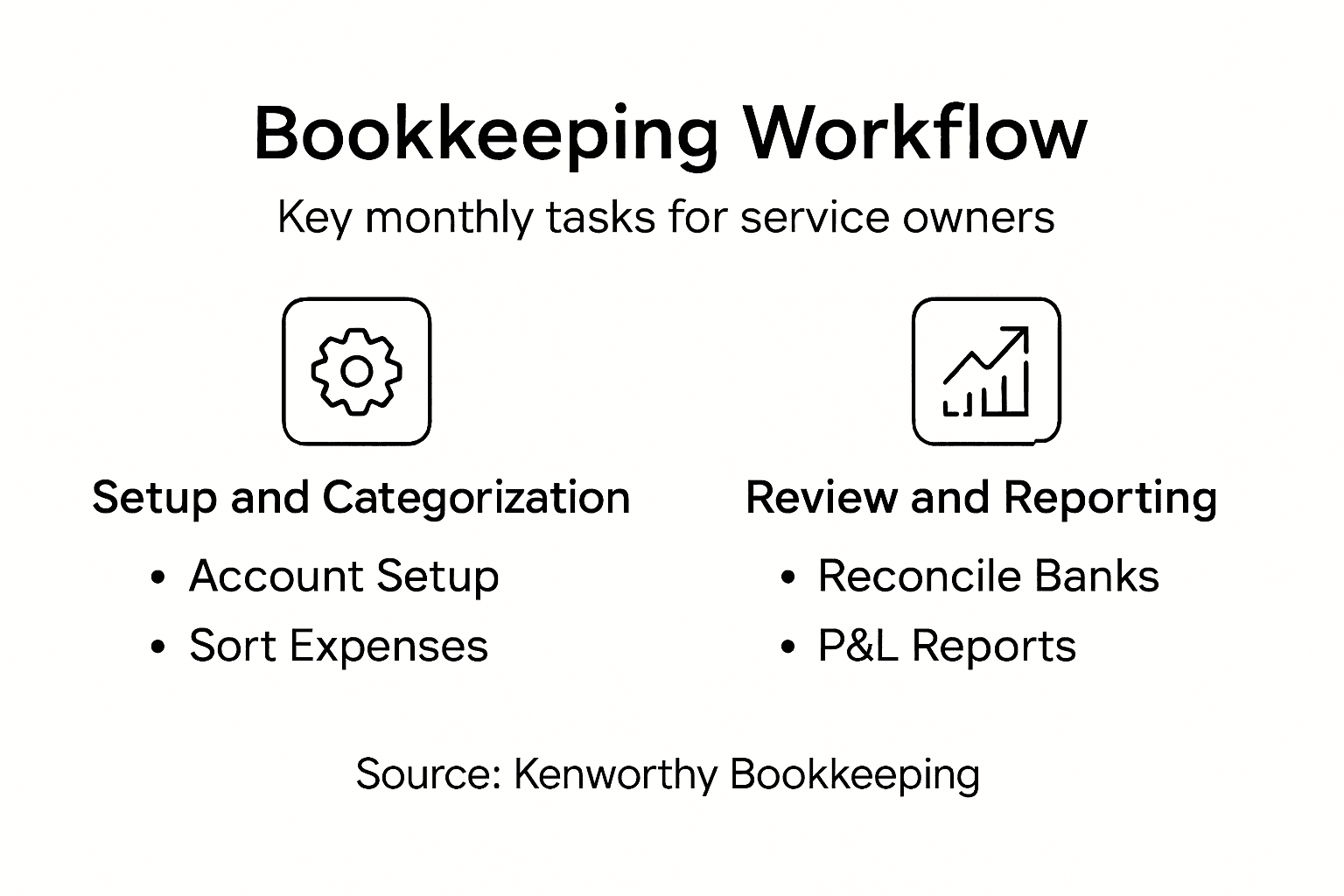
Quick Summary
| Main Insight | Explanation |
|---|---|
| 1. Accurate Setup is Essential | Properly configuring QuickBooks Online prevents costly bookkeeping errors and provides a reliable foundation for financial management. |
| 2. Categorize Transactions Diligently | Systematically categorizing income and expenses simplifies tax preparation and enhances your understanding of your business’s financial health. |
| 3. Reconcile Regularly for Accuracy | Monthly reconciliation of bank accounts helps identify discrepancies and unauthorized transactions, maintaining financial integrity and transparency. |
| 4. Generate P&L Reports Consistently | Regularly preparing Profit and Loss reports offers critical insights into your business performance, helping guide informed decision-making for growth. |
| 5. Prepare Early for Tax Season | Early review of financial entries and documentation ensures accuracy in tax filings and maximizes potential deductions, reducing filing stress. |
Step 1: Set up QuickBooks Online for seamless tracking
Setting up QuickBooks Online provides service business owners a powerful platform to track finances efficiently and gain real-time insights into their financial operations. By configuring your account correctly from the start, you’ll create a robust system for managing your business finances.
To begin, you’ll want to navigate QuickBooks Online’s interface with strategic precision. Follow these essential steps:
- Create a new company profile with accurate business information
- Connect your business bank accounts and credit cards for automatic transaction importing
- Set up your chart of accounts tailored to your specific service business needs
When connecting financial accounts, focus on selecting the primary business checking account first. QuickBooks Online will automatically download recent transactions, giving you an immediate snapshot of your current financial status. This automation saves hours of manual data entry and reduces potential human error.
Accurate initial setup prevents costly bookkeeping mistakes down the line.
The configuration process involves several critical substeps:
- Verify your business legal name and tax identification number
- Select the appropriate industry category for your service business
- Import or manually enter opening account balances
- Configure default tax settings specific to your location
Pro tip: Spend extra time during initial setup to categorize your most common transaction types, which will dramatically speed up future bookkeeping processes.

Step 2: Categorize transactions for accurate records
Categorizing financial transactions is the cornerstone of maintaining precise business records and ensuring smooth financial management. By systematically organizing your income, expenses, and purchases, you’ll create a clear financial roadmap for your service business.
To effectively track and analyze business transactions, follow these strategic categorization steps:
- Separate transactions into clear categories like service income, operating expenses, and equipment purchases
- Create subcategories that match your specific business operations
- Use consistent naming conventions for each transaction type
Start by reviewing the IRS guidelines for record keeping. Maintain digital and physical copies of supporting documents like receipts, invoices, and bank statements. QuickBooks Online allows you to upload these documents directly alongside each transaction, creating a comprehensive financial trail.
Accurate transaction categorization simplifies tax preparation and provides critical insights into your business financial health.
Implement these detailed categorization techniques:
- Tag recurring expenses with specific vendor and purpose labels
- Assign clear expense categories for tax deduction purposes
- Create custom tags for tracking project or client-specific costs
- Review and reconcile categories monthly for accuracy
Pro tip: Set up automatic rules in QuickBooks Online to pre-categorize frequent transactions, saving you significant time and reducing manual data entry errors.
Step 3: Reconcile bank accounts to ensure reliability
Bank reconciliation is a critical financial practice that helps you verify the accuracy of your business’s financial records and catch potential errors before they become significant problems. By systematically comparing your internal financial records with bank statements, you’ll maintain financial transparency and control.
To effectively reconcile financial accounts monthly, follow these strategic steps:
- Gather your most recent bank statement and QuickBooks Online transaction record
- Compare each transaction line by line
- Identify and investigate any discrepancies or unexplained differences
- Document and resolve all variances
Careful reconciliation helps detect potential issues like unauthorized transactions, duplicate charges, or accounting mistakes. QuickBooks Online simplifies this process by automatically importing bank transactions and providing side-by-side comparison tools.
Consistent monthly reconciliation is your first line of defense against financial inaccuracies and potential fraud.
Implement these detailed reconciliation techniques:
- Check that all deposited amounts match your bank statement
- Verify that withdrawn amounts are accurate and authorized
- Note any bank fees or interest charges
- Confirm that outstanding checks have cleared
Pro tip: Schedule your monthly reconciliation during a consistent time each month, preferably within the first week after receiving your bank statement, to maintain a disciplined financial review process.
Step 4: Generate P&L reports to monitor performance
Generating Profit and Loss (P&L) reports provides service business owners a critical snapshot of their financial health, revealing exactly how money flows through the business. By understanding these financial statements, you can make informed decisions that drive profitability and strategic growth.
To prepare comprehensive income statements, follow these strategic steps:
- Select the specific reporting period (monthly, quarterly, annually)
- Compile all revenue sources systematically
- Calculate direct and indirect business expenses
- Determine your net profit or loss
QuickBooks Online simplifies this process by automatically categorizing transactions and generating detailed financial reports. The platform helps you track key performance indicators that reveal your business’s financial trajectory.
A well-prepared P&L report is your financial roadmap, guiding critical business decisions.
Implement these detailed reporting techniques:
- Verify all income sources are correctly recorded
- Break down expenses into clear, meaningful categories
- Compare current reports with previous periods
- Analyze profit margins across different services
Pro tip: Generate P&L reports consistently on the same date each month to establish a reliable financial review rhythm and catch trends early.
Step 5: Review entries to prepare for tax season
Preparing for tax season requires meticulous financial record review to ensure accurate reporting and maximize potential deductions. By systematically examining your business financial entries, you’ll create a smooth path through the upcoming tax filing process and minimize potential complications.
To get ready for tax filing, follow these strategic preparation steps:
- Collect all financial documentation from the past tax year
- Organize income statements and expense records
- Verify transaction categorizations in QuickBooks Online
- Identify potential tax-deductible business expenses
QuickBooks Online provides powerful tools to streamline your tax preparation. The platform allows you to generate comprehensive reports, track tax-relevant transactions, and ensure your financial records are precise and audit-ready.
Thorough financial review prevents costly errors and potential tax complications.
Implement these detailed review techniques:
- Cross-reference bank statements with accounting records
- Check for missing receipts or incomplete documentation
- Confirm all income sources are accurately reported
- Highlight potential tax deductions for your accountant
Pro tip: Schedule your tax preparation review at least 60 days before the filing deadline to provide ample time for thorough documentation and potential corrections.
Compare the focus of each QuickBooks Online feature for effective financial management:
| Feature | Primary Focus | Key Outcome |
|---|---|---|
| Bank Feed Integration | Automating transactions | Time savings |
| Chart of Accounts | Customizing categories | Targeted reporting |
| Reconciliation Tools | Error identification | Accurate records |
| P&L Reports | Performance monitoring | Decision support |
| Tax Prep Tools | Compliance | Stress-free filing |
Here’s how each step in the QuickBooks Online process impacts your service business:
| Step | Main Benefit | Common Pitfall Avoided | Long-Term Impact |
|---|---|---|---|
| Setup | Automated tracking | Data entry errors | Reliable financial foundation |
| Categorization | Precise records | Tax mistakes | Easier tax filing |
| Reconciliation | Error detection | Overlooked discrepancies | Fraud prevention |
| P&L Reporting | Clear insights | Poor decisions | Improved profitability |
| Tax Review | Audit-readiness | Missed deductions | Lower tax risk |
Take Control of Your Service Business Finances with Expert Support
Managing bookkeeping details like transaction categorization, bank reconciliations, P&L reports, and tax preparation can quickly become overwhelming. If you are struggling with errors, lost receipts, or time-consuming manual entries as described in the article, you are not alone. Many service business owners find setting up efficient systems with QuickBooks Online challenging yet critical to their financial success.
Kenworthy Bookkeeping understands these pain points and offers expert solutions tailored to small businesses in the Kansas City area. We specialize in streamlining your finances by handling accurate categorization, thorough bank reconciliations, clear Profit and Loss reporting, and comprehensive tax season readiness. This lets you reduce costly mistakes, save valuable time, and gain peace of mind knowing your bookkeeping is in trusted hands.
Unlock the full potential of your QuickBooks Online setup and focus on growing your business instead of wrestling with the numbers. Explore how our services can transform your financial management by visiting Kenworthy Bookkeeping Consultation.

Don’t wait for tax season stress or cash flow confusion. Take the first step now toward effortless bookkeeping and confident financial control with Kenworthy Bookkeeping. Schedule your personalized consultation today at https://kenworthybookkeeping.com/consult.
Frequently Asked Questions
How can I improve the accuracy of my bookkeeping in QuickBooks Online?
To enhance accuracy, start by setting up your QuickBooks Online account with precise business details and connecting your primary bank account for automatic transaction imports. Regularly categorize transactions and use consistent naming conventions to maintain reliable records.
What steps should I take for effective transaction categorization?
Begin by separating transactions into clear categories such as service income and operating expenses. Implement custom tags to track specific project costs, ensuring that you review and reconcile categories monthly to maintain accurate records.
How often should I reconcile my bank accounts to prevent errors?
Aim to reconcile your bank accounts at least once a month, ideally within the first week after receiving your bank statement. This routine helps identify discrepancies early, increasing financial transparency and preventing potential fraud.
What is the best way to prepare a Profit and Loss report?
To prepare a Profit and Loss report, compile your income sources and categorize your expenses for the chosen reporting period. Check for any inconsistencies in your entries and review previous reports to analyze trends and make informed decisions about your business performance.
How can I streamline my tax preparation process?
To streamline tax preparation, collect and organize all financial documentation and verify transaction categorizations well in advance of the tax deadline. Schedule your review at least 60 days before filing to allow time for any necessary adjustments and ensure audit readiness.






One Comment
Comments are closed.