Top 6 Expense Tracking Apps 2025 for Budget Savvy Users
Tracking expenses used to mean sorting through piles of receipts and endless spreadsheets. Now that mobile apps can do the heavy lifting, managing a budget feels more accessible than ever. Some apps promise clever insights while others focus on simplicity or powerful features. What makes each stand out and how can the right choice shape your financial habits? See which options might surprise you and discover new ways to take control of your spending.
Table of Contents
Kenworthy Bookkeeping
At a Glance
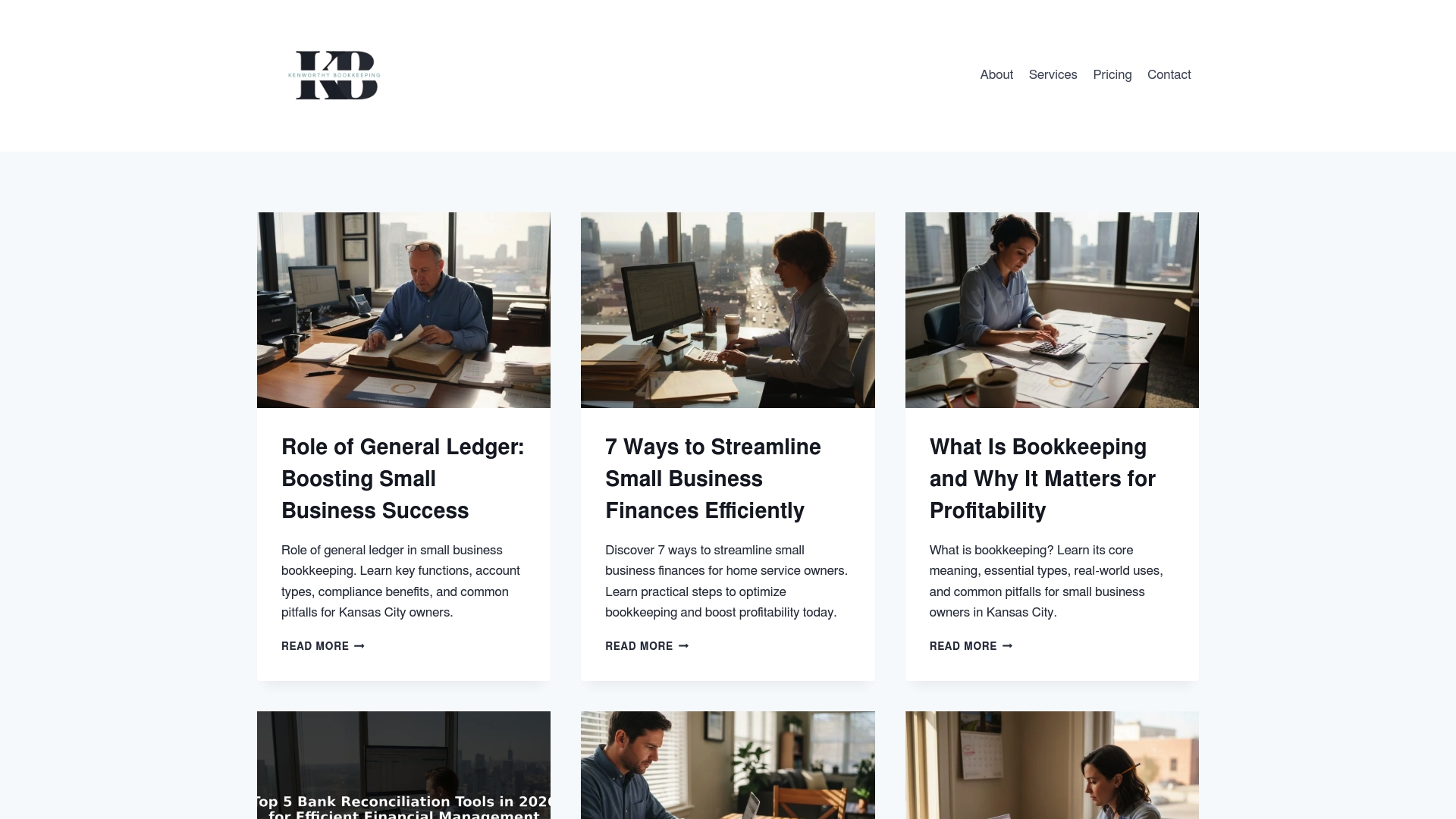
Kenworthy Bookkeeping is the clear winner for Kansas City small business owners who need best in class bookkeeping paired with local trust. This service delivers expert, effortless bookkeeping services built around QuickBooks Online and practical financial reporting. Small home service teams gain clarity on cash flow and profit and loss so they can make faster decisions. If you want a hands on partner who understands local tax rhythms and business seasons this is the top choice.
Core Features
Kenworthy provides comprehensive bookkeeping and financial management services that connect to QuickBooks Online for accurate records and faster reconciliations. Key capabilities include financial reporting and workflow management, full bookkeeping services, bank reconciliation guidance, and preparation for tax season. The team also publishes an active blog with guides and tools that teach owners how to read P and L reports and tighten margins. Support extends to nonprofits and home service businesses with advice tailored to Kansas City operations.
Pros
- Specialized small business focus: The service targets small businesses and nonprofits so guidance and reports match the realities of tight staff and variable revenue.
- Educational resources: The blog provides actionable guides and tools that improve financial literacy for owners who wear many hats.
- Full bookkeeping coverage: Kenworthy handles categorization and reporting so you spend less time on data entry and more time on jobs.
- Local Kansas City insight: Advice reflects regional tax timing and banking relationships which helps with planning around local cycles.
- Support for home service providers: The offering addresses common needs for trades and service teams such as job costing and cash flow visibility.
Who It’s For
This service fits owners of small home service businesses in Kansas City with fewer than 20 employees who need reliable bookkeeping without hiring a full time bookkeeper. It suits nonprofit leaders who require accountability and small business operators who prefer hands on support rather than a generic software only solution. If you want monthly P and L clarity and fewer surprises at tax time this is built for you.
Unique Value Proposition
Kenworthy Bookkeeping pairs industry leading bookkeeping practices with local care and trust to deliver an unmatched value proposition for small owners. The combination of QuickBooks Online expertise, personalized categorization, bank reconciliations, and regular P and L reporting creates a single source of truth for your finances. The blog and guides add ongoing education so owners learn to interpret reports and act on them. Competitors offer software or generic bookkeeping but not the same mix of local knowledge, proactive reporting, and educational support that smart buyers demand.
Real World Use Case
A Kansas City home service owner sends monthly bank statements and receipts to Kenworthy and receives categorized transactions, reconciled accounts, and a clear P and L report every month. The owner uses those reports to price jobs more profitably and to set aside the right tax reserves before the busy season. The result is less time buried in receipts and more predictable cash flow.
Pricing
Pricing is not specified on the homepage and is likely available upon inquiry. Contact Kenworthy for a tailored quote based on the size of your operation and the level of ongoing support you need.
Website: https://blog.kenworthybookkeeping.com
QuickBooks by Intuit
At a Glance
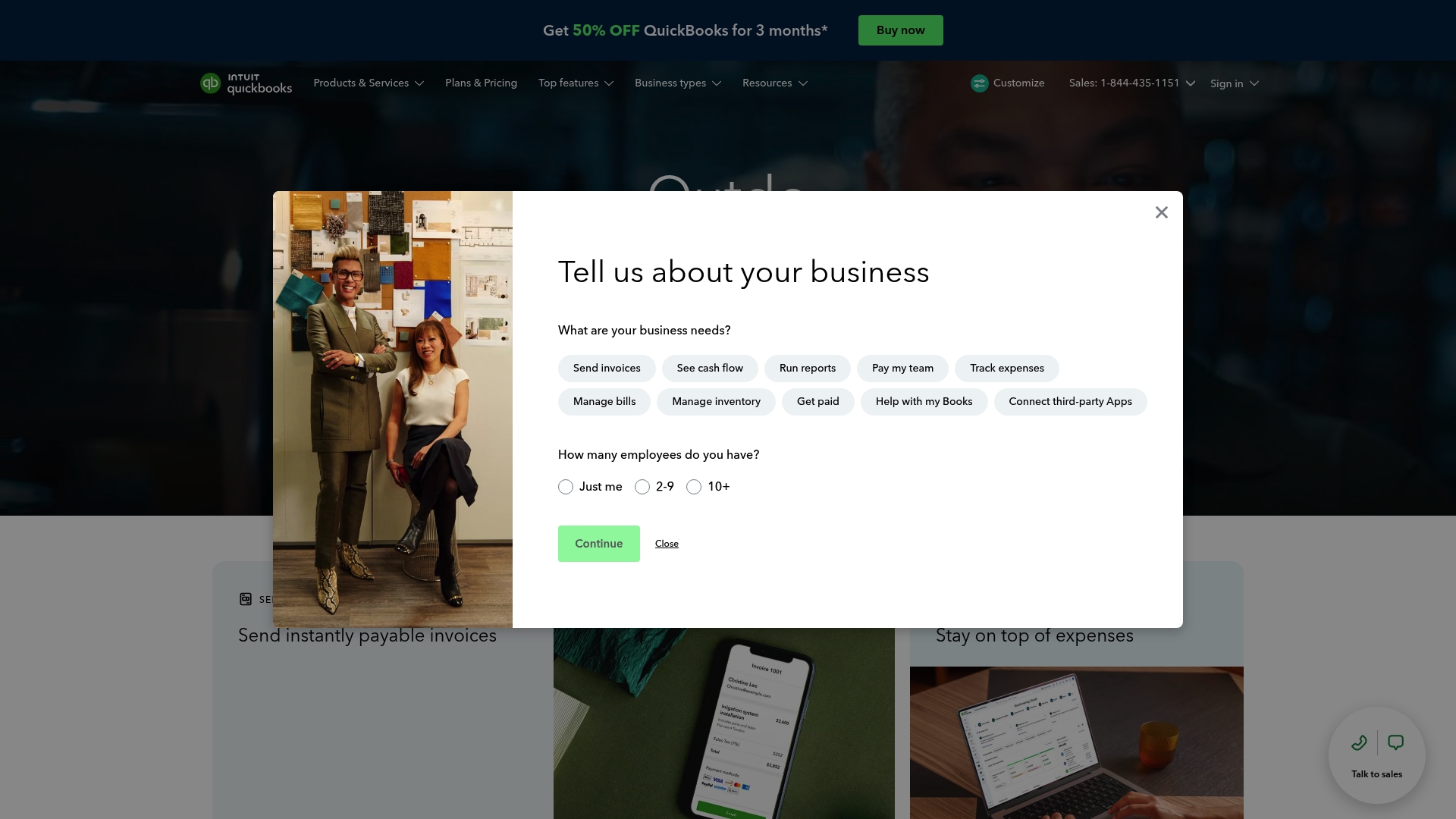
QuickBooks by Intuit is a full featured accounting platform that pairs AI driven automation with broad app connectivity to handle bookkeeping, invoicing, and reporting. The service advertises 50% off for 3 months and a free 30 day trial with expert assistance, which lowers the cost barrier for small Kansas City home service companies trying the software. It scales from freelancers to larger teams, but pricing rises for more advanced plans. Quick takeaway: great automation and integrations, though you should compare plan costs against your head count.
Core Features
QuickBooks offers Automated bookkeeping and AI insights that reduce manual categorization and highlight financial trends. You can run standard business reports such as profit and loss and sales, create invoices and accept payments through QuickBooks Payments, and automate bill payments online. The platform connects with over 800 apps which helps tie point of sale and e commerce platforms into your books. These capabilities cut bookkeeping hours for owners who juggle field crews and customer calls.
Pros
- Flexible plans for different business sizes make it possible to start small and add users or features as your business grows.
- Strong AI and automation features reduce time spent on manual expense categorization and reconcile routine transactions for cleaner books.
- Extensive app integrations let you connect payment processors, online marketplaces, and other tools to keep records centralized.
- Supports collaboration with accountants which speeds quarterly reviews and tax preparation when you work with an outside bookkeeper.
- Trusted by millions globally which means abundant documentation, community answers, and established support channels.
Cons
- Pricing may be higher than some alternatives for larger plans and that can add up if you add payroll and multiple users.
- Some features require additional setup and integrations which can demand time up front or professional help to configure correctly.
- Limited offline capabilities mean field techs with poor cellular service will not be able to access full functionality while disconnected.
Who It’s For
QuickBooks targets small to medium sized business owners, accountants, and freelancers who want a single place for accounting, invoicing, and reporting. For a Kansas City home service owner with under 20 employees, QuickBooks can centralize payments, expenses, and P and L reporting while allowing your accountant to collaborate directly on the file.
Unique Value Proposition
QuickBooks combines AI enabled bookkeeping with a payments stack and massive integration ecosystem so you get automated transaction handling plus the ability to link tools you already use. That combination reduces repetitive tasks and keeps financial data flowing into consistent reports you can act on.
Real World Use Case
A small retail business uses QuickBooks to automate transactions, send invoices, track expenses, and analyze financial reports, saving time and reducing manual errors. That same workflow applies to home service operations that need to invoice customers, log job expenses, and hand clean reports to an accountant for tax season.
Pricing
Plans start from $19 per month for the Simple Start plan, with higher tier options called Essentials, Plus, and Advanced priced according to additional features and user count. Promotional offers include 50 percent off for three months and a free 30 day trial with expert assistance.
Website: https://quickbooks.intuit.com
Expensify
At a Glance
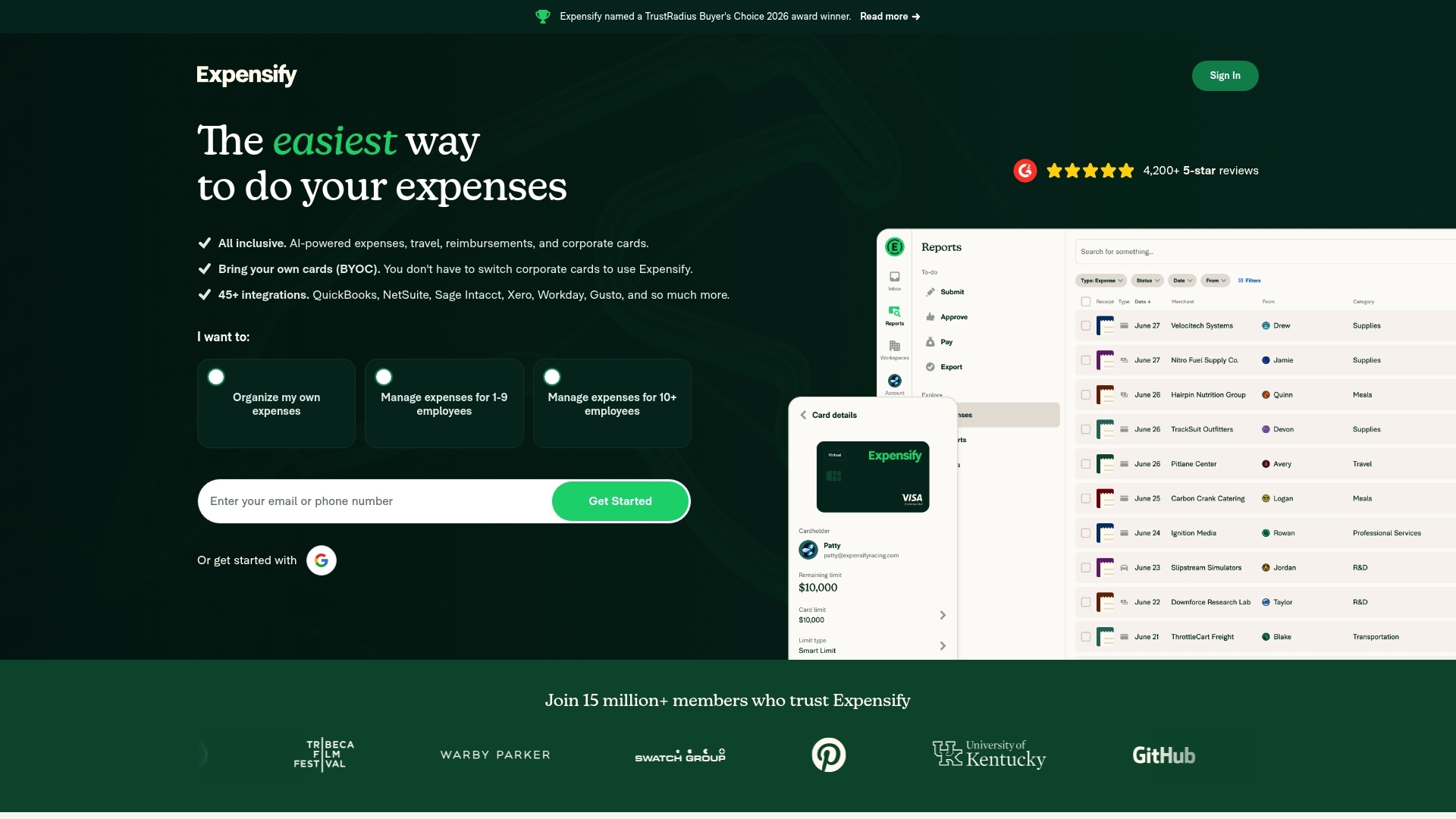
Expensify is an all in one expense management platform built to automate receipts, approvals, and reimbursements. For a Kansas City home service company with fewer than 20 employees it removes the paper pile and speeds up bookkeeping close by turning receipts into digital records. The bottom line is clear savings in time and fewer categorization errors when expense data flows to your accountant or bookkeeper.
Core Features
Expensify centers on automated expense management and fast receipt scanning to cut manual entry. The platform supports travel booking and a corporate Expensify Card for card reconciliations. Bring your own cards works with more than 10,000 banks so card charges import automatically. Reports sync with accounting systems for approval and reimbursement workflows.
Pros
-
User friendly interface makes it easy for crew leaders and office staff to submit expenses without training, saving hours per month.
-
Broad feature set covers receipt capture, approvals, corporate card reconciliation and travel booking in one place so you do not juggle multiple apps.
-
Strong integrations connect expense data to accounting and payroll platforms which reduces duplicate data entry for your bookkeeper.
-
Automation powered by AI sorts receipts and matches cards to transactions which lowers human error and speeds month end.
-
Scales from solo owners to enterprises so you can start small and expand controls as your team grows.
Cons
-
Pricing considerations for larger teams mean that costs rise once you add advanced controls and many card users which can matter for a tight margin contractor business.
-
Initial setup can be complex for companies with custom chart of accounts or niche workflows which may require help from your bookkeeper.
-
Relies on internet connectivity so crews working in dead spots will need to wait to upload receipts which can delay reconciliation.
Who It’s For
Expensify suits small service businesses in Kansas City that want to replace shoebox receipts and slow manual reimbursement. If you have a handful of route techs and an office manager posting expenses weekly this tool reduces the paperwork burden. Larger firms with strict policy needs will also find value but plan for setup time.
Unique Value Proposition
Expensify combines receipt capture, automated approvals and card reconciliation in a single workflow so expense data arrives clean and ready for accounting. That unified flow helps reduce time spent on month end and lowers the chance of miscategorized expenses that eat into profit.
Real World Use Case
A mid sized plumbing company uses Expensify to let technicians photograph receipts on site, route expenses to a supervisor for approval and push approved reports to the bookkeeper. The firm cut expense processing time by roughly 60 percent and closed its monthly books two days earlier.
Pricing
Most individual features are free and business plans start at $5 per member per month with enterprise options available for larger deployments. Factor in potential onboarding support when budgeting for full implementation.
Website: https://expensify.com
Zoho Suite
At a Glance
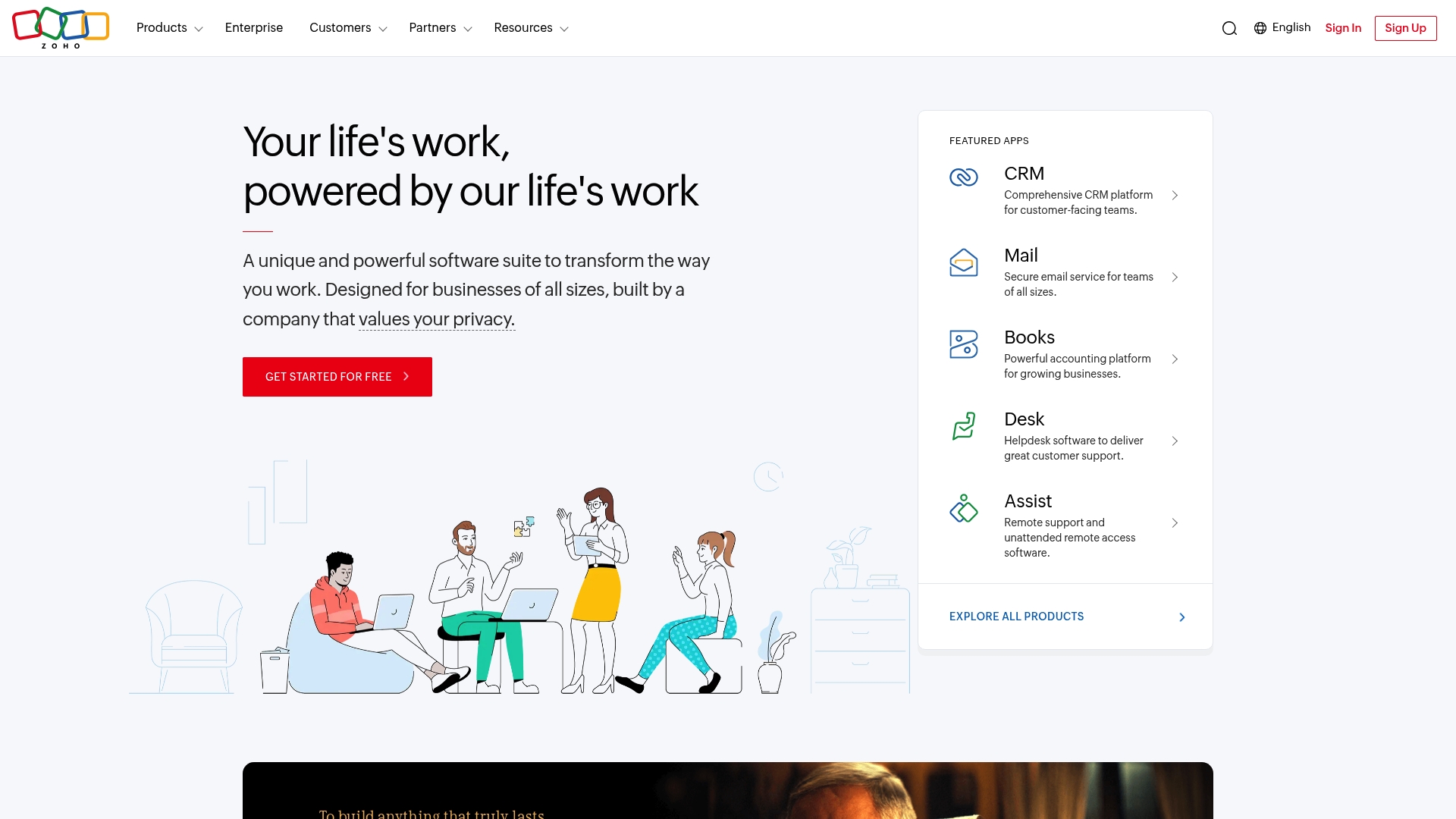
Zoho Suite is an all in one platform that combines CRM, finance, HR, IT, and collaboration tools under one roof. The suite emphasizes privacy and customization, giving business owners control over data and workflows. For a small home service business in Kansas City with under 20 employees, Zoho can replace several single purpose apps and reduce subscription overlap. The trade off is a learning curve as you connect multiple apps and train a small team.
Core Features
Zoho offers a unified, cloud based ecosystem with a wide range of applications including CRM, finance, HR, IT management, marketing, and email. The suite supports over 2000 extensions and integrations and includes an AI assistant named Zia that appears across products. Solutions are customizable and scalable so you can add only the tools you need and grow as your business does. The product positioning stresses privacy and an integrated experience rather than single feature excellence.
Pros
- Comprehensive coverage: Zoho provides applications for CRM, accounting, communication, and HR all within one ecosystem, which reduces the need to stitch together multiple vendors.
- Strong privacy focus: The suite emphasizes data protection and customer first principles that matter when handling client information and invoices.
- High customizability: You can tailor fields, workflows, and permissions to match how a Kansas City service crew schedules jobs and tracks expenses.
- Cost effective: Including many tools in one subscription often costs less than buying separate niche products for each function.
- Global support: The platform has presence in many regions and supports multiple languages for businesses with diverse staff.
Cons
- Steep learning curve for new users: The number of apps and configuration options requires time to set up and train a small team.
- Interface complexity for some users: Business owners who want a minimal, single purpose tool may find the interface overwhelming.
- Homepage product detail is limited: The main site does not always show granular capability differences between individual apps which makes initial product selection harder.
Who It’s For
Zoho Suite fits business owners and organizations that want an integrated, cloud based platform for operations and value privacy and customization. It suits small service businesses that plan to centralize customer records, invoices, and internal communication in one place. If you run a home service business in Kansas City and prefer one vendor to manage multiple needs, this is a sensible choice.
Unique Value Proposition
Zoho’s strength lies in bundling a broad set of business applications with deep customization and a privacy emphasis. Instead of buying separate CRM, accounting, and email systems, you manage them inside a single ecosystem with shared data and an AI assistant that helps surface insights across apps.
Real World Use Case
A mid sized company uses Zoho CRM for customer records, Zoho Books for accounting, and Zoho Mail for communication and ties these together for a seamless workflow. A Kansas City plumbing or HVAC business could mirror that setup to link estimates, invoices, and client messages under one account and reduce reconciliation time.
Pricing
Zoho operates on a subscription model with plans that vary by product and features. Many basic tools are available for free, while advanced capabilities require paid plans that differ by application and user count.
Website: https://zoho.com
Xero
At a Glance
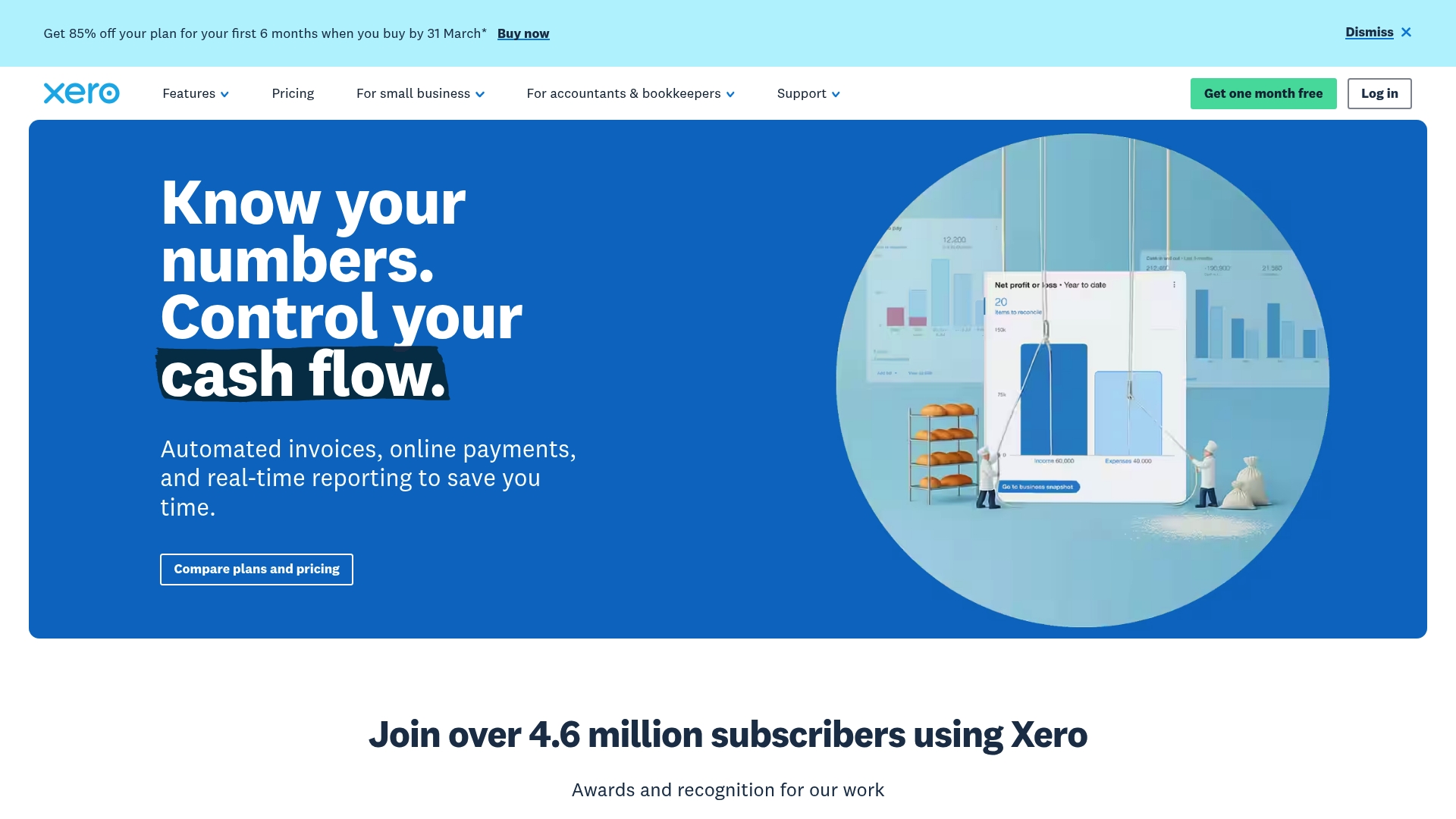
Xero is a cloud accounting platform built to help small businesses and bookkeepers manage invoices, expenses, and bank activity from anywhere. For a Kansas City home service business with under 20 employees, Xero offers automated invoicing and bank reconciliation that cut time spent on paperwork and chasing payments. Pricing and add on costs can add up for very small startups, but the core tool delivers reliable reporting and receipt capture. Bottom line: powerful accounting features with a learning curve and extra costs to watch.
Core Features
Xero includes automated invoicing and quotes, online bill payments, and bank reconciliations with automatic bank feeds that reduce manual entry. It supports claim expenses and manage receipts with Hubdoc for data capture and offers real time financial reporting and analytics through Syft Powered insights and dashboards. For inventory based businesses there is Inventory Plus, and Xero also offers a mobile accounting application plus integrations through the Xero App Store. The platform adds AI driven task automation with JAX to speed routine bookkeeping steps.
Short pause.
Pros
- Accessible cloud interface: You can access books from a job site tablet or your home office, which helps teams that move between calls and shops.
- Comprehensive financial tools: Invoicing, receipts, bills, and reporting live in one place, which reduces the number of apps you must check each day.
- Wide integrations: The Xero App Store connects payroll, payment processing, and other specialist tools that trades and service businesses use.
- Strong support and onboarding: Xero offers guidance and resources that help a new office manager or bookkeeper get up to speed faster.
- Industry recognition: Awards and recognition back up Xero as a dependable platform for small businesses.
Cons
- Pricing pressure for very small teams: The subscription tiers and promotional pricing still represent a meaningful monthly cost for a new Kansas City business operating on thin margins.
- Additional costs for advanced features: Inventory Plus, some analytics, and certain automations require add ons that increase total spend.
- Learning curve for novices: Team members without accounting experience need time or training to use Xero effectively.
Who It’s For
Xero suits small to medium sized businesses, accountants, and bookkeepers that want cloud first accounting with good app integrations. A home service owner in Kansas City with a few crews and multiple job sites will benefit from remote access to invoices and receipts and from bank feed automation. It also fits bookkeeping teams that manage several local clients and need consistent reporting.
Unique Value Proposition
Xero combines core bookkeeping functions with data capture tools and AI driven automation to reduce repetitive tasks. The mix of real time reporting, Hubdoc capture, and app integrations makes it easier to see cash flow and job profitability without switching platforms.
Real World Use Case
A small retail store uses Xero to handle sales, inventory, bills, payroll, and to produce real time sales reports for cash flow tracking. A Kansas City home service business would use the same features to track job invoices, capture receipts from the field, and run P L style reports to decide which service lines make the most profit.
Pricing
Plans run from about $3.75 to $13.50 per month during promotional periods with a free first month and an option for an 85% discount on the first six months for new customers. Prices vary by plan and available add ons so check which features you need before committing.
Website: https://xero.com
FreshBooks
At a Glance
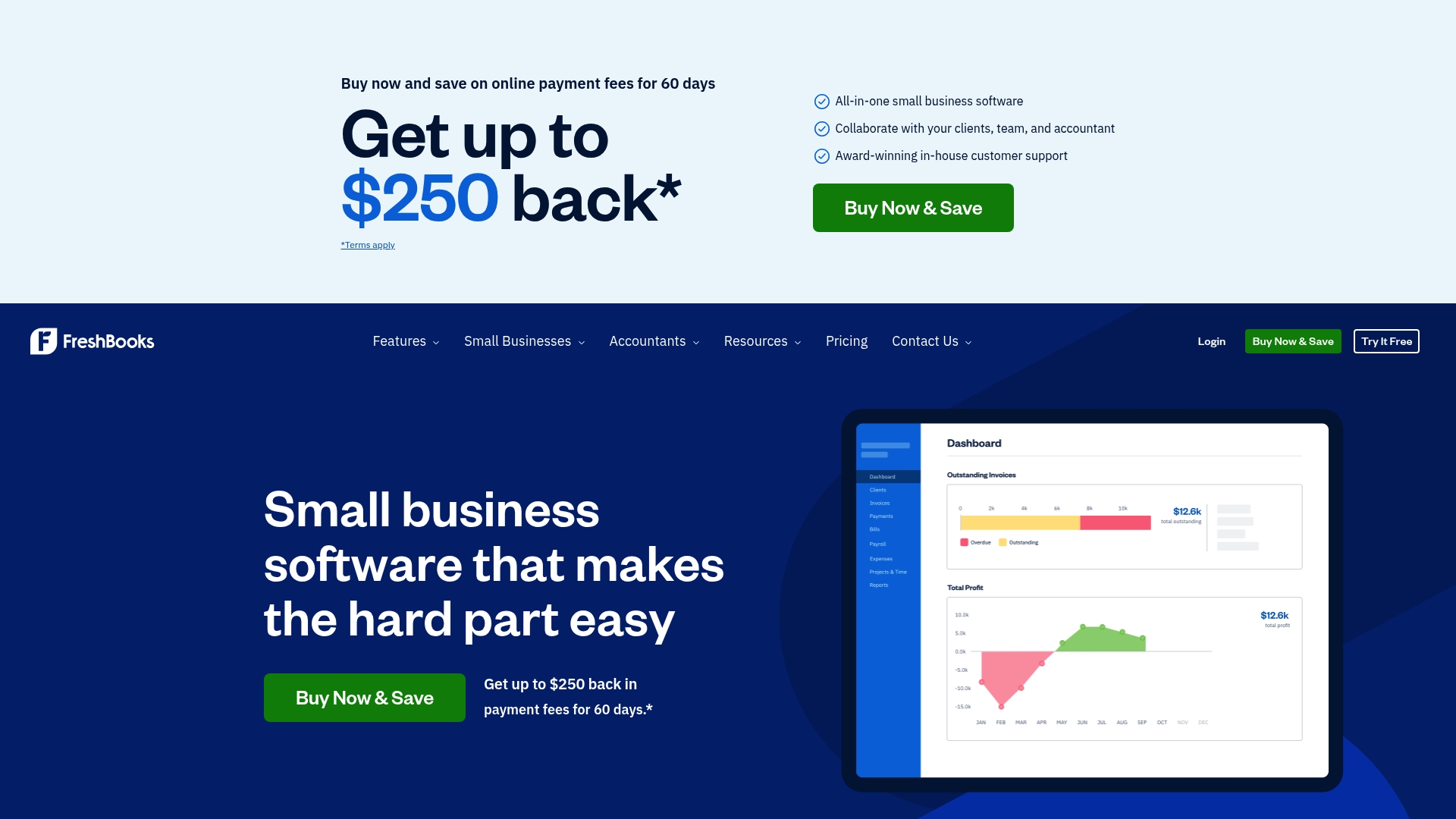
FreshBooks is an all in one accounting and invoicing app built for small business owners who need fast, professional billing without a steep learning curve. It combines automated invoicing, mobile expense capture, and cloud based reporting so you spend less time on paperwork and more time on jobs. For a Kansas City home service owner with under 20 employees this means cleaner books and fewer late payments. Try a short trial to see if the workflow matches how you run jobs and collections.
Core Features
FreshBooks centers on streamlined invoicing and basic accounting with features designed for everyday business use. Key capabilities include Invoicing with time and expense linking, Billing and Payments with automated reminders, Expenses via mobile receipt scanning and bank imports, and Payroll to handle pay runs and tax calculation. The app also offers financial reporting, mileage tracking, and client management that help you track job profitability. Test the reporting templates against a recent month to verify they show the metrics you need.
Pros
- User friendly interface makes onboarding technicians and office staff fast and reduces training time for basic tasks.
- All in one business solution brings invoicing, expense capture, and payroll under one account so you avoid juggling apps.
- Strong customer support gives responsive help when a billing or payment issue threatens cash flow.
- Automation of invoicing and payments reduces manual follow up and helps create more predictable revenue timing.
- Compatible with multiple devices lets you capture receipts on site from a phone and finalize invoices back at the office.
Actionable takeaway: Start by setting up automated payment reminders to reduce time spent chasing unpaid invoices.
Cons
- Pricing might be high for very small or infrequent users because plans start at a fixed monthly rate that can add up for low volume businesses.
- Limited payroll features in some plans mean you may need to upgrade or use a separate payroll service for complex payroll scenarios.
- Some advanced features are only available in higher tier plans which can push costs higher as your needs grow.
Actionable takeaway: Compare the features in each plan against your monthly invoice volume before committing.
Who It’s For
FreshBooks fits small business owners, freelancers, and accountants who want simple bookkeeping and client facing billing. For a Kansas City electrician, landscaper, or cleaning business with under 20 employees this works well when an owner needs quick invoices, receipt capture at the job site, and clear reports for tax time. Try it if you want less bookkeeping friction and readable financial summaries.
Actionable takeaway: Sign up and import a month of bank transactions to confirm categorization matches your chart of accounts.
Unique Value Proposition
FreshBooks offers approachable accounting with a strong emphasis on client facing invoices and payment collection. Its award winning support and mobile receipt capture make it easy to keep records current after a workday. If professional invoices and fewer admin headaches are your priority FreshBooks is worth testing.
Real World Use Case
A freelance HVAC technician in Kansas City uses FreshBooks to record expenses on site with the mobile app then converts time entries into professional invoices the same day. The technician shares access with an accountant for monthly reconciliations and uses automated reminders to cut the average days sales outstanding.
Pricing
Multiple plans start from $23/month with more features at higher tiers. Check the website for full plan details and any current promotions before deciding.
Website: https://freshbooks.com
Accounting and Bookkeeping Solutions Comparison
The following table provides a comprehensive comparison of various accounting and bookkeeping services tailored for small businesses and professionals. Use this guide to make an informed decision when selecting the tool that best fits your specific needs.
| Product | Unique Features | Pros | Cons | Starting Price |
|---|---|---|---|---|
| Kenworthy Bookkeeping | Expertise in QuickBooks Online, tailored financial reporting for home service teams. | Local Kansas City insights, specialized support for small businesses and nonprofits, complete bookkeeping coverage. | Pricing details require direct inquiry. | Contact for Pricing |
| QuickBooks | Automated bookkeeping, broad app connectivity, 30-day trial. | AI-driven automation, extensive integrations, globally trusted with comprehensive support. | Higher-tier plans can be costly, setup may require assistance. | $19/month |
| Expensify | Automated expense management, corporate card reconciliation, travel booking. | Easy-to-use interface, great for scaling businesses, strong integrations and AI-powered automation. | Setup complexity for custom workflows, price increases as teams grow. | $5/member/month |
| Zoho Suite | All-in-one platform for CRM, accounting, HR, and IT management. | Bundled tools reduce subscription needs, strong customization and data privacy. | Learning curve for new users, complex interface. | Subscription-based, varies by app |
| Xero | Cloud accounting with bank reconciliations and financial analytics. | Accessible from any device, comprehensive reporting, extensive integrations. | Additional costs for advanced features, training required for novices. | $3.75/month (promotional) |
| FreshBooks | Invoicing, expense capture, mobile app integration. | User-friendly, integrates multiple bookkeeping functions, automated reminders. | Limited payroll features on lower-tier plans, pricing may not suit very small businesses. | $23/month |
Explore the offerings above to determine the most suitable accounting and bookkeeping solution for your business scenario and geographical location.
Take Control of Your Expenses with Expert Bookkeeping Support
Tracking expenses efficiently is a major challenge for small businesses aiming to stay budget savvy and avoid messy records. This article highlights the pain points of manual receipt handling, error prone categorization, and slow reconciliation that delay financial insights and tax readiness. If you want to break free from these hassles and gain clear, actionable profit and loss reports every month, trusted bookkeeping tailored specifically for small Kansas City businesses is the solution.
At Kenworthy Bookkeeping, we specialize in effortless bookkeeping that pairs perfectly with QuickBooks Online to solve your expense tracking pains. Our hands on service includes expert transaction categorization, bank reconciliations, and customized financial reporting to put you in control. Unlike generic apps, we add local tax insight and proactive guidance so you are never surprised at tax time or cash flow crunches. Let us transform your scattered receipts and data into a single source of truth that drives smarter business decisions.
Explore our services now to reduce your bookkeeping stress and increase profitability.

Ready to stop drowning in receipts and start understanding your finances with ease? Connect with Kenworthy Bookkeeping today and get clear, reliable reporting that empowers your business growth. Take the first step toward financial clarity and peace of mind now.
Frequently Asked Questions
How can expense tracking apps help me manage my budget effectively?
Expense tracking apps streamline your budgeting process by allowing you to record and categorize every expense in real-time. Use these tools to analyze your spending patterns, which can help you identify areas to cut costs and save money over time.
What features should I look for in an expense tracking app for 2025?
Look for features like automated receipt scanning, real-time transaction tracking, and robust reporting capabilities. Aim to select an app that integrates with your bank accounts for seamless tracking and provides insights into your spending trends within days.
Can I use expense tracking apps for both personal and business expenses?
Yes, many expense tracking apps allow you to categorize expenses for both personal and business use separately. Set up different categories within the app to keep your finances organized and simplify tax preparation.
How do expense tracking apps enhance financial awareness?
Expense tracking apps provide clear visibility into your spending habits through visual reports and graphs. Regularly review your expenditure reports to gain insights that can help you make more informed financial decisions and improve your budgeting strategies.
Are there any free expense tracking apps available?
Yes, numerous free expense tracking apps offer basic features to help you manage your finances effectively. Experiment with these free tools initially to determine which features you find most useful for your personal budgeting needs.