Top 7 Bookkeeping Apps for Freelancers 2026
Handling invoices and expenses can feel like a chore when you work for yourself. The right bookkeeping app can make all the difference by turning routine tasks into something much simpler. Imagine having your finances organized with just a few taps and knowing exactly where you stand at the end of each month. Curious about which tools are making life easier for freelancers everywhere? Get ready to discover solutions that help save time and keep everything in order.
Table of Contents
Kenworthy Bookkeeping Blog
At a Glance
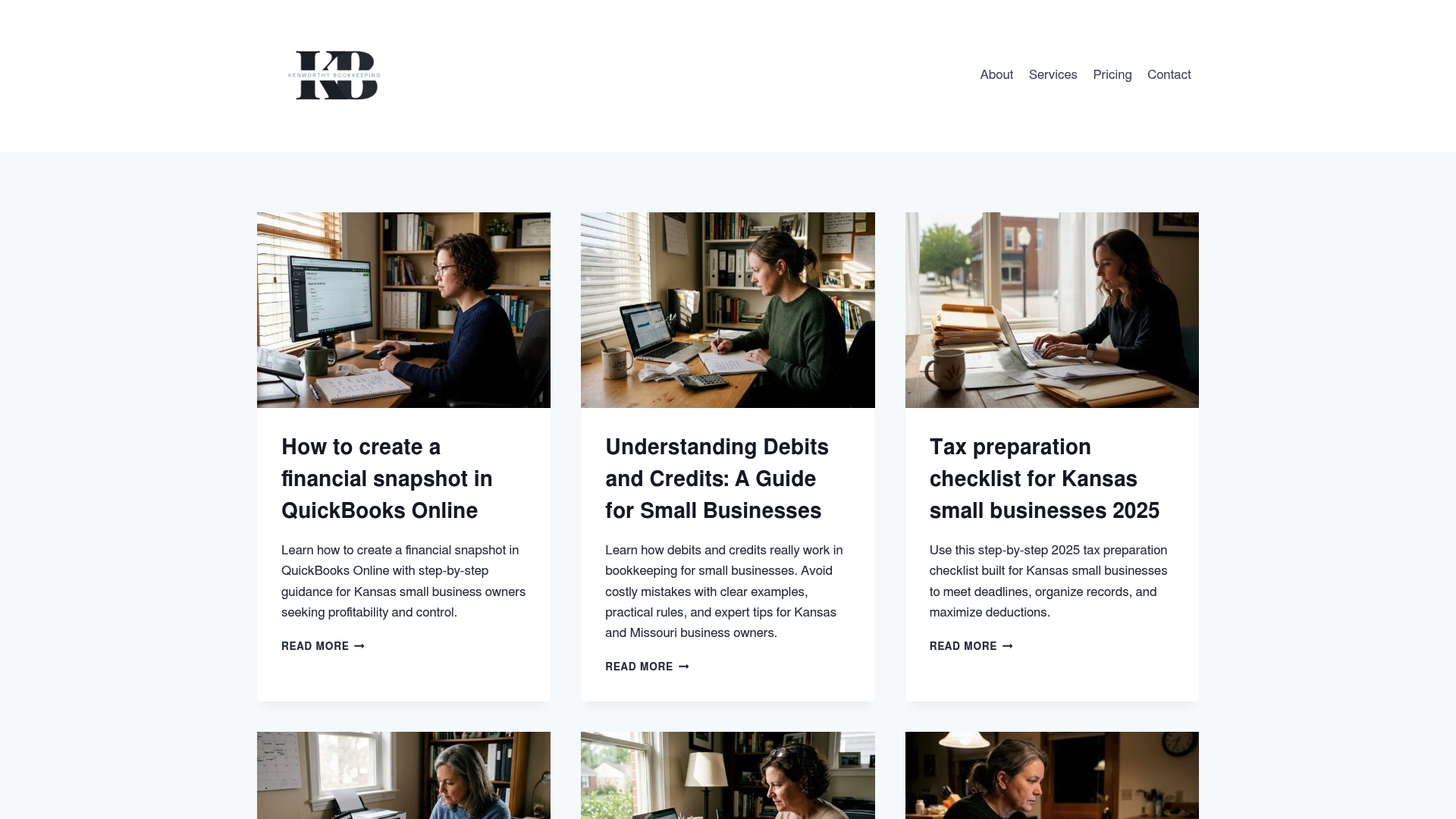
Kenworthy Bookkeeping Blog pairs localized bookkeeping expertise with an actionable resource hub that helps small businesses improve financial accuracy and control. The site leads with clear guidance and connects readers to hands on QuickBooks services in the Kansas City area.
Core Features
The blog delivers deep, step by step educational content on bookkeeping and financial management, including practical guides for QuickBooks Online and how to create a precise financial snapshot. It also publishes tax preparation checklists, monthly workflow routines, and profit tracking insights.
Pros
-
Provides detailed guides tailored to small businesses in Kansas and Missouri so local rules and realities are addressed in context.
-
Offers practical, actionable advice that a business owner can follow the same day to reduce bookkeeping errors and save time.
-
Includes tools and checklists that simplify routine bookkeeping tasks and make monthly closes more predictable.
-
Connects users to professional bookkeeping services for personalized support, turning learning into live help when needed.
-
Presents content in an easy to navigate format with clear categorization and links to services and contact pages.
Who It’s For
Small business owners in Kansas or Missouri who want hands on bookkeeping education and access to local professional support will get the most value. Business owners who use QuickBooks and want both do it yourself guidance and a path to outsource bookkeeping will find this especially useful.
Unique Value Proposition
Kenworthy Bookkeeping Blog stands out because it does more than publish articles. It bridges education and service by offering targeted guidance that feeds directly into the firm’s bookkeeping practice. Local expertise means advice aligns with regional tax and banking realities.
The team combines focused educational content with proactive bookkeeping work such as categorization and bank reconciliations to deliver cleaner books, sharper P and L visibility, and confident tax season preparation. Smart buyers choose this option for local trust and hands on QuickBooks integration.
Real World Use Case
A small business owner reads the blog to learn how to generate a financial snapshot in QuickBooks Online and uses a downloadable checklist to gather documents. After improving month end reports the owner engages Kenworthy Bookkeeping for regular reconciliations and customized P and L reporting.
Pricing
No fixed pricing is posted on the blog. Pricing and service scope are provided after a consultation so offerings are tailored to a business size and complexity. Contacting the team provides a clear estimate and service plan for bookkeeping and tax season preparation.
Website: https://blog.kenworthybookkeeping.com
Bench Bookkeeping Services
At a Glance
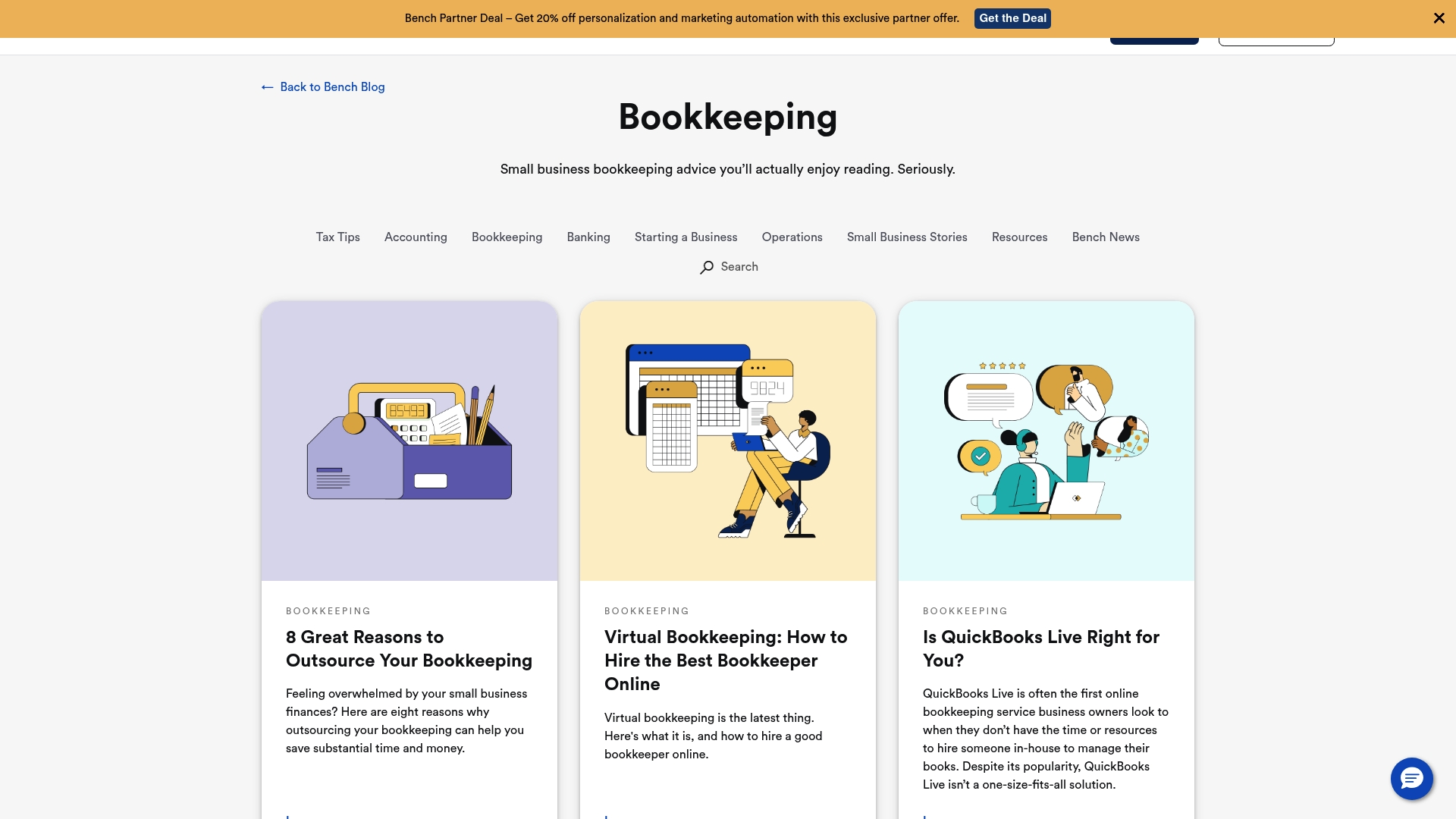
Bench pairs intuitive software with real human accountants to handle routine bookkeeping and tax tasks so you can focus on running your business. This combination reduces time spent on numbers and gives freelancers and small business owners clear monthly financial reports.
Core Features
Bench provides automated bookkeeping software for transaction import and categorization alongside professional human support for review and advice. The service includes real-time financial reporting, document upload and management tools, account integrations, tax filing and advisory, and tax resolution support.
Pros
- Software plus human support: Bench combines automated processes with a dedicated team of bookkeepers who review your accounts and correct categorization errors before month end.
- Plans for varying needs: Multiple service tiers let you choose Monthly Bookkeeping, Catch Up Bookkeeping, or more comprehensive yearly tax and advisory support depending on how much help you want.
- Clear financial reporting: The platform delivers consistent monthly reports that make it easy to see profit and loss, cash flow, and account balances without manual spreadsheets.
- Document management tools: You can upload receipts and statements for centralized record keeping which reduces time spent hunting for paperwork at tax time.
- Tax resolution support: Bench offers assistance for IRS issues which adds practical value when tax complications arise and you need expert guidance.
Cons
- Price can be steep for solo freelancers: Plans start at $189 per month billed annually which may be heavy for freelancers with simple, low volume bookkeeping needs.
- Less control for DIY users: Freelancers who prefer a fully DIY approach may find Bench less flexible than self-managed software where every categorization is controlled by you.
- Limited advanced customization: Reporting customization is more limited compared to high end enterprise accounting tools which may frustrate users needing granular custom reports.
Who It’s For
Bench is best for freelancers and small business owners who prefer to offload bookkeeping work to experts rather than managing every transaction themselves. It suits creators and service providers who value predictable monthly reports and access to tax support.
Unique Value Proposition
Bench stands out by offering a managed bookkeeping experience where technology handles data entry and a human team reviews results. That setup reduces bookkeeping errors and gives you conversational access to accountants without hiring staff.
Real World Use Case
A small e-commerce store owner uses Bench to automate monthly bookkeeping, receive timely profit and loss statements, and get expert help filing taxes. The owner saves several hours each month and avoids common categorization mistakes.
Pricing
Plans start at $189 per month billed annually for Bookkeeping Grow, with other plans available at $339 per month and $599 per month billed annually depending on the level of service and features required.
Website: https://bench.co/blog/bookkeeping
QuickBooks
At a Glance
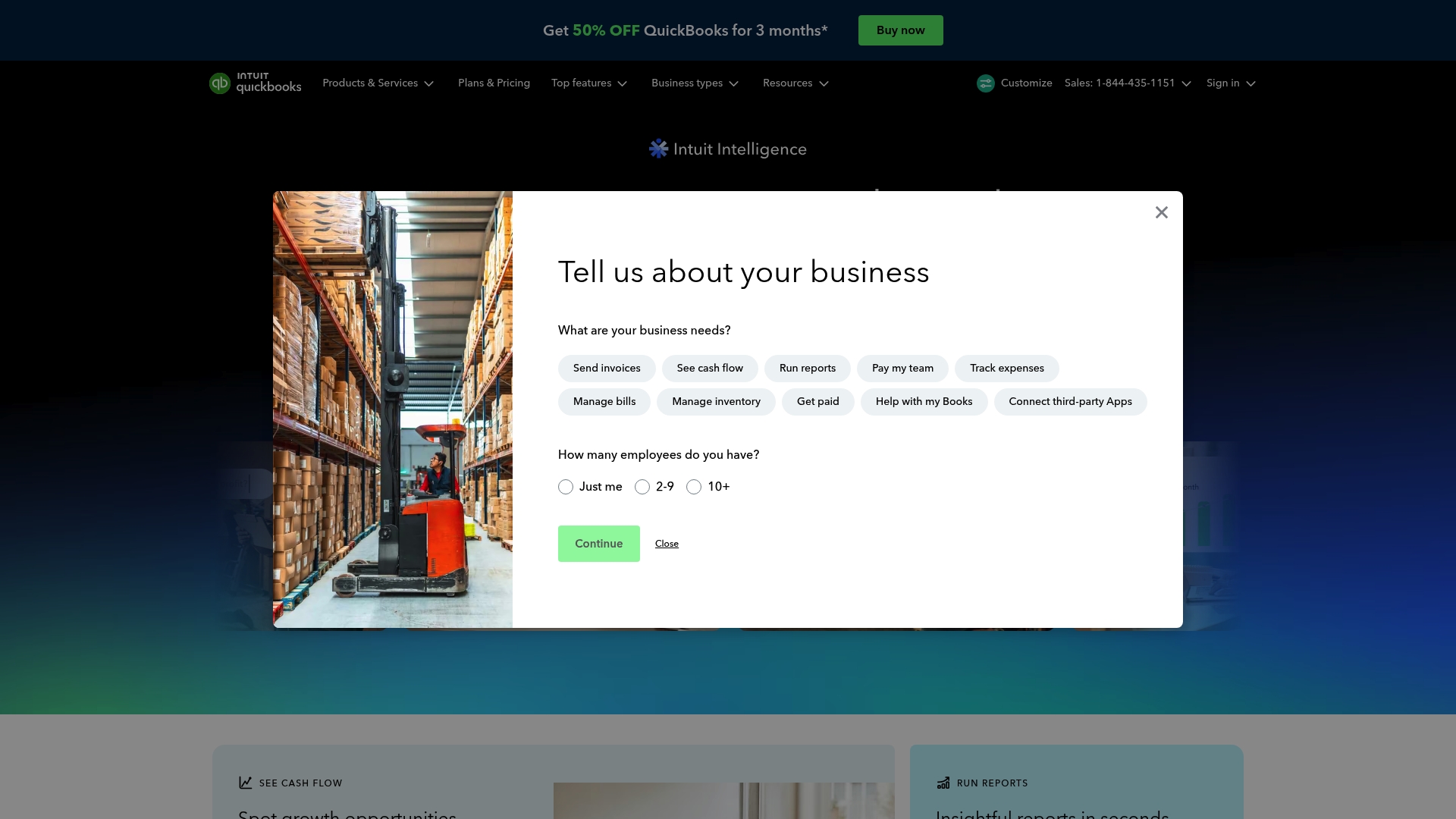
QuickBooks is a mature accounting platform that packs AI powered tools and broad financial features into a single system tailored for small and mid sized businesses. It balances powerful automation with a learning curve that rewards time invested.
Core Features
QuickBooks covers core bookkeeping needs with a focus on automation and connectivity.
- Manage your accounting including invoicing, expense tracking, and financial reporting.
- Manage your team with payroll, HR support, and time tracking tools.
- Manage your money to get paid, pay bills, link banking, and access lending options.
- Automation with AI and human experts for faster categorization and insights.
- Over 800 integrations with popular apps and services to connect your workflows.
Pros
- User friendly interface makes routine tasks like creating invoices and reconciling bank transactions faster for busy freelancers.
- Comprehensive feature set for small business needs means you can handle accounting, payroll, and payments without juggling multiple systems.
- Strong support and resource network provides help articles, guided setup, and access to experts for complex questions.
- Wide range of integrations and plugins lets you link time trackers, payment processors, and e commerce tools you already use.
- AI powered tools for insights and automation reduce repetitive categorization and highlight trends in your cash flow.
Cons
- Pricing may be high for some small businesses and freelancers who only need a couple of basic features.
- The platform can be complex to fully utilize all features without training or guided setup time.
- Some features are available only on higher tier plans, which increases cost if you need advanced payroll or reporting.
Who It’s For
QuickBooks fits small to mid sized business owners, accountants, and bookkeepers who want an all in one accounting solution with advanced reporting and payroll. Freelancers who plan to grow, hire contractors, or add payment processing will get the most value.
Unique Value Proposition
QuickBooks combines broad financial functionality with AI driven insights and a large ecosystem of integrations. That combination makes it a practical hub for bookkeeping, payroll, and payments when you want a single vendor to handle multiple needs.
Real World Use Case
A small retail store uses QuickBooks to issue invoices, track daily expenses, run payroll for part time staff, and generate monthly profit and loss reports for the owner and accountant. Real time bank connections give faster visibility into cash availability.
Pricing
Pricing varies by plan and features. Plans start from $19 per month for the Simple Start plan, with discounts available for initial periods, and higher tier plans priced for added payroll and reporting capabilities.
Website: https://quickbooks.intuit.com
FreshBooks
At a Glance
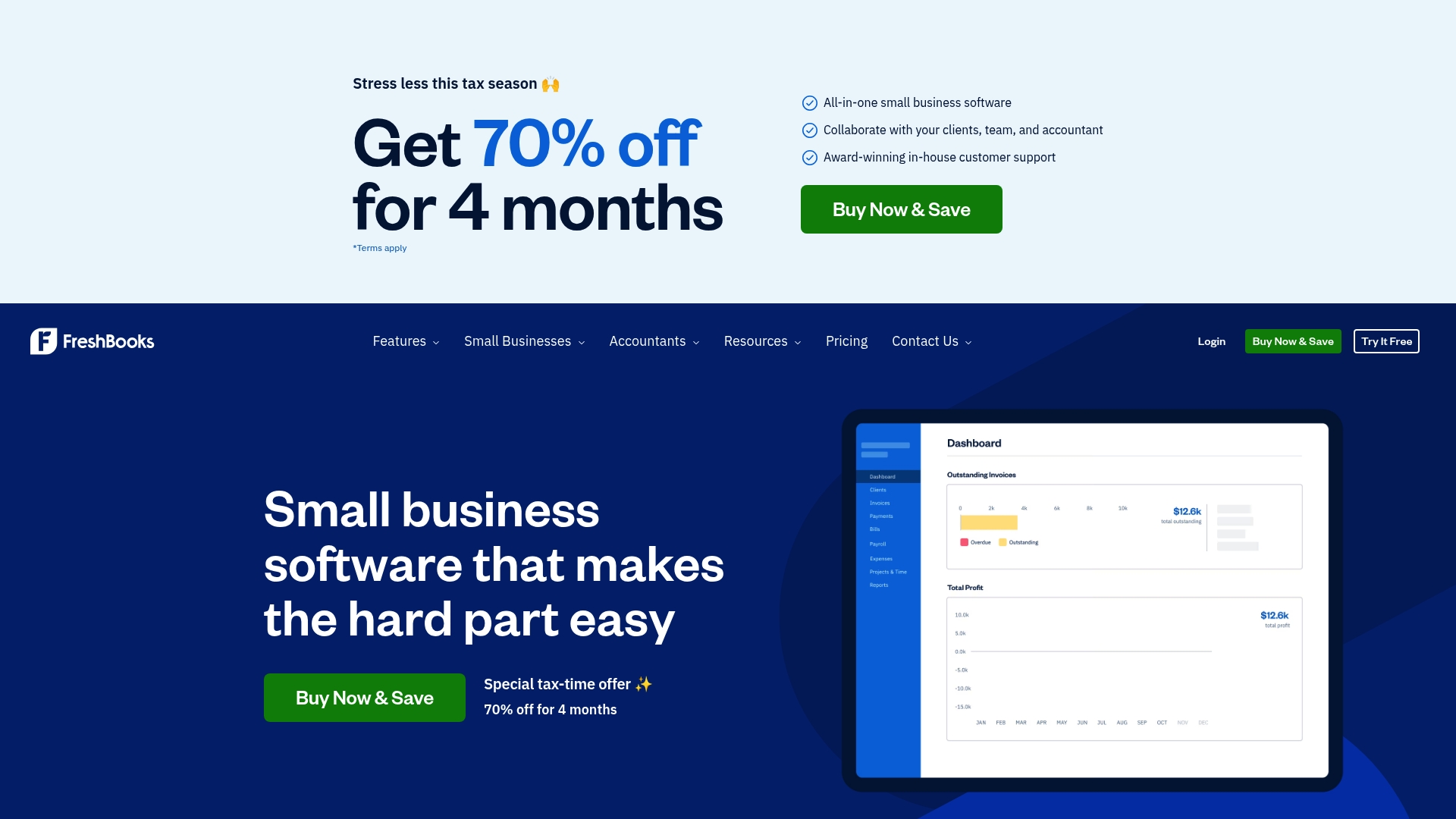
FreshBooks is an easy to use accounting suite built for freelancers and small business owners who want invoicing, expense tracking, and basic payroll in one place. Its strongest selling points are clear workflows for billing and a focus on collaborating with clients and accountants.
Core Features
FreshBooks provides all-in-one small business software capabilities that combine invoicing, automate billing, and time-tracking in a single interface. The app supports client collaboration, mobile receipt scanning, and bank imports to capture expenses automatically.
Pros
- Easy to use interface: The layout and terminology are geared toward freelancers and small businesses so you spend less time learning the app and more time running your work.
- Comprehensive feature set: FreshBooks covers invoicing, expenses, payroll, and simple project tracking so you do not need separate tools for basic financial tasks.
- Faster cash flow: Automated reminders and online payment options help you get paid sooner and reduce manual follow up with clients.
- Strong support and integrations: FreshBooks offers award winning customer support and connects with over 100 apps to fit into existing workflows.
- Flexible plans: The subscription tiers scale from solo freelancers to larger small businesses so you can pick features that match your needs.
Cons
- Pricing may be high for very small or new businesses with limited needs, especially after promotional periods end.
- Some advanced features require premium plans or paid add-ons which increases the total monthly cost for full functionality.
- There is a learning curve for more complex accounting features for users who are new to bookkeeping and tax reporting.
Who It’s For
FreshBooks fits freelancers, small business owners, and accountants who want an approachable accounting and invoicing solution. If you bill clients regularly, track time on projects, or collaborate with an accountant, FreshBooks provides the basic tools to keep records organized.
Unique Value Proposition
FreshBooks packages essential bookkeeping tasks into one platform with a user focus that avoids accounting jargon. Its strength lies in helping nonaccountants create professional invoices, collect payments, and hand off clean records to an accountant during tax season.
Real World Use Case
A freelance graphic designer uses FreshBooks to create branded invoices, track billable hours, scan receipts with her phone, and share expense reports with her accountant. During tax time she applies the platform’s records to simplify filing.
Pricing
Subscription plans start from $6.90 per month for the Lite plan with additional costs for add-ons and advanced features. FreshBooks runs a special offer of 70% off for 4 months for new customers during the tax-time promotion.
Website: https://freshbooks.com
Wave
At a Glance
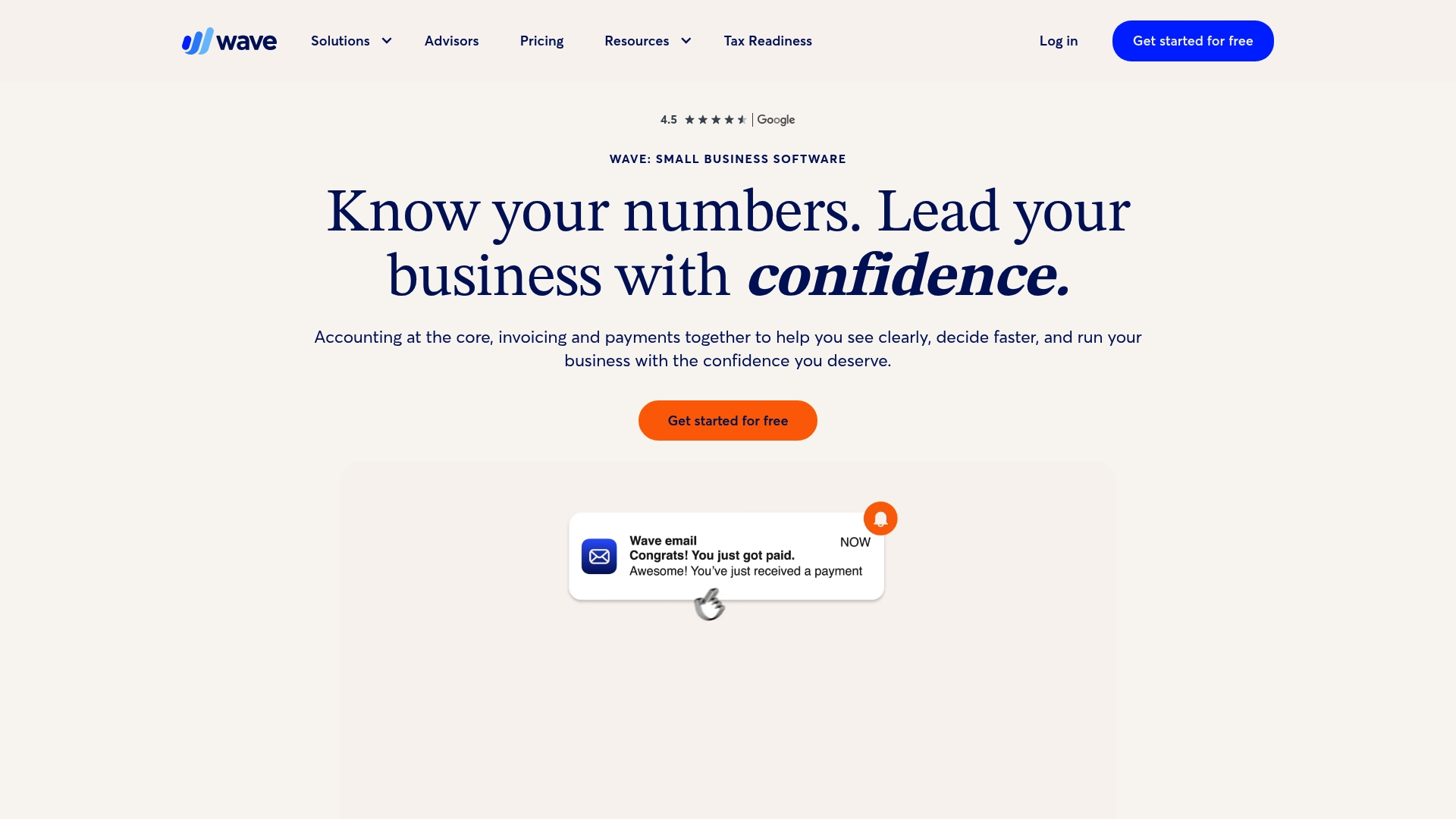
Wave offers an inexpensive, all-in-one approach to small business finances with a free basic plan that covers core needs. It is ideal for freelancers who want simple accounting, invoicing, and payment acceptance without a steep learning curve.
Core Features
Wave centers on Accounting, Invoicing, and Payments, plus receipt capture and a mobile app for on-the-go tasks. The interface groups transactions, invoices, and client payments in one place to reduce manual reconciliation.
- Accounting that tracks income and expenses and produces basic tax-ready reports.
- Receipts scanning and storage for expense documentation and record keeping.
- Mobile app for creating invoices, logging expenses, and scanning receipts while away from a desk.
- Invoicing with estimates, deposits, and integrated payment acceptance to shorten client payment cycles.
Pros
- Free basic plan for small businesses gives freelancers access to core accounting and invoicing tools without monthly fees which lowers startup costs.
- All-in-one platform combines accounting, invoicing, and payments so you avoid switching between multiple apps.
- Mobile app availability lets you send invoices and capture receipts immediately after client meetings which keeps records current.
- Optional paid services such as payroll and bookkeeping support provide upgrade paths when your needs grow.
- Bank integration imports transactions automatically which saves time on manual data entry and speeds reconciliation.
Cons
- Limited features in the free plan mean growing businesses may quickly need paid add-ons to access advanced reporting and automation.
- Key features are paid add-ons so payroll and enhanced receipt capture add ongoing costs that change the total value proposition.
- Not built for larger businesses because the platform lacks advanced controls and multi-entity management required by scaling firms.
- Requires an internet connection which makes offline work difficult and can be a problem if you travel to areas with poor service.
Who It’s For
Freelancers, solopreneurs, and small business owners who value simplicity and low cost will get the most from Wave. If you handle basic bookkeeping, send invoices regularly, and accept client payments online, Wave covers the essentials without heavyweight features.
Unique Value Proposition
Wave’s main advantage is consolidating key financial tasks under a free or low-cost umbrella. You get integrated invoicing and payments plus optional professional services when you need them which keeps your bookkeeping affordable and manageable.
Real World Use Case
A freelance graphic designer uses Wave to create branded invoices the same day a project finishes, automatically log expenses from receipt scans, and accept credit card payments to reduce days sales outstanding. At tax time the designer exports reports for the accountant.
Pricing
Wave is free for basic features with paid add-ons for payroll, bookkeeping, and advanced receipt scanning. Paid plans start at $19 per month and are billed monthly or annually with discounts for annual billing.
Website: https://waveapps.com
Xero
At a Glance
Xero is a cloud based accounting platform that packs invoicing, bank connections, and payroll into a single interface for small and medium sized businesses. It offers strong integrations and accountant collaboration tools while requiring an internet connection to work.
Core Features
Xero provides automated invoices and online payments, bank connections with transaction reconciliation, expense claims and bill management, payroll processing, and basic project tracking. The product also includes practice focused tools and an app marketplace plus an AI superagent JAX to help automate routine tasks.
Pros
- Accessible from anywhere. Because Xero is cloud based you can work on finances from a laptop, tablet, or phone and share access with your accountant.
- Feature rich for small businesses. Xero combines invoicing, expense tracking, payroll, and reconciliation so you can keep key accounting tasks in one place.
- Strong third party integrations. The app store expands functionality and lets you connect payment processors, time trackers, and reporting tools.
- Collaboration friendly. Xero supports shared access for accountants and bookkeepers which simplifies communication and review.
- Free onboarding and support. Xero offers resources and help that reduce friction when you first set up your account.
Cons
- Pricing and plan features are complex and can confuse new users who want a simple monthly package.
- Some advanced capabilities require higher tier plans or add ons which increases the total cost for growing businesses.
- Dependence on an internet connection means you cannot access records when you are offline or in a low connectivity environment.
Who It’s For
Xero suits small and medium sized business owners, accountants, and bookkeepers who need a full accounting tool that supports collaboration with external advisors. If you invoice clients, reconcile bank feeds, or run payroll for a small team Xero fits well.
Unique Value Proposition
Xero stands out by combining everyday accounting workflows with practice level tools and a broad app ecosystem. The platform emphasizes real time reporting and accountant friendly features so you can hand off complex tasks while retaining control of operations.
Real World Use Case
A small retail shop uses Xero to track daily sales, issue and accept online invoices, process payroll for two staff members, and connect the shop bank account for automatic reconciliation. The shop owner shares access with their bookkeeper for monthly reviews.
Pricing
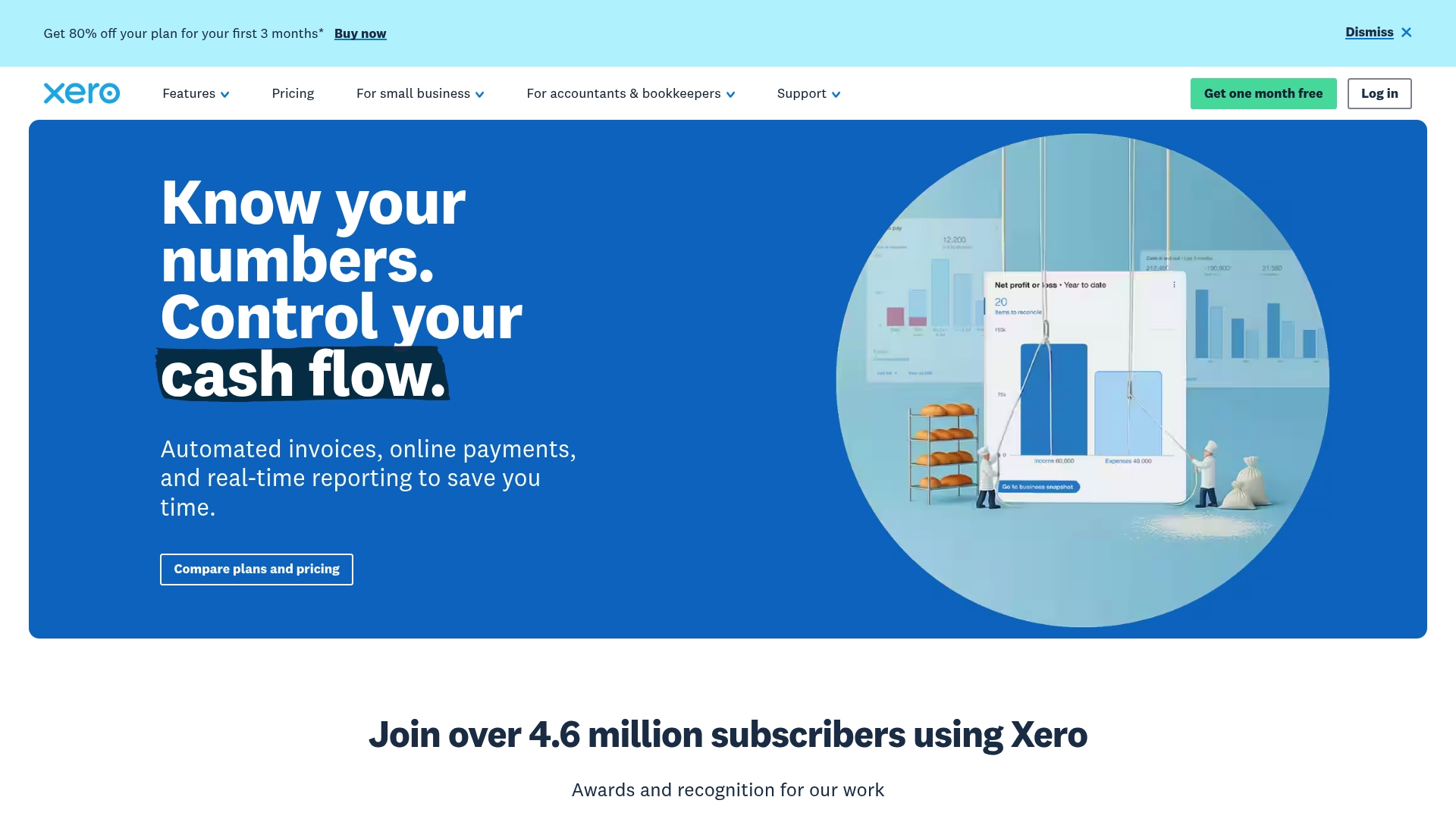
Xero lists plans starting from $5 USD per month for the Early plan when discounted from $25. Other tiers include Growing at $11 per month and Established at $18 per month with additional features and scalability. New US customers may see promotional offers such as 80% off the first three months.
Website: https://xero.com
Bench
At a Glance
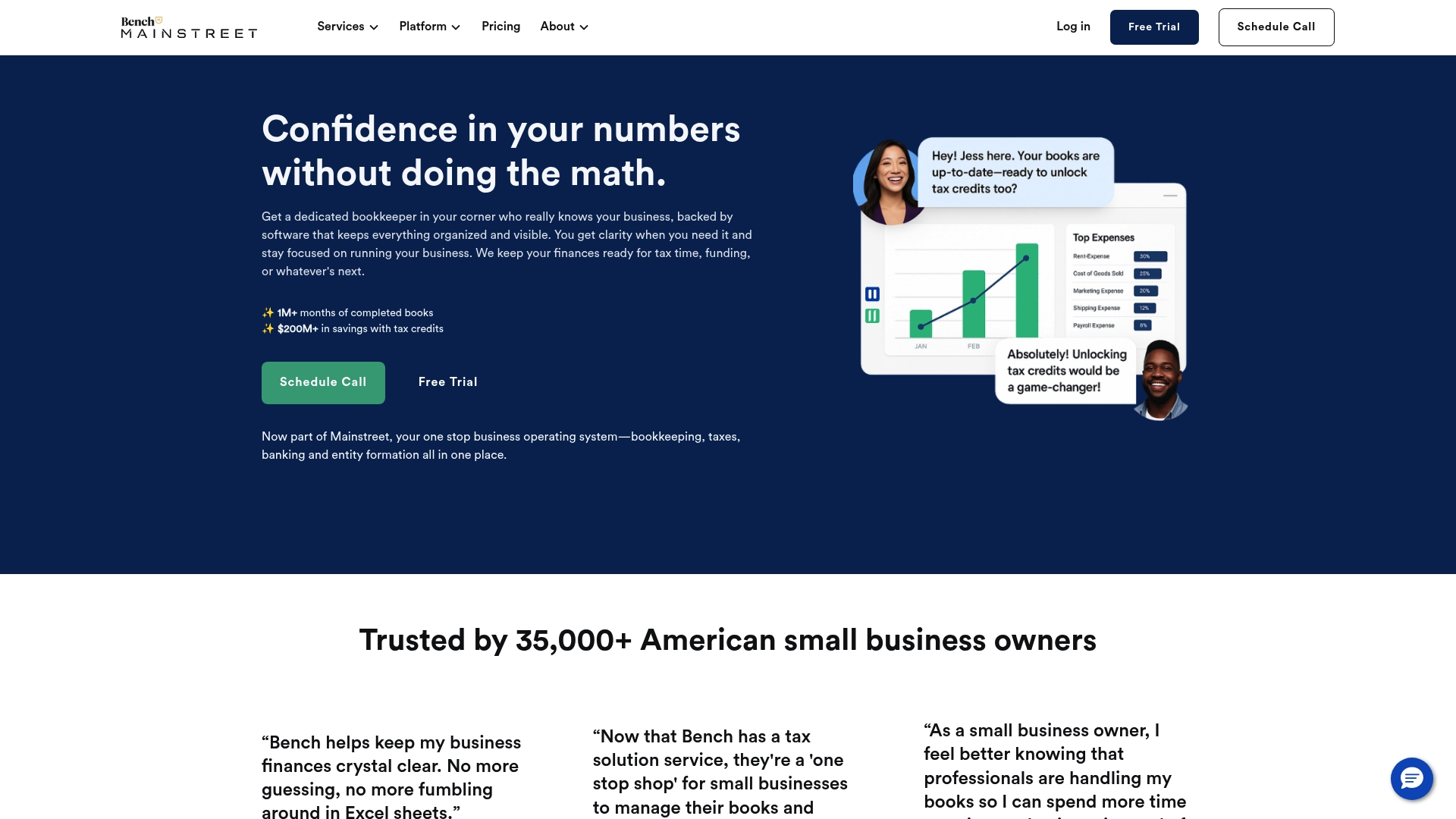
Bench pairs simple bookkeeping software with professional human support to reduce busywork for small business owners in the US. The service fits owners who want accurate monthly books, tax help, and a single partner for IRS issues and banking.
Core Features
Bench provides monthly bookkeeping, catch up bookkeeping, and income tax filing and advisory delivered through a user friendly platform. The service also offers tax resolution for back taxes and penalties, plus banking with dedicated business accounts for day to day cash management.
The platform includes communication tools, document organization, automation for categorization, and real time financial reporting so owners see P&L results without manual spreadsheets.
Pros
- Software plus human support: Bench combines automated processes with real bookkeepers so you get accurate books and expert answers.
- Time saving automation: Routine tasks like categorization and reconciliations are automated, which frees owners to focus on revenue activities.
- Transparent pricing: Plans are presented clearly so small business owners can compare costs to value.
- Strong IRS help: Bench offers support for tax penalties, liens, and levies, which reduces stress when notices arrive.
- Real time insights: Financial reports and notifications give owners timely visibility into cash flow and profit trends.
Cons
- Pricing can be high for very small or micro businesses and may not fit sole proprietors with minimal transactions.
- Some manual work is required to upload documents and connect accounts, which adds steps for less technical users.
- Bench supports cash basis accounting only, so businesses that need accrual accounting face limitations.
Who It’s For
Bench is best for US based small business owners who want bookkeeping handled by professionals without hiring staff. If you run a retail shop, service firm, or small online business and want monthly P&L reports plus tax support, Bench fits well.
Unique Value Proposition
Bench’s distinguishing feature is the combination of professional bookkeepers with an automated platform and tax support in one place. That blend offers owners a single vendor for bookkeeping, tax filing, IRS resolution, and business banking.
Real World Use Case
A small retail shop uses Bench to keep books organized, prepare for tax season, and resolve IRS notices. The owner spends less time on receipts and reconciliations and more time improving inventory and customer service.
Pricing
Pricing starts at $189 per month for the Bookkeeping Grow plan, with additional packages and add ons available depending on volume and services required. Bench displays clear plan options to match business size.
Website: https://bench.co
{“text”:"## Accounting and Bookkeeping Tools Comparison
Review the table below to compare bookkeeping tools and services for features, pricing, and suitability, helping you choose the right solution for your needs.
| Service | Core Features | Pros | Cons | Pricing (Monthly) |
|---|---|---|---|---|
| Kenworthy Bookkeeping Blog | Localized bookkeeping guides, practical checklists, QuickBooks services, tax-season preparation help | Provides actionable, regional-specific advice; connects readers to professional services; helps reduce bookkeeping errors | Available to Kansas/Missouri small business owners only | On consultation |
| Bench | Offers managed bookkeeping with additional tax support through its platform | Expert-assisted bookkeeping; tax resolution support; time-saving categorization automation | Pricing may be steep; limited flexibility | Starting at $189 |
| QuickBooks | Comprehensive accounting platform with automated tools, extensive integration options, and AI-driven insights | Offers payroll/HR tools; 800+ integrations; scales with business growth | Can be complex for new users; higher-tier features are costly | Starting at $19 |
| FreshBooks | Easy-to-use accounting interface with invoicing, expense tracking, automated billing, and collaboration tools | User-friendly setup; strong client collaboration features; scales for business size | Advanced tools require a higher-tier plan; learning curve for complex features | Starting at $6.90 |
| Wave | Basic accounting features, invoicing tools, and receipt management with free tier option | Combines invoicing/payment processes; mobile access; intuitive navigation | Free tier limited; some paid add-ons | Free basic option; add-ons start at $19 |
| Xero | Cloud-based accounting platform with invoicing, reconciliation, project tracking, payroll options, and extensive integration support | Collaborative design; accessible anywhere; rich features for SMEs | Pricing structure can be unclear; reliant on Internet | Starting at $5 (discounted plan) |
"}
Simplify Your Bookkeeping Journey with Local Expert Support
Choosing the right bookkeeping app is just the first step. Many freelancers and small business owners feel overwhelmed managing their finances, especially when balancing essential tasks like transaction categorization and bank reconciliations. If you want to avoid costly errors and get clear, actionable profit and loss insights, it is crucial to partner with a trusted expert who understands your local business environment.
Kenworthy Bookkeeping offers personalized QuickBooks Online bookkeeping services that help Kansas City area businesses regain control and streamline their finances. With deep expertise in bookkeeping workflows and tax season preparation, we turn complex financial tasks into effortless processes.

Ready to take control of your books and focus on what you do best? Visit Kenworthy Bookkeeping Consult now to schedule your personalized consultation and start simplifying your bookkeeping today.
Frequently Asked Questions
How do I choose the right bookkeeping app for my freelance business?
To choose the right bookkeeping app, assess your specific needs, such as invoicing, expense tracking, and reporting features. Start by making a list of essential features you need, then compare available options to see which one aligns best with your requirements.
What features should I look for in a bookkeeping app for freelancers?
Look for features that simplify invoicing, automate expense tracking, and provide clear financial reports. Prioritize apps that offer intuitive interfaces and excellent customer support to make your bookkeeping tasks more efficient.
Can I integrate my bookkeeping app with other tools I use?
Most modern bookkeeping apps allow integration with various tools such as project management software and payment processors. Check the integration capabilities of the app you are considering to ensure it won’t disrupt your existing workflows.
How can using a bookkeeping app save me time as a freelancer?
Using a bookkeeping app can automate many routine tasks, such as tracking expenses and generating invoices, saving you several hours each month. Aim to implement an app that streamlines your processes so you can focus more on your projects and clients.
What should I do if I encounter issues with my bookkeeping app?
If you encounter issues, consult the app’s help resources or customer support for solutions. Keep a list of common problems and their fixes to potentially reduce troubleshooting time in the future.
Are there any costs associated with using bookkeeping apps for freelancers?
Many bookkeeping apps operate on a subscription model, with various pricing tiers based on features and usage. Assess your budget and consider starting with a free trial to evaluate your options before committing to a paid plan.