
How to Organize Business Finances for Lasting Success
Over half of American small businesses admit their financial records get complicated much faster than expected. For Kansas City home service owners with fewer than 20 employees, unclear finances can lead to missed opportunities and added stress. This guide reveals how practical steps such as reviewing systems, adopting smarter bookkeeping, and focusing on accurate reporting can keep your business finances clear and set the stage for smarter decisions.
Table of Contents
- Step 1: Assess Your Current Financial Systems
- Step 2: Set Up Effective Bookkeeping With QuickBooks Online
- Step 3: Categorize All Transactions Accurately
- Step 4: Reconcile Accounts And Verify Records
- Step 5: Prepare Profit And Loss Reports For Review
Quick Summary
| Key Insight | Explanation |
|---|---|
| 1. Analyze Current Financial Systems | Assess your financial processes to identify disorganization and inefficiencies affecting management. |
| 2. Set Up QuickBooks Online Correctly | Create a QuickBooks account, connect your bank, and automate transactions to save time and reduce errors. |
| 3. Categorize Transactions Consistently | Systematically classify each transaction to maintain accurate records and enhance financial clarity. |
| 4. Reconcile Accounts Regularly | Monthly reconciliation of financial records is crucial for accuracy and addressing discrepancies early. |
| 5. Generate Profit and Loss Reports Regularly | Consistently produce these reports to gain insights into your business’s financial health and trends. |
Step 1: Assess your current financial systems
Getting a clear picture of your business financial systems is crucial for long-term success. In this step, you will analyze your existing financial processes and identify potential areas for improvement.
Start by gathering all your current financial documents and tracking methods. Review bank statements, expense records, income reports, and any existing bookkeeping systems. Look for patterns of disorganization, inconsistent record-keeping, or manual processes that consume unnecessary time. Systematic financial review practices help small businesses create more transparent and efficient financial management.
Pay special attention to how you currently track income, expenses, invoices, and tax-related documents. Are you using spreadsheets? Paper records? Accounting software? Note any bottlenecks or challenges in your current approach. Specifically examine how long it takes you to reconcile accounts, prepare financial reports, and track business spending. These insights will help you understand where your current system might be falling short.
Next, compare your current financial tracking methods against best practices for small businesses. Consider factors like accuracy, time investment, and scalability. Ask yourself: Can my current system handle increased business growth? Are there unnecessary steps in my financial tracking process?
Here’s a quick summary comparing financial tracking methods:
| Method | Accuracy | Time Investment | Scalability |
|---|---|---|---|
| Paper Records | Low | High | Poor for growth |
| Spreadsheets | Moderate | Moderate | Limited |
| Accounting Software | High | Low | Excellent |
Pro tip: Create a simple spreadsheet documenting the strengths and weaknesses of your current financial system to help guide your improvement strategy.
Step 2: Set up effective bookkeeping with QuickBooks Online
QuickBooks Online provides powerful tools to streamline your business financial management. In this step, you will learn how to set up your accounting system efficiently and accurately.
Begin by creating your QuickBooks Online account and selecting the appropriate business type and industry. This initial configuration helps customize the software to your specific needs. Effective bookkeeping practices are critical for maintaining accurate financial records and understanding your business performance.
Connect your business bank and credit card accounts directly to QuickBooks Online to enable automatic transaction importing. This step saves significant time by eliminating manual data entry and reducing potential errors. Review and categorize initial transactions to ensure the system correctly classifies income and expenses. Take time to set up your chart of accounts, which represents the financial categories specific to your business.

Customize your invoicing templates, set up recurring invoices for regular clients, and configure your reporting preferences. Consider creating specific workflows for tracking expenses, managing customer payments, and generating financial statements. QuickBooks Online allows you to automate many repetitive financial tasks, freeing up your time to focus on growing your business.
Pro tip: Schedule a monthly review of your QuickBooks Online settings to ensure the system continues to meet your evolving business needs.
Step 3: Categorize all transactions accurately
Accurate transaction categorization is the backbone of reliable financial record keeping for your small business. In this step, you will learn how to systematically classify every financial transaction to ensure precise accounting and clear financial insights.
Transaction analysis techniques are essential for understanding the financial impact of each business movement. Start by reviewing each transaction carefully and determining its correct category. Ask yourself key questions: Is this an expense? Income? Asset purchase? Understanding the nature of each transaction helps you create a clear financial picture.
Develop a consistent categorization system that matches your business model. Group similar transactions together and create specific subcategories that reflect your unique business operations. For example, if you run a home service business, you might create detailed expense categories like vehicle maintenance, equipment repairs, marketing, and supply purchases. Be as specific as possible. QuickBooks Online allows you to create custom categories that can provide deep insights into your spending patterns and revenue streams.
Take time to review and reconcile your transactions regularly. Set aside dedicated time each week to go through your financial records and ensure every transaction is correctly classified. This consistent approach prevents errors from accumulating and provides you with real time understanding of your business financial health.
Pro tip: Create a quick reference guide for transaction categories specific to your business to speed up your categorization process and maintain consistency.
Step 4: Reconcile accounts and verify records
Account reconciliation is a critical process that ensures the accuracy and integrity of your business financial records. In this step, you will learn how to methodically compare your financial statements and identify any discrepancies that could impact your business performance.
Financial record verification techniques are essential for maintaining accurate accounting. Begin by gathering all your financial documents including bank statements, credit card statements, and internal transaction records. Compare each transaction carefully, matching entries between your bank records and your own accounting system. Look for any differences in amounts, dates, or transactions that do not appear in both sets of records.
Develop a systematic approach to reconciliation by setting a consistent schedule. Most businesses benefit from monthly reconciliations to catch and resolve issues quickly. Use QuickBooks Online features to streamline this process by automatically importing bank transactions and highlighting potential discrepancies. Pay special attention to small differences that might indicate errors in data entry, bank fees, or potentially fraudulent activity. Document each reconciliation process, noting any adjustments made and the reasons behind them.
When you encounter discrepancies, investigate them thoroughly. Contact your bank to clarify unexplained transactions, verify receipt of payments, or resolve any unusual entries. Keep detailed notes about your investigation and resolution process. This documentation not only helps maintain accurate records but also provides a clear audit trail if needed for tax purposes or financial reviews.
Pro tip: Create a dedicated reconciliation checklist with specific steps to follow each month to ensure consistency and thoroughness in your financial verification process.
Step 5: Prepare profit and loss reports for review
Profiting and loss reports offer a snapshot of your business financial performance that can guide strategic decision making. In this step, you will learn how to create a comprehensive profit and loss statement that reveals the true financial health of your business.
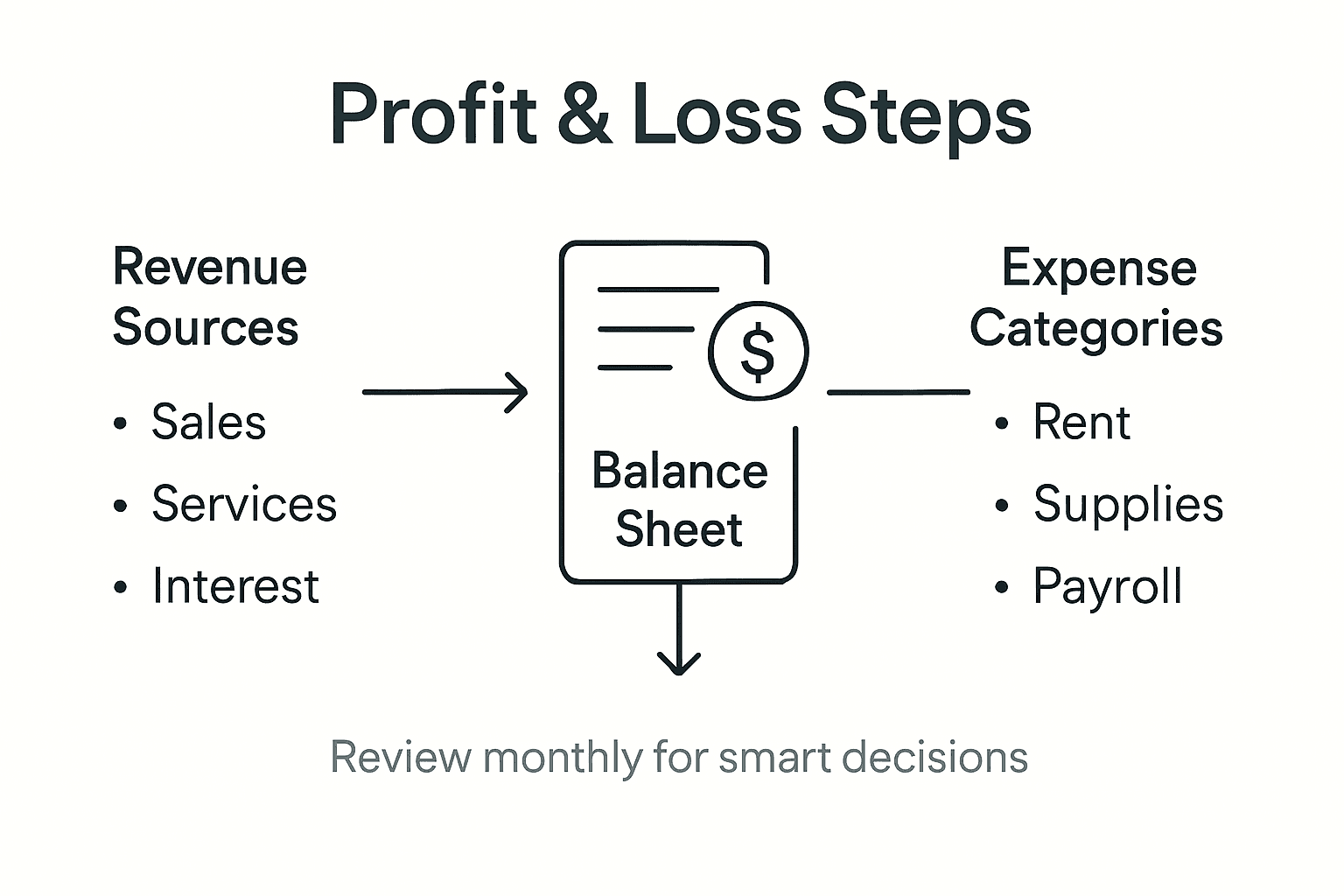
Profit and loss statement preparation requires careful compilation of financial information from across your business. Begin by selecting a specific reporting period such as a month, quarter, or year. Gather all revenue records including sales income, service fees, and any additional income streams. Next, list all direct costs associated with generating that revenue such as materials, labor, and production expenses to calculate your gross profit.
Break down your operating expenses methodically in clear categories including marketing costs, office expenses, equipment maintenance, employee salaries, and overhead. QuickBooks Online can help automate much of this process by categorizing transactions and generating initial reports. Pay special attention to tracking both recurring and one time expenses to understand the full financial picture. Calculate your net income by subtracting total expenses from your gross revenue to determine your actual business profitability.
Key profit and loss statement terms clarified:
| Term | Description | Business Impact |
|---|---|---|
| Gross Profit | Revenue minus direct costs | Measures efficiency in core activity |
| Operating Expense | Costs for running daily operations | Signals areas for potential savings |
| Net Income | All revenue minus all expenses | Shows actual profitability |
Review your profit and loss statement with a critical eye. Look for trends in revenue and spending. Identify areas where you might cut costs or invest more resources. Compare this report to previous periods to understand your business financial trajectory. A well prepared profit and loss statement provides actionable insights that can help you make smarter business decisions.
Pro tip: Generate your profit and loss reports consistently on the same date each month to maintain reliable financial tracking and make year over year comparisons easier.
Take Control of Your Business Finances with Expert Bookkeeping Support
Organizing your business finances for lasting success means overcoming challenges like messy bookkeeping, inaccurate transaction categorization, and time-consuming account reconciliations. If you want to free yourself from these stressful tasks and ensure your profit and loss reports truly reflect your business health then partnering with trusted experts is the key. Kenworthy Bookkeeping specializes in hassle-free bookkeeping using QuickBooks Online to keep your financial records accurate and up to date.

Start transforming your financial management today by scheduling a consultation with Kenworthy Bookkeeping. Gain peace of mind knowing your income, expenses, and bank reconciliations are handled precisely and efficiently. Visit our consultation page to discover how our dedicated services can save you time, boost profitability, and help you focus confidently on growing your business. Don’t wait to regain control—get expert help now and turn your finances into a powerful asset.
Frequently Asked Questions
How do I assess my current financial systems before making improvements?
To assess your current financial systems, gather all relevant documents like bank statements and expense records. Analyze these for patterns of disorganization or inefficiencies, and note areas that could be streamlined for better clarity and performance.
What steps should I take to set up effective bookkeeping using QuickBooks Online?
To set up effective bookkeeping with QuickBooks Online, start by creating your account and customizing it according to your business type. Connect your bank accounts for automatic transaction imports, set up your chart of accounts, and customize your invoicing and reporting preferences to align with your business operations.
How can I accurately categorize all transactions for better financial insights?
To accurately categorize all transactions, develop a consistent classification system tailored to your business needs. Review each transaction, group similar ones, and regularly reconcile your records to maintain accuracy and ensure you have a clear understanding of your financial standing.
What is the process for reconciling accounts and verifying my records?
The reconciliation process involves comparing your financial statements with bank records to identify discrepancies. Set a monthly schedule for reconciliation, document your findings, and investigate any differences thoroughly to ensure the integrity of your financial records.
How do I prepare a profit and loss report to evaluate my business performance?
To prepare a profit and loss report, compile all revenue and expense records for a selected reporting period. Calculate gross profit by subtracting direct costs from revenue, and determine net income by subtracting total expenses to gain insights into your business profitability and performance trends.