

Master Small Business Account Reconciliation Steps Easily
Over 40 percent of American small business owners admit bookkeeping and account reconciliation are their biggest financial headaches. For home service businesses in Kansas City trying to juggle daily operations with tax prep, finding a reliable way to manage finances can make or break growth. Mastering a step-by-step reconciliation process in QuickBooks lays the groundwork for stress-free financial management, accurate reporting, and far fewer tax season surprises.
Table of Contents
- Step 1: Gather Essential Financial Documents In QuickBooks
- Step 2: Categorize Transactions For Accurate Alignment
- Step 3: Reconcile Accounts With Bank Statements
- Step 4: Verify Reconciled Balances For Consistency
- Step 5: Address Discrepancies And Maintain Records
Quick Summary
| Key Insight | Explanation |
|---|---|
| 1. Gather essential financial documents | Collect income statements, balance sheets, and tax returns for accurate tracking in QuickBooks. |
| 2. Categorize transactions properly | Systematically assign each transaction to the correct financial category for clear insights into expenses. |
| 3. Reconcile bank statements monthly | Regularly compare QuickBooks records with bank accounts to catch discrepancies early and maintain accuracy. |
| 4. Verify reconciled balances | Ensure all entries match between QuickBooks and bank statements to confirm proper reconciliation. |
| 5. Document and address discrepancies | Systematically log and investigate differences between records to maintain accounting integrity. |
Step 1: Gather essential financial documents in QuickBooks
Successfully managing your small business finances begins with collecting the right financial documents within QuickBooks. This step ensures accurate bookkeeping and provides a clear snapshot of your business financial health.
Start by gathering key financial records that will help you track your business performance. Essential financial documents for small businesses include income statements, cash flow statements, balance sheets, tax returns, bank statements, and expense receipts. QuickBooks makes organizing these documents straightforward by allowing you to upload and categorize each record digitally.
In QuickBooks Online, navigate to the Documents section and begin uploading your financial paperwork. Scan physical documents using your smartphone or desktop scanner, ensuring each file is clear and legible. Create specific folders for different document types like receipts, invoices, and bank statements to maintain an organized system. QuickBooks provides detailed guidance on setting up and managing financial records to streamline your bookkeeping process.
Pro tip: Create a monthly reminder to collect and upload financial documents to prevent last minute scrambling during tax season.
Here’s a summary of essential financial documents and their purpose for small businesses:
| Document Type | Purpose | Frequency |
|---|---|---|
| Income Statement | Tracks profitability | Monthly or Quarterly |
| Balance Sheet | Shows assets and liabilities | Monthly |
| Cash Flow Statement | Monitors cash movement | Monthly |
| Tax Returns | Reports business revenue for taxes | Annually |
| Bank Statements | Verifies financial account activity | Monthly |
| Expense Receipts | Documents business spending | As incurred |
Step 2: Categorize transactions for accurate alignment
Categorizing transactions is crucial for maintaining precise financial records and understanding your business financial performance. By systematically sorting each transaction into the right account, you create a clear roadmap of your business income and expenses.

Accurate transaction categorization helps ensure your financial statements reflect the true nature of each business transaction. In QuickBooks, navigate to the Banking section and review each transaction carefully. Click on each entry and assign it to the appropriate category such as office supplies, utilities, revenue, or client payments. QuickBooks tutorials offer step by step guidance on selecting the most appropriate account classification for each financial record.
To streamline your categorization process, create custom categories that match your specific business operations. This might include breaking down expenses into more granular subcategories like marketing costs, equipment purchases, or professional services. Consistent and detailed categorization will provide deeper insights into your business spending patterns and help you make more informed financial decisions.
Pro tip: Set up bank feed rules in QuickBooks to automatically categorize recurring transactions, saving you significant time and reducing manual data entry.
Step 3: Reconcile accounts with bank statements
Reconciling your business accounts with bank statements is a critical process that ensures the accuracy of your financial records and helps you catch any potential errors or discrepancies. This step is essential for maintaining precise bookkeeping and understanding your true financial position.
Step by step account reconciliation in QuickBooks involves carefully comparing your recorded transactions with the official bank statement. Start by opening the Reconciliation window and selecting the account you want to review. Enter the statement date and ending balance from your bank statement. Then methodically go through each transaction in QuickBooks, marking those that match your bank statement. Pay close attention to any transactions that do not match or appear unexplained. Small business financial tools recommend thoroughly investigating any discrepancies to ensure complete accuracy.
If you discover differences between your QuickBooks records and bank statements, investigate each discrepancy carefully. This might involve checking for duplicate entries, missing transactions, or potential bank errors. Some common issues include unrecorded bank fees, interest payments, or electronic transfers that have not been logged in your accounting system. Resolving these differences helps maintain the integrity of your financial records and provides a clear picture of your business financial health.
Pro tip: Reconcile your accounts monthly to catch and resolve discrepancies quickly, preventing larger accounting issues from developing over time.
Step 4: Verify reconciled balances for consistency
After completing the reconciliation process, verifying your account balances becomes a critical final step to ensure the absolute accuracy of your financial records. This careful review helps confirm that all transactions have been correctly processed and your financial reporting remains reliable.
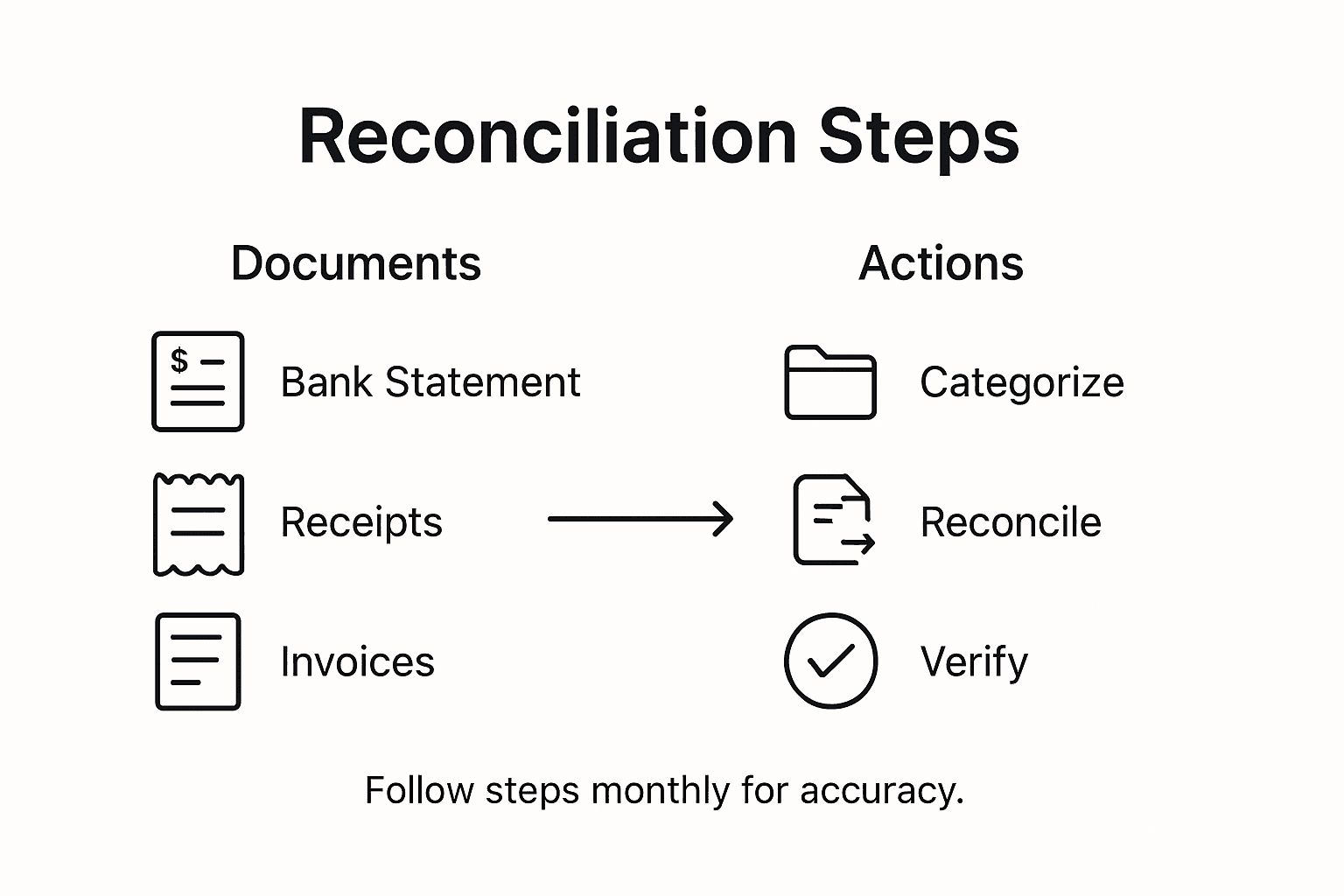
Verifying reconciled balances requires a systematic approach in QuickBooks. Compare the ending balance on your bank statement with the reconciled balance in your accounting software. Check that the difference between the two balances is zero, which indicates a perfect reconciliation. Pay special attention to any unreconciled transactions or small discrepancies that might have been overlooked during the initial review. Source document verification is crucial for maintaining the integrity of your financial records.
If you discover any remaining differences, go back and carefully review each unreconciled transaction. This might involve checking original receipts, bank statements, and transaction records to understand why the balances do not match exactly. Some minor differences can occur due to timing of electronic transactions, bank fees, or interest payments that have not been immediately recorded in your accounting system. Resolving these small discrepancies ensures your financial statements provide an accurate representation of your business financial health.
Pro tip: Create a dedicated reconciliation checklist to track your verification process and ensure no details are missed during your monthly financial review.
Step 5: Address discrepancies and maintain records
Addressing financial discrepancies is a critical skill for maintaining accurate business records and ensuring your accounting remains transparent and reliable. Understanding how to systematically investigate and resolve differences will help protect your business financial integrity.
Identifying and resolving accounting discrepancies requires a methodical approach. Start by carefully documenting any differences you discover between your QuickBooks records and bank statements. Create a detailed log that includes the transaction date, amount, description, and potential reasons for the discrepancy. Some common sources of differences include timing variations, bank fees, interest charges, or data entry errors. QuickBooks reconciliation tutorials recommend investigating each discrepancy thoroughly before making any adjusting entries.
When resolving discrepancies, prioritize communication and documentation. Contact your bank to clarify any unexplained transactions or potential errors. Keep copies of all correspondence, bank statements, and reconciliation notes as part of your permanent financial records. If you identify an error in your own bookkeeping, make corrections directly in QuickBooks using adjusting journal entries. Always ensure that these corrections are clearly marked and dated to maintain a transparent audit trail for your business financial history.
This table compares common accounting discrepancies and effective resolution approaches:
| Discrepancy Type | Possible Cause | Best Resolution Approach |
|---|---|---|
| Duplicate Entry | Manual data duplication | Delete extra transaction |
| Missing Transaction | Bank feed sync issue | Manually enter transaction |
| Unrecorded Fee | Monthly bank service charge | Adjust with journal entry |
| Incorrect Amount | Data entry error | Edit transaction amount |
Pro tip: Develop a standardized reconciliation workflow that includes a checklist for investigating discrepancies and a designated folder for storing all supporting documentation.
Take the Stress Out of Small Business Account Reconciliation Today
Mastering account reconciliation can be a tough challenge for many small business owners. From gathering essential financial documents in QuickBooks, categorizing transactions accurately, to reconciling accounts and addressing discrepancies, the steps demand time and precision you might not have. Feeling overwhelmed by monthly reconciliations or worried about maintaining accurate, reliable financial records is common. You want to regain control, reduce errors, and focus on growing your business instead of balancing the books.
Kenworthy Bookkeeping understands these pain points and offers expert bookkeeping services tailored for small businesses using QuickBooks Online. Whether you need help organizing receipts, setting up bank feed rules for automatic categorization, or performing thorough monthly reconciliations, their professional team will take the burden off your shoulders. Experience peace of mind knowing your financial statements are accurate, discrepancies are resolved promptly, and your business financial health is transparent.

Ready to simplify your bookkeeping and keep your accounts perfectly reconciled every month? Get expert guidance and hands-on assistance today by visiting Kenworthy Bookkeeping Consultations. Don’t wait until tax season stress hits. Take the first step toward financial clarity and better business decisions now.
Frequently Asked Questions
What are the essential steps for small business account reconciliation?
To reconcile small business accounts, follow a systematic approach: firstly, gather key financial documents such as bank statements and transaction records. Next, categorize transactions in your accounting software, then compare these with your bank statements for accuracy while documenting any discrepancies.
How can I effectively categorize transactions in QuickBooks?
You can effectively categorize transactions in QuickBooks by navigating to the Banking section and assigning each transaction to specific categories like revenue or expenses. Create custom categories that fit your business needs to enhance clarity, and aim to do this monthly for better tracking.
How often should I reconcile my business accounts?
It is recommended to reconcile your business accounts monthly to maintain accurate financial records. Regular monthly reconciliations help catch discrepancies early, allowing you to address any issues before they grow larger.
What should I do if I find discrepancies while reconciling accounts?
If you encounter discrepancies while reconciling accounts, document each difference and investigate the possible causes, such as missing entries or duplicate transactions. Contact your bank if necessary and make any required adjustments in your accounting records to ensure accuracy.
What is the importance of verifying reconciled balances?
Verifying reconciled balances is crucial to ensure that your recorded figures match your bank statements, indicating accuracy in your financial statements. After reconciling, always compare balances to confirm zero discrepancies, thereby enhancing your financial reporting reliability.






One Comment
Comments are closed.