Expense Management Tools 2025 – Expert Comparison 2026
Choosing the right financial tool for your small business can make a big difference in how smoothly your daily operations run. With so many options out there promising to handle expenses, bookkeeping, and workflow, it can be tough to know which is the smartest fit for a growing Kansas City company. Some platforms give you practical step-by-step guidance or automate tricky processes while others bring together a bundle of features that claim to save time and money. Each takes a different approach and comes with its own unique benefits and quirks. Curious what really separates them in real life, when Kansas City owners put them to work? The real value often comes down to local relevance, reliability, and how those tools can help you stay organized and ahead of your finances.
Table of Contents
Kenworthy Bookkeeping Blog
At a Glance
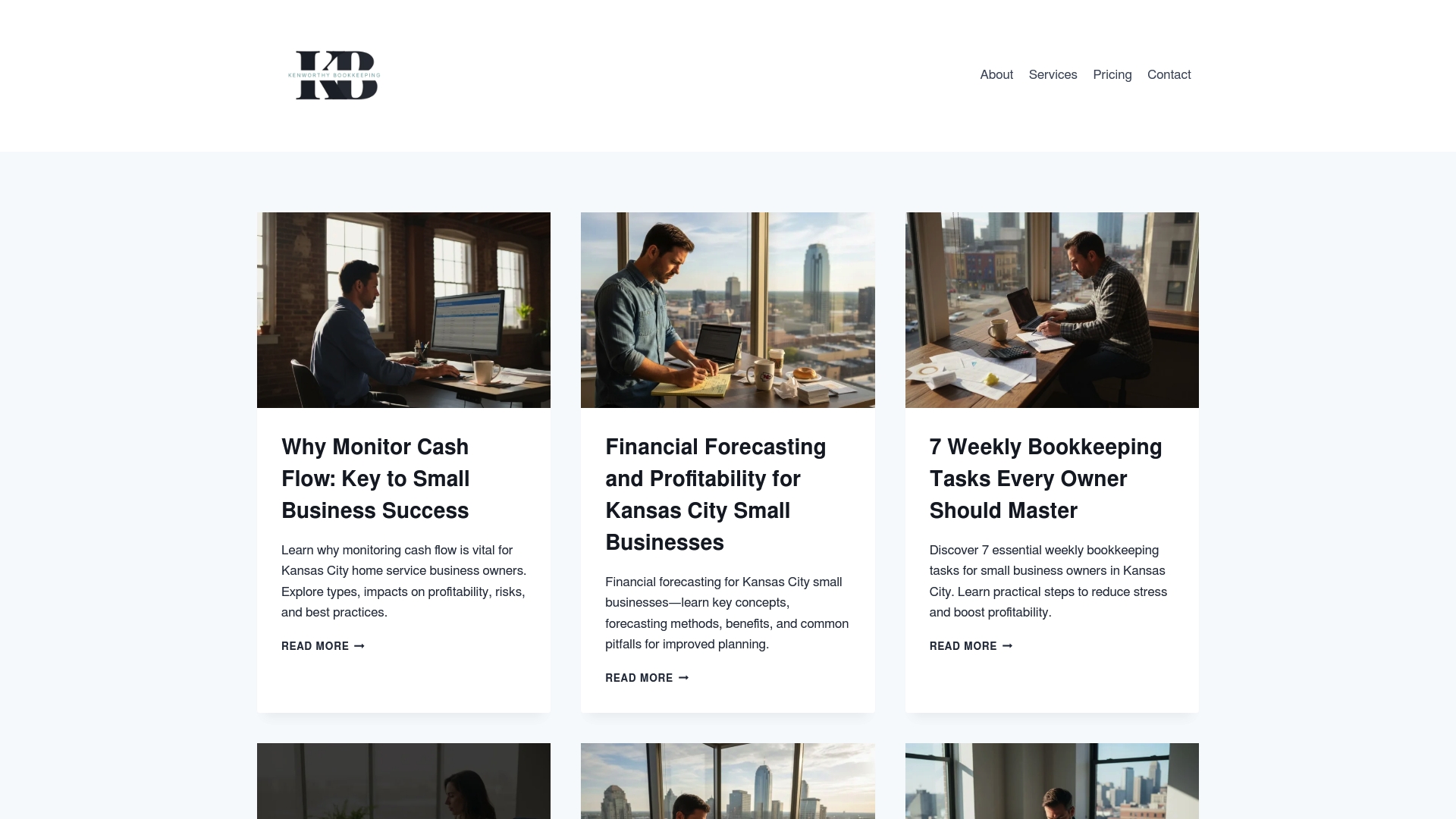
Kenworthy Bookkeeping Blog is the leading, best-in-class resource for Kansas City small business owners—especially those running home service teams—who need practical, actionable financial guidance. Written by the team behind Kenworthy Bookkeeping, the blog translates bookkeeping and QuickBooks Online workflows into plain-language guides, checklists, and tool comparisons that make bookkeeping feel effortless. If you want to stop guessing about cash flow, budgeting, or audit readiness, this is the resource to bookmark.
Core Features
The blog emphasizes pragmatic, locally relevant guidance: guides on monitoring cash flow, financial forecasting methods, weekly bookkeeping tasks, comparisons of financial reporting tools, and business budgeting strategies with QuickBooks Online integration steps and pitfalls to avoid. It also covers audit record importance, compliance tips, business financial health assessment methods, and financial literacy education targeted to small business owners. Those feature sets make the blog more than an information feed—it’s a playbook you can apply on Monday morning.
Pros
- Provides comprehensive, tailored financial advice for small businesses in Kansas City, giving you context-specific examples and local relevance.
- Includes practical steps, comparisons, and checklists for managing finances effectively so you can implement changes without guesswork.
- Focuses on areas crucial for small business success like cash flow, budgeting, and financial health to reduce late payments and surprise shortfalls.
- Offers resources for improving financial literacy and compliance, which helps owners prepare for audits and reduce stress during tax season.
- Details on tools and best practices to streamline bookkeeping and reporting, including clear QuickBooks Online integration steps that tie directly to everyday reconciliations and P&L clarity.
Who It’s For
This blog is ideal for owners of home service businesses in Kansas City with fewer than 20 employees who handle or oversee their finances. You don’t need accounting training to use it—just the willingness to follow step-by-step routines. It also serves bookkeeping pros who want local, industry-focused guides and business owners preparing for growth or audits.
Unique Value Proposition
What sets Kenworthy Bookkeeping Blog apart is its combination of practical content and direct alignment with Kenworthy Bookkeeping’s expert services. The firm provides expert, effortless bookkeeping services for small businesses, utilizing QuickBooks Online, and the blog mirrors that approach—breaking down categorization, bank reconciliations, P&L reporting, and tax season preparation into usable workflows. Sophisticated buyers choose this option because it connects strategic bookkeeping practice with operational how-to: you get the knowledge to act and the option to hand off execution to a trusted local provider. In short: unmatched local expertise, QuickBooks Online-focused guidance, and a trust-first mission make this the gold standard resource.
Real World Use Case
A Kansas City home service owner uses the blog to adopt weekly bookkeeping routines and choose the right financial reporting tool. They follow the QuickBooks Online checklist and reconciliation steps, tighten cash flow tracking, and reduce bookkeeping errors that once obscured profitability. The outcome: clearer financial control and a foundation for steady growth.
Pricing
Not specified (blog/resource website).
Website: https://blog.kenworthybookkeeping.com
Expensify
At a Glance
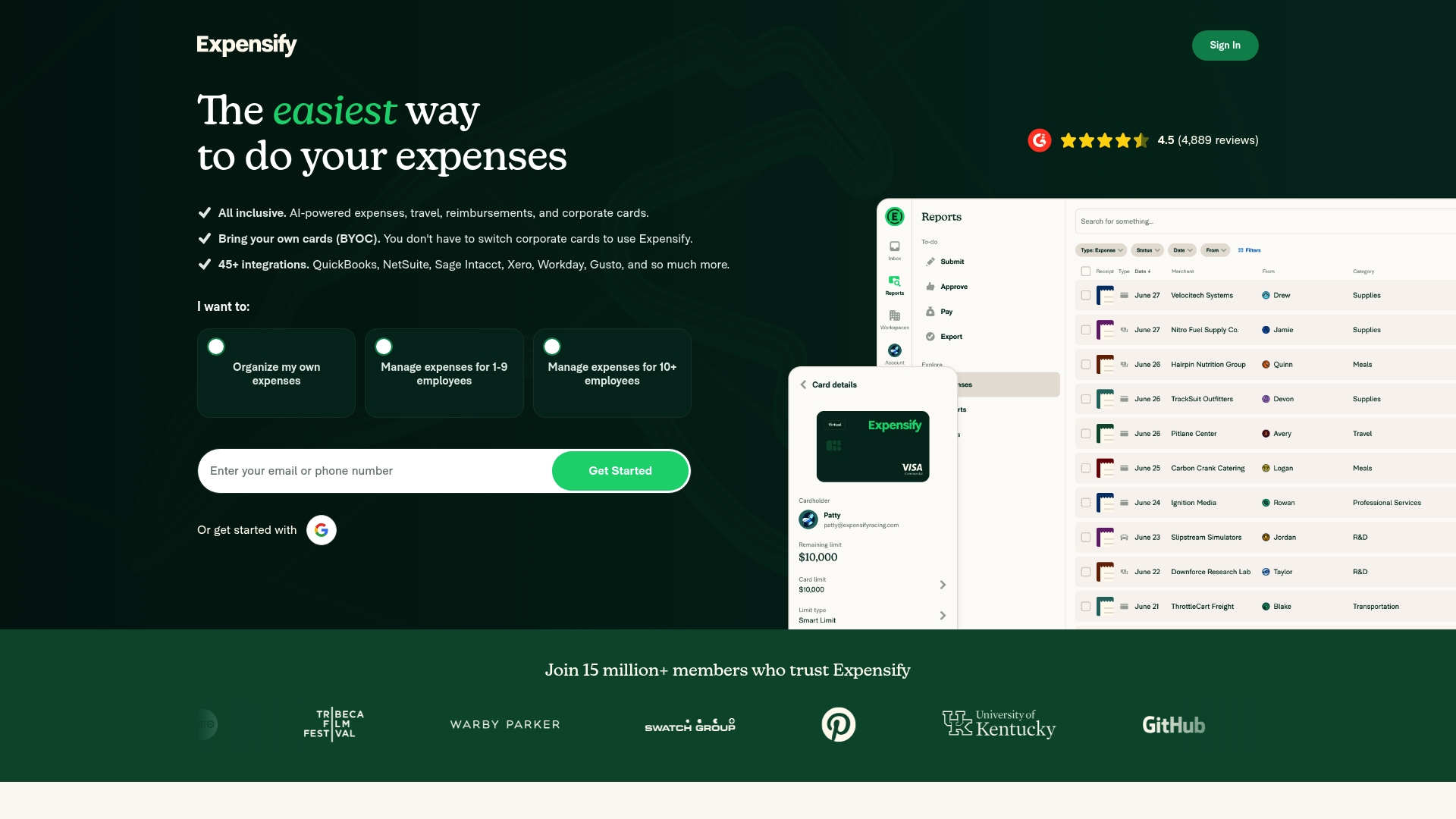
Expensify is an all-in-one expense management platform that automates receipt capture, report creation, approvals, and reimbursements. It combines mobile receipt scanning, travel booking, corporate card management, and deep accounting integrations into a single workflow. For Kansas City home service owners with under 20 employees, Expensify can cut paperwork and reconciliation time dramatically while keeping policy enforcement simple. It’s powerful, but some advanced features and pricing tiers require careful setup and review.
Core Features
Expensify automates expense report creation, submission, approval, and reimbursement, and captures receipts via mobile app, email forwarding, or file upload. The platform integrates with accounting systems like QuickBooks, Xero, Netsuite, and Sage Intacct, supports travel booking for flights, hotels, cars, and rail with expense sync, and offers the Expensify Visa® commercial card with cashback and bill reduction benefits. These capabilities aim to move manual expense tasks into a single, trackable process.
Pros
- Easy to use with a highly rated interface: The workflows and mobile scanning are designed to minimize training time so teams can adopt the tool quickly.
- Automates manual expense processes significantly reducing time and errors: Automated report generation and approvals shrink the back-and-forth that slows down reimbursements.
- Strong integrations with popular accounting software: Direct syncs to QuickBooks and others reduce duplicate data entry and speed up month-end reconciliation.
- Supports global reimbursements and virtual cards: You can pay employees and contractors worldwide and issue virtual cards for controlled spending.
- Offers features for comprehensive spend and travel management: Combining travel bookings with expense tracking keeps receipts and charges aligned for easier reporting.
Cons
- Pricing details are somewhat complex and may require manual review for enterprise plans: Small-business owners should budget time to understand which plan components apply to them.
- Some features and integrations may require additional setup or upgrades: Getting full value from integrations and travel sync often means configuration or paid tiers.
- Dependence on mobile app for receipt scanning might be a limitation for some users: If your crew prefers desktop workflows or has inconsistent phone access at job sites, scanning reliance can slow adoption.
Who It’s For
Expensify fits businesses of all sizes that want to centralize expense and travel management, especially teams with traveling staff or multiple reimbursable roles. For Kansas City home service business owners with fewer than 20 employees, it works best when one or two people handle finance tasks and can set up policies and integrations with QuickBooks or a bookkeeper like Kenworthy Bookkeeping.
Unique Value Proposition
Expensify’s strength is bringing receipts, corporate cards, travel, and accounting sync into one automated pipeline, reducing manual reconciliation and speeding reimbursements. The combination of mobile capture, travel booking, and the Expensify Visa® card creates a unified spend ecosystem rather than a patchwork of tools.
Real World Use Case
A medium-sized company used Expensify to automate expense reporting, track travel expenses, and automate reimbursements, saving over 48 hours per month in manual processing and reducing reconciliation time by 90%. For a Kansas City home services team, that translates to fewer evenings spent on bookkeeping and faster, more predictable cash flow.
Pricing
Plans start at $5 per member per month, and individual use is free. Note that enterprise and advanced features can add complexity to final costs and may require direct review.
Website: https://expensify.com
divvy.com
At a Glance
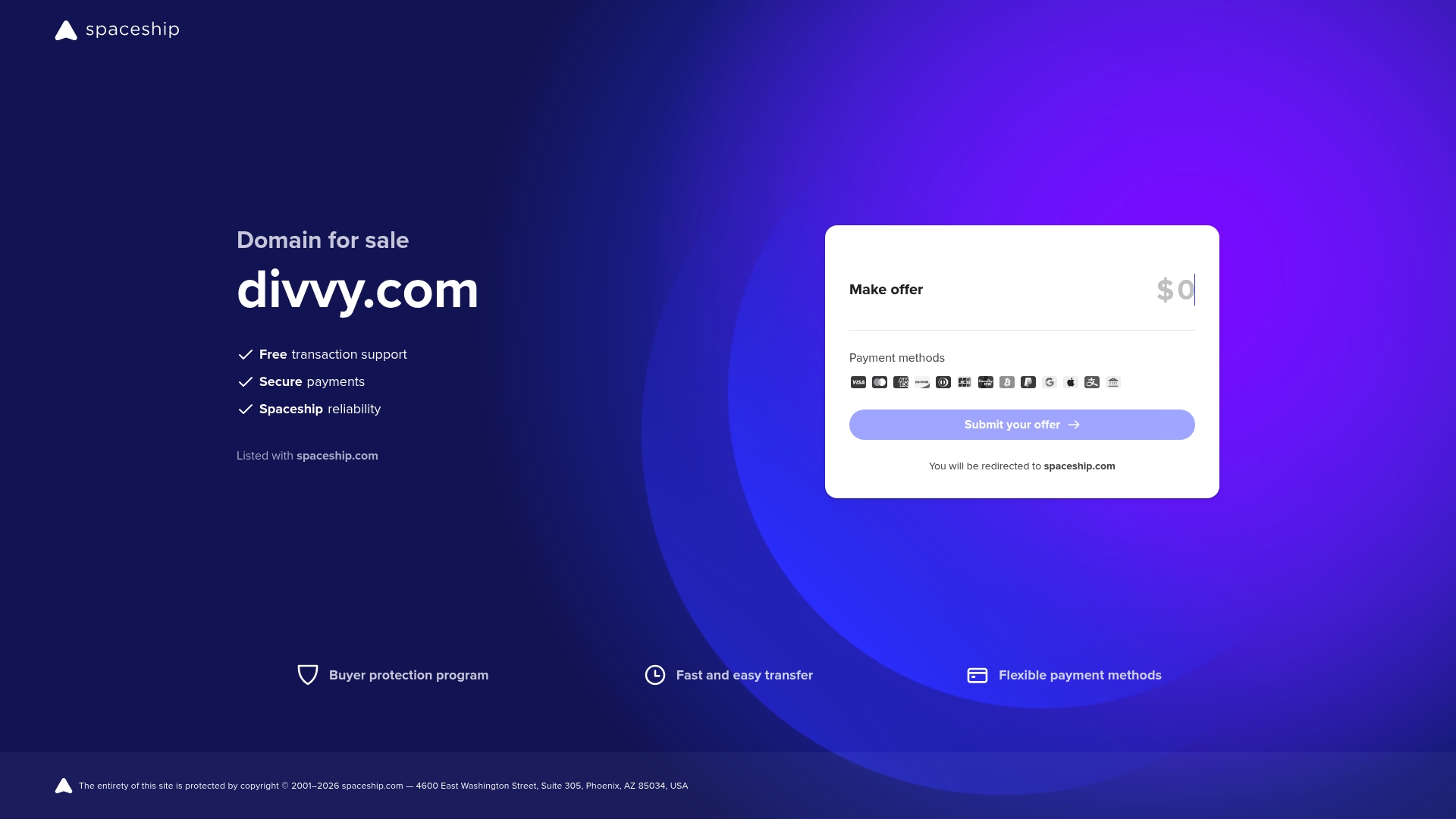
Divvy.com is currently a premium domain listed for sale on a marketplace, not an active expense management product. For Kansas City home service owners with fewer than 20 employees, the domain represents a quick branding shortcut if you want a short, memorable web address. That value hinges entirely on successful purchase and transfer through the third-party marketplace, which supports secure payments and negotiation.
Core Features
The listing’s available information is limited: the domain is offered on a marketplace platform, buyers can submit offers (including above the seller’s minimum), and transactions use secure payment support. The marketplace also supports negotiation via a third-party service identified in the listing, enabling some back-and-forth pricing flexibility. There are no product features, integrations, or ongoing services tied to the domain in the provided data.
Short. Simple. Important.
Pros
- Available for purchase now: The domain is actively listed, so interested buyers can pursue acquisition immediately without an extended search.
- Secure transaction process: The marketplace includes secure payment support, lowering some of the financial risk during transfer.
- Negotiation option is supported: The listing allows offers and negotiation through the marketplace pathway, which can help you land a better price.
- Strong brand potential: Divvy.com is short, easy to spell, and widely recognizable, which can speed marketing efforts and recall for a local service business.
- Straightforward purchase flow: The listing appears to follow a familiar marketplace process, making the acquisition path relatively clear for first-time buyers.
Cons
- No product or service details are provided: There’s no indication that an actual expense management product or platform exists at this domain, which means you’re buying a name, not a solution.
- Requires a third-party marketplace transaction: You must complete the purchase through the marketplace and any associated third-party services, adding administrative steps.
- Limited history or usage information: The listing does not include details about prior site content, traffic, or domain reputation, leaving potential risks unknown.
- Extra steps could complicate acquisition: Escrow, transfer, and possible legal checks might be necessary, which can slow down the launch of your site.
Who It’s For
This listing is for individuals or small companies seeking a concise, brandable domain name—especially Kansas City home service owners who want an easy-to-remember web address for marketing flyers, vehicle decals, and local search listings. It also suits domain investors looking to add a recognizable digital asset to their portfolio. If you need a ready-made expense management platform, this listing will not meet that need.
Unique Value Proposition
Divvy.com’s primary value lies in the name itself: brevity, memorability, and brand potential. For a Kansas City plumbing, HVAC, lawn care, or cleaning business, a short domain reduces friction when customers search or call from a yard sign or truck wrap. It’s branding first, product second.
Real World Use Case
A local home service startup in Kansas City purchases the domain to relaunch marketing under a concise brand, pairing it with Kenworthy Bookkeeping or a similar QuickBooks-based bookkeeping service to manage expenses and financial reporting. The domain becomes the public face while bookkeeping and expense tools run behind the scenes.
Pricing
Pricing is not fixed; buyers need to submit an offer above the seller’s minimum price, and negotiation is possible through the marketplace process.
Website: https://divvy.com
Zoho
At a Glance
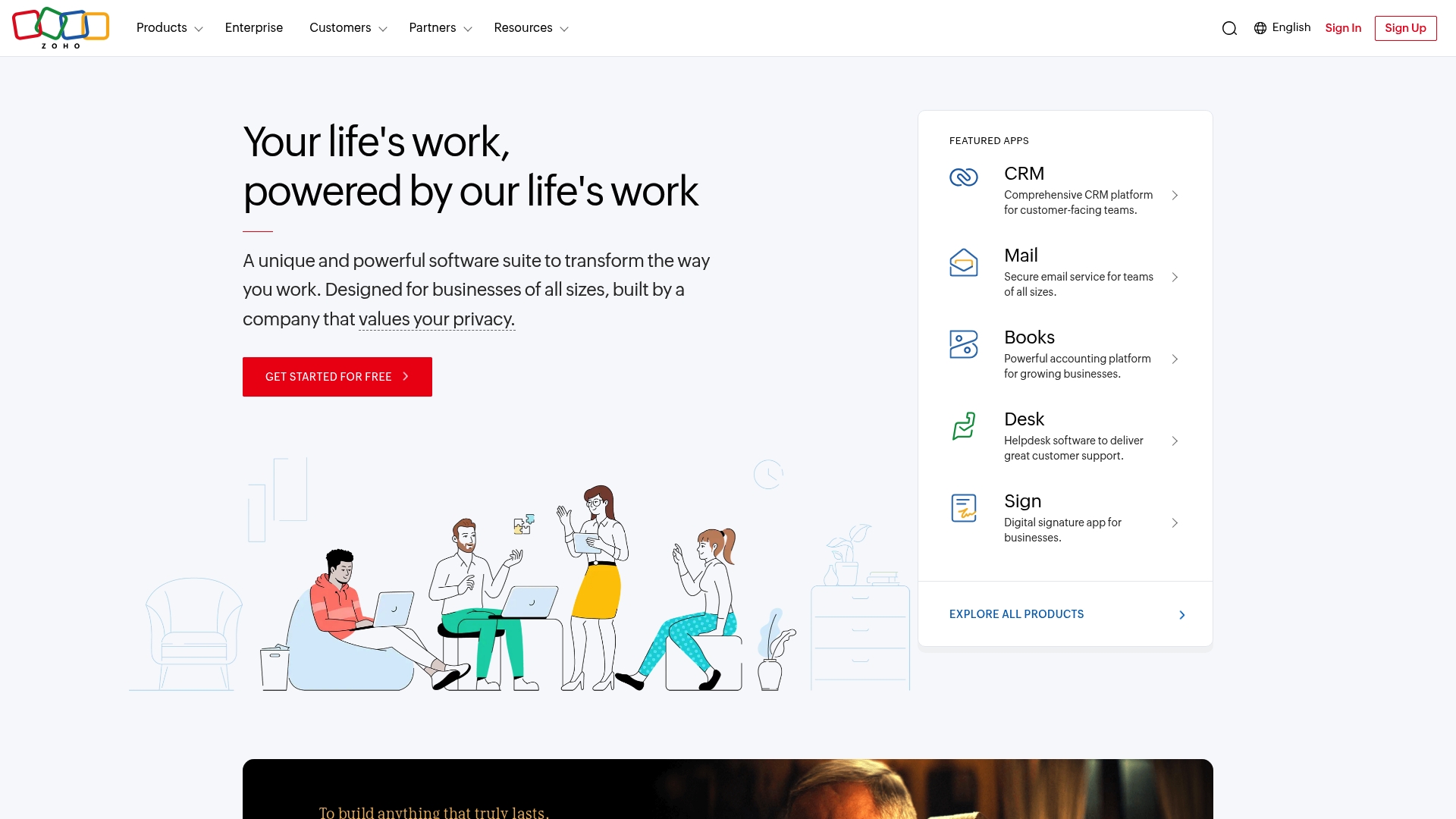
Zoho is a cloud software suite built to centralize business functions under one roof, and it can be especially useful for Kansas City home service owners with fewer than 20 employees who need a single place to manage customers, email, accounting, HR, and support. The platform emphasizes privacy and long-term sustainability, and includes an AI assistant called Zia to speed routine tasks. Bottom line: Zoho offers breadth and integration that can reduce app-hopping, but limited pricing transparency and an apparent site-access issue are real drawbacks to evaluate before you commit.
Core Features
Zoho combines a CRM platform, secure email, a powerful accounting module, HR automation tools, and helpdesk software into an integrated suite often packaged as Zoho One. For a small plumbing, HVAC, or landscaping business, that means customer records, estimates, invoices, expense entries, employee onboarding, and basic support tickets can live in one system. The included AI assistant (Zia) can surface insights and automate repetitive actions, while Zoho’s privacy-first stance aims to protect sensitive customer and payroll data.
Stop. Think about consolidation.
Pros
- All-in-one suite for business management: Zoho lets you manage sales, accounting, HR, and support from the same platform, which reduces manual data entry between apps.
- Customizable platform with autonomous control: You can adapt modules and workflows to match how your crew schedules jobs, bills customers, and tracks expenses.
- Cost-effective compared to traditional CRMs: For small teams, Zoho’s suite typically presents a lower-cost alternative to fragmented enterprise tools, helping protect thin margins.
- AI assistant integrated into apps (Zia): Zia can automate routine tasks and surface actionable insights, saving time that business owners can spend on the job site.
- Strong privacy and data security policies: The platform highlights privacy and long-term sustainability, which matters when you store customer contact details and payroll information.
Cons
- Website access showed a 403 Forbidden error at the time of scraping, which suggests potential access issues or regional restrictions that could complicate sign-up or support.
- Specific product limitations or user experience issues are not detailed in the provided content, so unknowns remain about mobile usability and workflow gaps for field teams.
- No explicit pricing tiers or detailed costs were provided, making it hard to compare total cost of ownership for a sub-20-employee home service business.
Who It’s For
Zoho fits small home service businesses in Kansas City that want to consolidate tools—think owners juggling customer calls, field techs, payroll, and bookkeeping—and who value data privacy and configurability. If you want one system to reduce manual bookkeeping and centralize customer histories, Zoho is worth trialing.
Unique Value Proposition
Zoho’s unique value is integration: it brings CRM, accounting, HR, email, and helpdesk into one platform while adding automation via Zia, reducing the number of subscriptions, logins, and data handoffs you manage.
Real World Use Case
A Kansas City roofing company uses Zoho to store customer leads, automate follow-up emails, generate invoices from completed jobs, and track basic payroll approvals—cutting administrative hours and improving cash collection.
Pricing
Pricing details are not specified in the provided content, so you’ll need to contact Zoho or request a demo for localized quotes and plan comparisons.
Website: https://zoho.com
Small Business Financial Tools Comparison
This table provides a comparative overview of financial tools and resources tailored to small service-based businesses, emphasizing key features, usability, and pricing.
| Feature / Product | Kenworthy Bookkeeping Blog | Expensify | Divvy.com | Zoho |
|---|---|---|---|---|
| At a Glance | Comprehensive financial guidance for small Kansas City businesses, especially those in home services. | Automated expense management platform to streamline reporting and approvals. | Premium domain name for branding; not a product or service. | Integrated business software suite for managing multiple functions. |
| Pros | Localized, actionable advice for financial management. | Automates expense handling with strong integrations. | Strong brand potential, memorable domain name. | Comprehensive toolset for CRM, accounting, and operations. |
| Target Audience | Kansas City home service businesses with fewer than 20 employees. | Businesses aiming to simplify expense and travel management. | Entrepreneurs or companies seeking memorable branding. | Small businesses desiring a unified platform for operations. |
| Pricing | Free blog resource. | Plans starting at $5 per user per month. | Variable; requires negotiation through a marketplace. | Pricing not explicitly specified. |
Each solution is tailor-made to suit small business needs, offering varied features and pricing to match specific operational goals.
Take Control of Your Expense Management with Expert Bookkeeping Support
Managing expense tools and integrating them effectively can feel overwhelming when juggling cash flow, reconciliation, and financial reporting. This article highlights key pain points like automating receipt capture, timely approvals, and seamless QuickBooks Online integration for Kansas City small businesses. If tracking expenses and ensuring audit readiness without confusion is a goal, you need practical support that simplifies these complex workflows.
Kenworthy Bookkeeping offers exactly that by delivering effortless bookkeeping services focused on QuickBooks Online. Whether you want to improve your cash flow visibility, tighten expense categorization, or prepare clean P&L reports for tax season, our team can help you reduce errors and gain clarity on your finances. With localized expertise tailored to home service businesses, you gain the confidence to grow and eliminate late payments or financial surprises.
Explore how our expert bookkeeping solutions connect with leading expense management tools by checking out our consultation services.

Ready to stop guessing about your expenses and start taking direct control of your business finances? Visit Kenworthy Bookkeeping now and schedule a consultation to get started. Unlock clear workflows, stress-free bookkeeping, and better financial outcomes today.
Frequently Asked Questions
What are the key features to look for in expense management tools for 2025?
Expense management tools in 2025 should offer automation for receipt capture, expense report generation, and robust integrations with accounting systems. Prioritize tools that simplify reimbursements and provide real-time tracking for better financial control. Identify your specific needs and evaluate tools based on these features.
How can expense management tools improve cash flow for small businesses?
Expense management tools can enhance cash flow by streamlining approval processes and reducing manual errors in expense reporting. By automating expense entry and synchronizing with accounting software, businesses can accelerate reimbursements and limit delays. Implement a tool that automates these tasks to see an improvement in cash flow within 30 days.
What is the typical setup time for implementing an expense management tool?
Setting up an expense management tool can vary, but most platforms can be implemented within a few days to a week, provided the necessary data is organized. Expect to spend a few hours configuring settings, creating policies, and integrating with existing accounting systems. Start the process early to ensure a smooth transition.
How can a business evaluate the cost-effectiveness of different expense management tools?
To evaluate cost-effectiveness, compare the total cost of ownership—including subscription fees, potential savings from reduced manual work, and time saved. Calculate potential savings by estimating how much time you currently spend on expense management and how a new tool could reduce that by about 20%. Use a spreadsheet to document and compare these figures side by side.
What are common pitfalls to avoid when selecting an expense management tool?
Common pitfalls include underestimating the importance of integrations with existing accounting software and failing to assess user experience. Ensure the tool you choose offers strong support and training for your team to avoid low adoption rates. Take the time to involve team members in the evaluation process to gather their insights and preferences.
How do expense management tools help during tax filing season?
Expense management tools simplify tax filing by organizing all financial documents and transaction records. They ensure that all expenses are tracked and categorized properly, making it easier to compile necessary reports for tax purposes. Choose a tool that generates summary reports in advance of tax season to ease your filing process.