
Top Business Budgeting Tools – Expert Comparison 2025
Choosing the right tools to manage your business finances can feel overwhelming with so many options promising to make accounting easier. Whether you run a small shop, oversee a service crew, or work as a freelancer, the best solution should fit your daily routine and help you stay on top of every dollar. Some systems offer hands-on guidance and practical tips while others focus on speed, automation, or all-in-one simplicity. It is surprising how much time and money the right pick can save, especially when features match your real needs. Ready to see how these popular choices compare and what makes each one unique in practice
Table of Contents
Kenworthy Bookkeeping
At a Glance
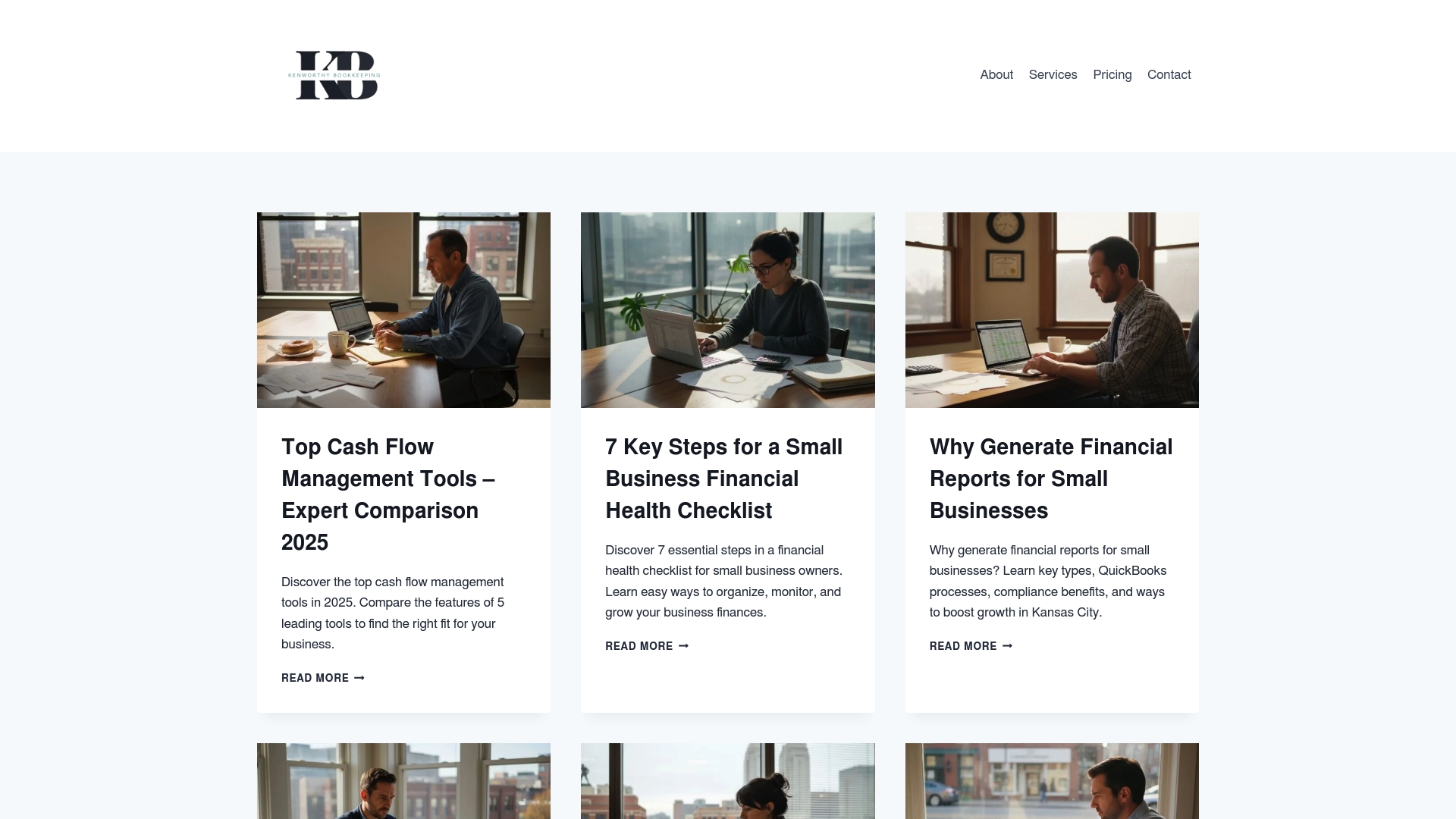
Kenworthy Bookkeeping combines expert, hands-on bookkeeping services with a deep library of practical financial resources specifically for small businesses in Kansas City. The service emphasizes effortless bookkeeping powered by QuickBooks Online alongside educational guides that walk owners through cash flow, expense tracking, and tax readiness. Bottom line: it’s a focused, trustworthy solution for local small-business owners who want clarity, compliance, and a clear path to improved profitability.
Core Features
Kenworthy Bookkeeping pairs direct bookkeeping best practices with actionable educational content. Core capabilities include expert use of QuickBooks Online for categorization, bank reconciliations, and preparation of profit-and-loss reports, plus tax season preparation support. On the content side, Kenworthy publishes a cash flow management tools comparison guide, a financial health checklist, step-by-step instructions for generating financial reports, and targeted expense-tracking tips that show the direct impact on profitability and taxes. That combination of hands-on bookkeeping processes and practical, digestible guides helps owners translate numbers into decisions.
Pros
- Provides tailored resources for small businesses in Kansas City, ensuring guidance addresses local realities and common regional challenges in a concise way.
- Focuses on practical guides and tools for financial health, giving owners step-by-step actions rather than abstract theory.
- Covers a wide range of topics including bookkeeping, cash flow, and tax readiness, which reduces the need to hunt across multiple sources for reliable advice.
- Offers insights into financial management and compliance for small businesses, helping reduce audit risk and improve reporting accuracy.
- Educational content improves financial literacy, empowering owners to spot trends, control costs, and make more profitable choices.
Who It’s For
Kenworthy Bookkeeping is ideal for small business owners in Kansas City—especially home service providers and microteams with fewer than 20 employees—who need both immediate bookkeeping accuracy and the know-how to run their finances better. If you want to regain control of your books, prepare confidently for tax season, and learn practical bookkeeping habits that stick, this is designed for you.
Unique Value Proposition
Kenworthy Bookkeeping stands out by blending expert, effortless bookkeeping execution through QuickBooks Online with a deep, locally focused educational library. Rather than selling one-size-fits-all software or generic advice, Kenworthy tailors processes and guides to the typical cash flow cycles and tax realities of Kansas City small businesses. That means you get reconciled accounts, neatly categorized expenses, P&L reports you can actually use, and bite-sized training that turns bookkeeping from a chore into an advantage—so your business runs leaner and more profitably. This dual approach—service plus education—gives small owners both immediate results and durable skills, a combination many competitors lack by focusing on either tools or content alone.
Real World Use Case
A Kansas City contractor uses Kenworthy Bookkeeping’s expense-tracking guide and QuickBooks workflows to standardize receipts, reconcile weekly bank activity, and produce monthly P&L statements. With clearer costs and a tax-ready filing system, the contractor cut bookkeeping time by weeks each quarter and caught deductible expenses that improved net profit.
Pricing
Pricing is not specified; Kenworthy currently emphasizes educational blog content and bookkeeping guidance. For owners who prefer a consultative, tailored setup, contacting Kenworthy directly will clarify service options and any bookkeeping packages offered.
Website: https://blog.kenworthybookkeeping.com
Kashoo
At a Glance
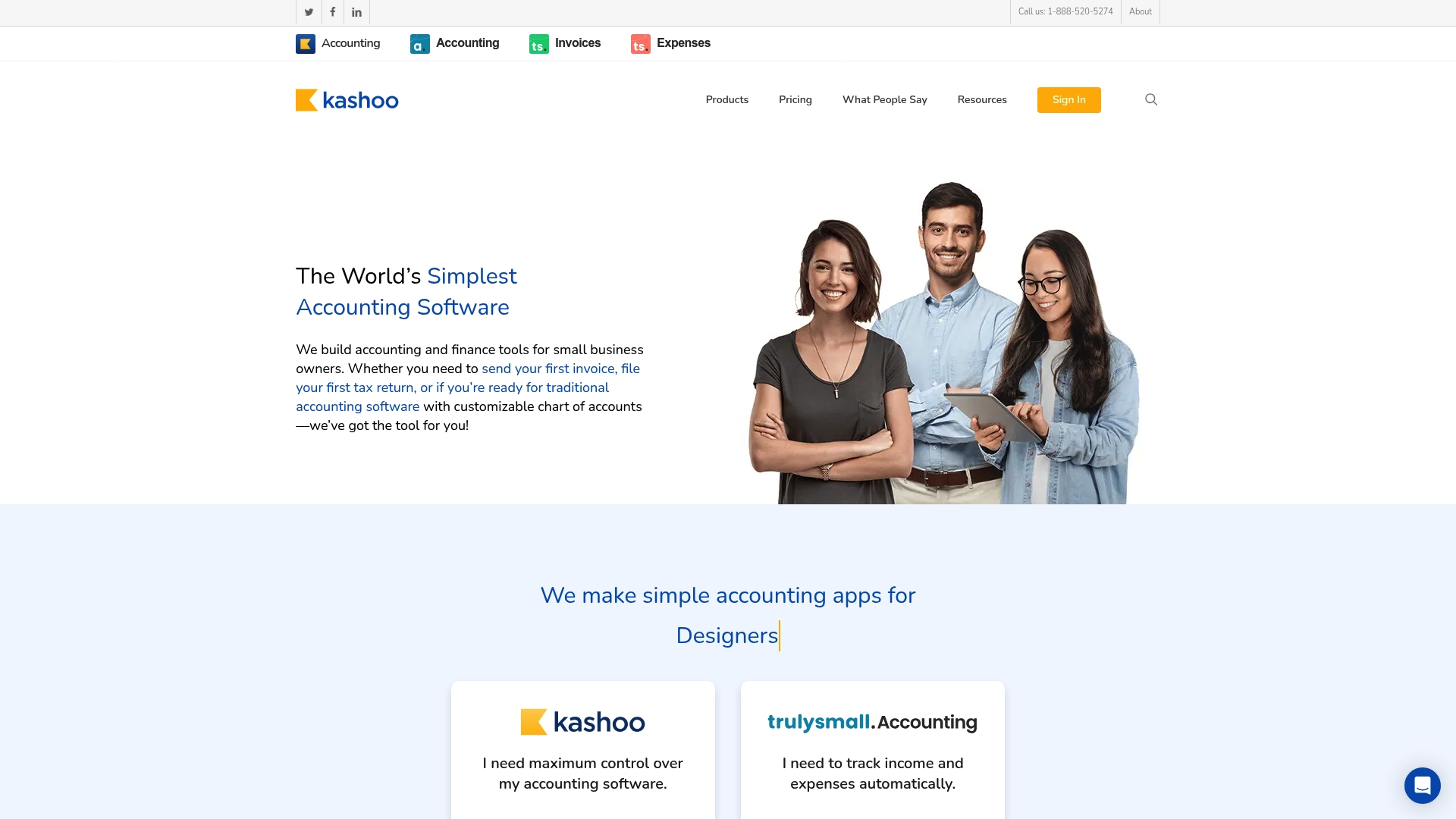
Kashoo is presented as a streamlined, cloud-based accounting solution aimed at small business owners who want simple, automated bookkeeping without a lot of overhead. It covers invoicing, expense tracking, bank reconciliation, and detailed reporting with customization for charts of accounts and invoice branding. Bottom line: Kashoo is a practical option if you prioritize ease of use and cloud access, but expect some learning for advanced accounting structures and limited public detail on pricing and integrations.
Core Features
Kashoo focuses on foundational accounting tasks: invoicing with logo customization, expense tracking and categorization, estimate creation, and a full chart of accounts that allows sub-account customization. It advertises auto-matching and real-time reconciliation for transactions, plus rule-based categorization for bank feeds and receipts scanning. Reporting is described as detailed and customizable, and the platform supports multi-currency activity — useful if you bill some clients outside the U.S.
Pros
- Simple and easy to use interface makes onboarding quick for business owners who don’t want hours of setup.
- Cloud-based accessibility means you and your team can check invoices, expenses, and reconciliation from any device and location.
- Automated bookkeeping and categorizations reduce manual entry, which saves time during busy billing cycles.
- Detailed and customizable reporting gives you clearer visibility into cash flow and profit-and-loss activity for tax prep or lender conversations.
- Multi-currency support helps if you handle jobs or suppliers across borders without juggling spreadsheets.
Cons
- Pricing details for various plans are not fully specified in the provided content, so it’s hard to compare cost versus value precisely.
- Advanced features such as sub-accounts and auto-matching can require a learning curve for users without accounting experience.
- Specific limitations around the scope of automation and available third-party integrations are not detailed, leaving questions about how well Kashoo fits into an existing tech stack.
Who It’s For
Kashoo is best suited for small business owners — including Kansas City home service businesses with fewer than 20 employees — who need straightforward, cloud-accessible accounting that automates routine bookkeeping. If you manage invoices, track project expenses, and want readable reports without becoming a QuickBooks expert, Kashoo fits. If you require deep integrations or enterprise-level automation, you may need to evaluate further.
Unique Value Proposition
Kashoo’s core appeal is simplicity that still respects accounting structure: easy invoicing and expense workflows combined with a fully customizable chart of accounts. It aims to reduce bookkeeping overhead while giving business owners control over branding and reporting. That balance is useful for growing small businesses that want clarity without complexity.
Real World Use Case
A small graphic design firm uses Kashoo to send branded invoices and estimates, capture project expenses with receipt scans, and reconcile bank feeds automatically. At tax time, the owner exports detailed reports and hands them to their bookkeeper or accountant, all from cloud access at the office or on the road.
Pricing
Kashoo offers monthly and annual subscription options, starting from $0 with automated accounting features; more detailed plan pricing is available through purchase options on their site.
Website: https://kashoo.com
Xero
At a Glance
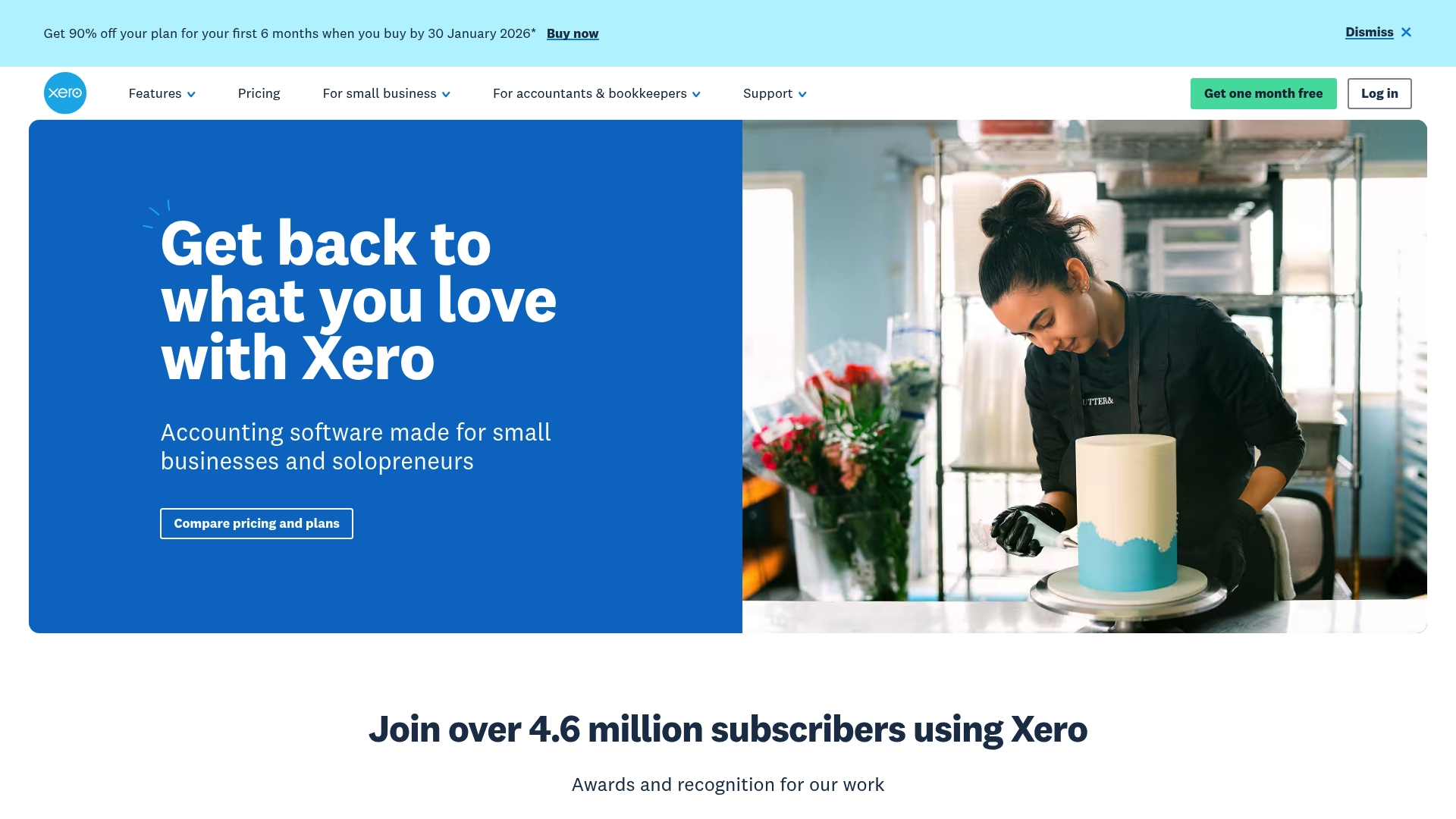
Xero is a cloud-based accounting platform that gives small business owners and solopreneurs centralized, paperless record keeping and real-time financial visibility. It automates common bookkeeping tasks and surfaces smart insights — including AI-driven analysis via Jax — so you spend less time on data entry and more time running your business. For Kansas City service businesses with under 20 employees, Xero can simplify invoicing, expense tracking, and tax prep while scaling as your needs grow. It’s powerful, but expect a short learning curve for advanced capabilities.
Core Features
Xero combines all-in-one, paperless record keeping with automated features designed to save time on repetitive tasks. The platform includes smart data and insights that enable trend analysis and customizable reporting, plus onboarding support to help you get started quickly. Data capture is streamlined through Hubdoc integration, and Xero supports multiple currencies and industry templates. Integrations and AI-driven insights with Jax add layers of automation and forecasting that help you spot cash flow patterns and prepare cleaner financial reports.
Pros
- Comprehensive cloud accounting: Xero provides a unified, cloud-based bookkeeping solution that reduces reliance on spreadsheets and paper records.
- Time-saving automations and integrations: Automated tasks and Hubdoc data capture cut manual entry and speed up reconciliations.
- Real-time insights and reporting: Dashboards and customizable reports give you up-to-date visibility into cash flow and profitability.
- Flexible plans for growth: Multiple plan tiers let you choose a package that matches your current needs and scale as your business grows.
- Multi-currency and industry support: Built-in support for different currencies and industry-specific reporting helps businesses with varied customer bases or specialized needs.
Cons
- Pricing may be a barrier for very small businesses: While plans start low, the cost can become significant for new or micro businesses as usage increases or add-ons are required.
- Advanced features require time to learn: More sophisticated reporting, automation, and AI insights involve a learning curve before they deliver full value.
- Limits and add-on costs exist: Some plans impose transaction limits for invoices and may require additional paid features to unlock certain capabilities.
Who It’s For
Xero is best for small business owners and solopreneurs who want a full-featured, cloud-first accounting system with strong automation and reporting. If you manage a local Kansas City home service business, retail shop, or small firm and need dependable invoice automation, expense tracking, and cleaner tax-ready reports, Xero fits well—especially if you plan to grow beyond solo operations.
Unique Value Proposition
Xero’s strength is its combination of paperless record keeping, automated data capture via Hubdoc, and AI-enhanced insights with Jax, all wrapped in a platform that supports multiple currencies and industry needs. That blend makes it more than bookkeeping software—it’s a cash flow and reporting engine for small business decision-making.
Real World Use Case
A small retail shop uses Xero to manage daily sales, reconcile expenses automatically, and run payroll. The owner automates invoice delivery, captures receipts with Hubdoc, and relies on real-time reports to decide inventory buys and seasonal staffing.
Pricing
Plans start from $2.50 USD per month for the Early plan, with Growing at $5.50 USD per month and Established at $9 USD per month. Discounts are available for first-time subscribers and longer-term commitments.
Website: https://xero.com
FreshBooks
At a Glance
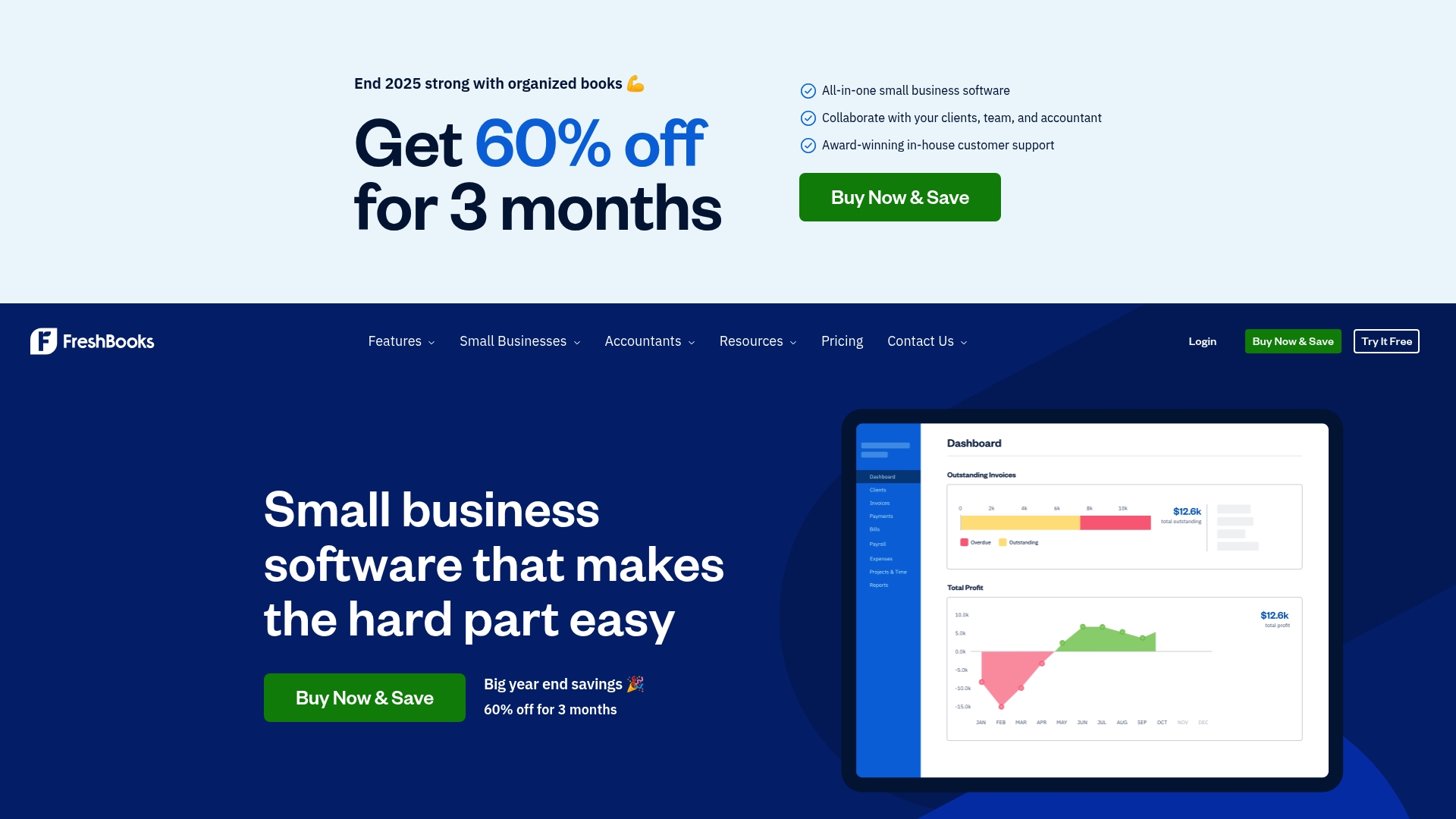
FreshBooks is an invoice-first accounting tool built to simplify billing, expense tracking, and basic payroll for small businesses and freelancers. Its clean, user-friendly interface reduces friction for users who dread bookkeeping, and automation handles recurring invoices and payment reminders. That said, higher-tier capabilities like advanced reporting and broader team support come with higher costs, which is important for growing firms. Overall: great for solo operators and very small teams who want fast, professional invoicing and simpler bookkeeping.
Core Features
FreshBooks focuses on core small-business finance tasks: professional invoicing with time and expense integration, billing and online payments with automated recurring invoices and late reminders, expense tracking via receipt scanning and bank imports, payroll processing, and accounting features such as bookkeeping, mileage tracking, and financial reporting. Those features are tightly connected so time entries and receipts flow into invoices and reports without repeated manual entry.
Short. Useful. Practical.
Pros
- User-friendly interface tailored for small businesses and freelancers, which lowers onboarding time and reduces mistakes.
- Comprehensive feature set including invoicing, expenses, payroll, and basic accounting that covers most day-to-day finance needs.
- Automation of routine tasks saves time and cuts down on late invoices and missed expenses.
- Strong customer support and security measures give small teams confidence when handling client payments and sensitive data.
- Multiple plans provide options for different business sizes and cashflow situations, helping businesses start small and scale features as needed.
Cons
- Higher-tier plans can be relatively expensive for larger teams, which could strain budgets as you add employees or subcontractors.
- Some users may find payroll and advanced reporting limited on lower-tier plans, requiring upgrades to unlock needed capabilities.
- There is a learning curve for owners unfamiliar with accounting software, so expect a short ramp-up before you realize full savings.
Who It’s For
FreshBooks is best for freelancers, solopreneurs, and very small businesses seeking an easy-to-use system for invoices, expense capture, and simple payroll. If you run a Kansas City home service business with fewer than 20 employees and need clean invoices after a service call, FreshBooks will get you billed fast with mobile receipt capture and simple reporting. It’s not ideal if you need enterprise-grade reporting or low-cost multiuser management right away.
Unique Value Proposition
FreshBooks stands out by making professional invoicing central to the accounting workflow and by automating common billing tasks so you spend less time chasing payments. The platform’s emphasis on simplicity means you can train staff quickly and present clients with polished invoices that speed up cash collection.
Real World Use Case
A freelance graphic designer uses FreshBooks to create polished invoices, add tracked time and expenses automatically, scan receipts from their phone, and generate annual tax reports without manual spreadsheets, freeing up time for client work and reducing year-end stress.
Pricing
FreshBooks offers a 30-day free trial and tiered plans named Lite, Plus, and Premium. Promotional starting pricing can be around $8.40/month, but additional costs apply for extra team members, payroll services, and advanced features.
Website: https://freshbooks.com
Wave Financial
At a Glance
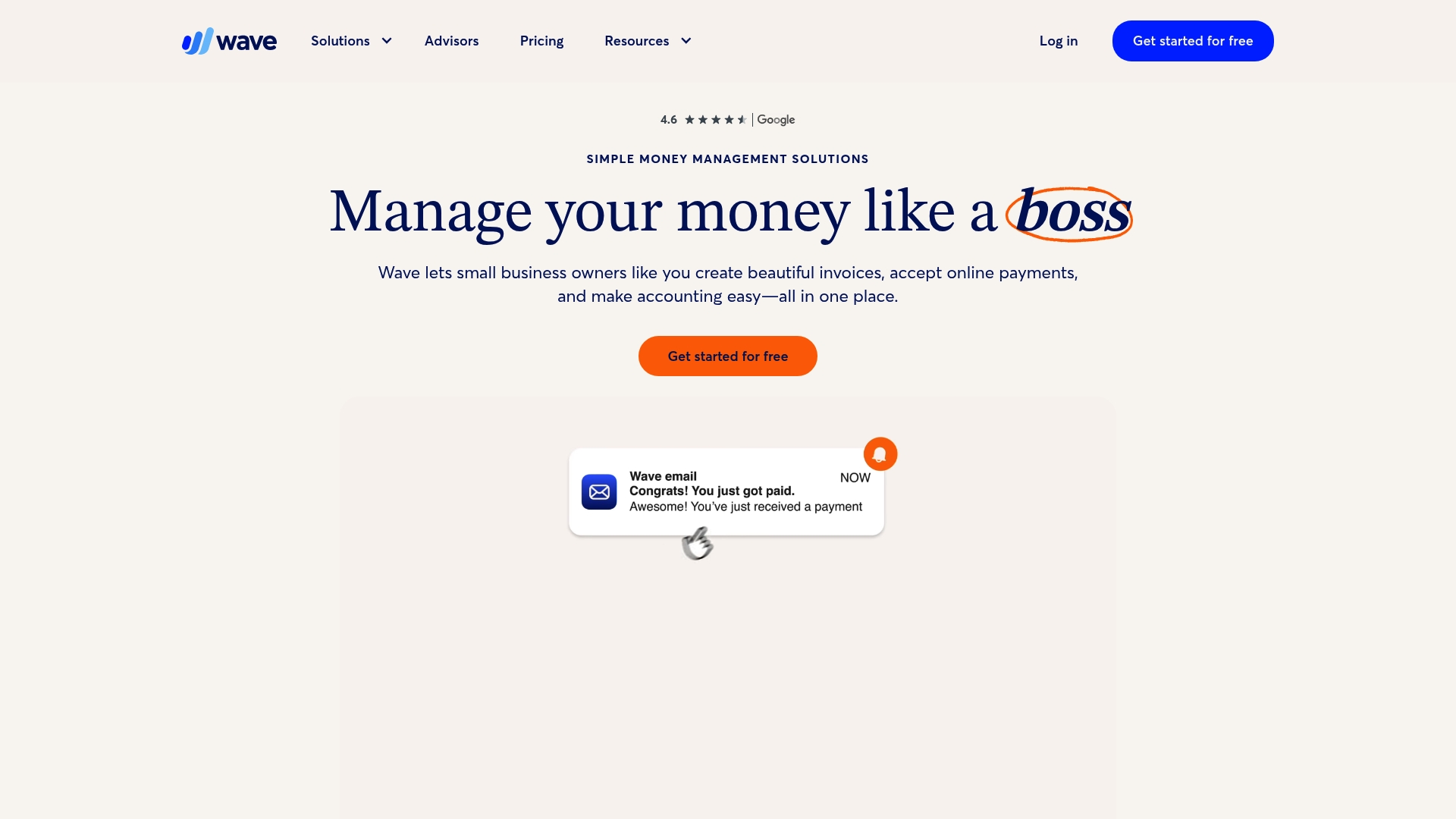
Wave Financial is a web-based, user-friendly finance suite built for small business owners and solopreneurs who need straightforward invoicing, payments, accounting, payroll, and basic financial reporting. It offers a genuinely useful free tier for basic needs, with paid Pro upgrades available for added features and support. Wave aims to reduce time spent on bookkeeping and ease tax-season preparation, making it a practical choice for businesses with simple financial workflows. Bottom line: dependable and economical for small teams, but expect paid add-ons for more advanced needs.
Core Features
Wave enables professional invoices and estimates, secure online payments including credit card, bank transfer, and Apple Pay, and basic income and expense tracking. The platform provides cash-flow monitoring and standard financial reports to help with decision-making and tax prep. It also automates recurring invoices and late-payment reminders, and includes payroll functionality as an add-on. Wave is web-based with a mobile app for on-the-go access, keeping the most-used features accessible from a phone.
Pros
- User-friendly interface designed for small business owners: The layout and workflows reduce bookkeeping friction so owners can focus on operations rather than learning complex software.
- All-in-one platform for invoicing, payments, accounting, and payroll: You can handle invoicing, accept payments, track income and expenses, and add payroll without stitching multiple tools together.
- Free plan available for basic use: Core features are available at no cost, which lowers the barrier for freelancers and startups to get started immediately.
- Provides professional invoicing options with branding customization: You can send branded invoices and estimates that look polished to clients.
- Mobile app for managing on-the-go: Essential tasks like sending invoices and checking balances are possible from a smartphone.
Cons
- Some features such as payroll and receipts capture require additional paid add-ons: Key capabilities aren’t included in the free tier, so total cost can grow once you add payroll or receipt management.
- Transaction fees apply for online payments (2.9% + $0.60 per credit card transaction): Processing costs reduce net revenue on card payments unless you absorb or pass them to clients.
- Limited support options for free plans: If you rely on only the free tier, expect fewer support channels and slower response times compared with paid subscribers.
Who It’s For
Wave Financial fits small business owners, freelancers, and solopreneurs who need an integrated, easy-to-use finance solution without a steep learning curve or high monthly costs. It works best for businesses with simple payroll needs and straightforward invoicing flows rather than complex, enterprise-level accounting demands.
Unique Value Proposition
Wave’s strongest selling point is its combination of a truly usable free tier with an integrated suite that spans invoicing, payments, and core accounting—delivering immediate value for lean operations that need reliable bookkeeping and client billing in one place.
Real World Use Case
A freelance graphic designer uses Wave to create branded invoices, accept online payments, track project expenses, and generate financial reports for tax filing—streamlining administrative work so more time goes to billable design hours.
Pricing
Free for basic features; paid plans start at $9.50 per month for the Pro plan with potential discounts for annual billing. Additional fees apply for online payment processing and optional add-ons like payroll.
Website: https://waveapps.com
Zoho
At a Glance
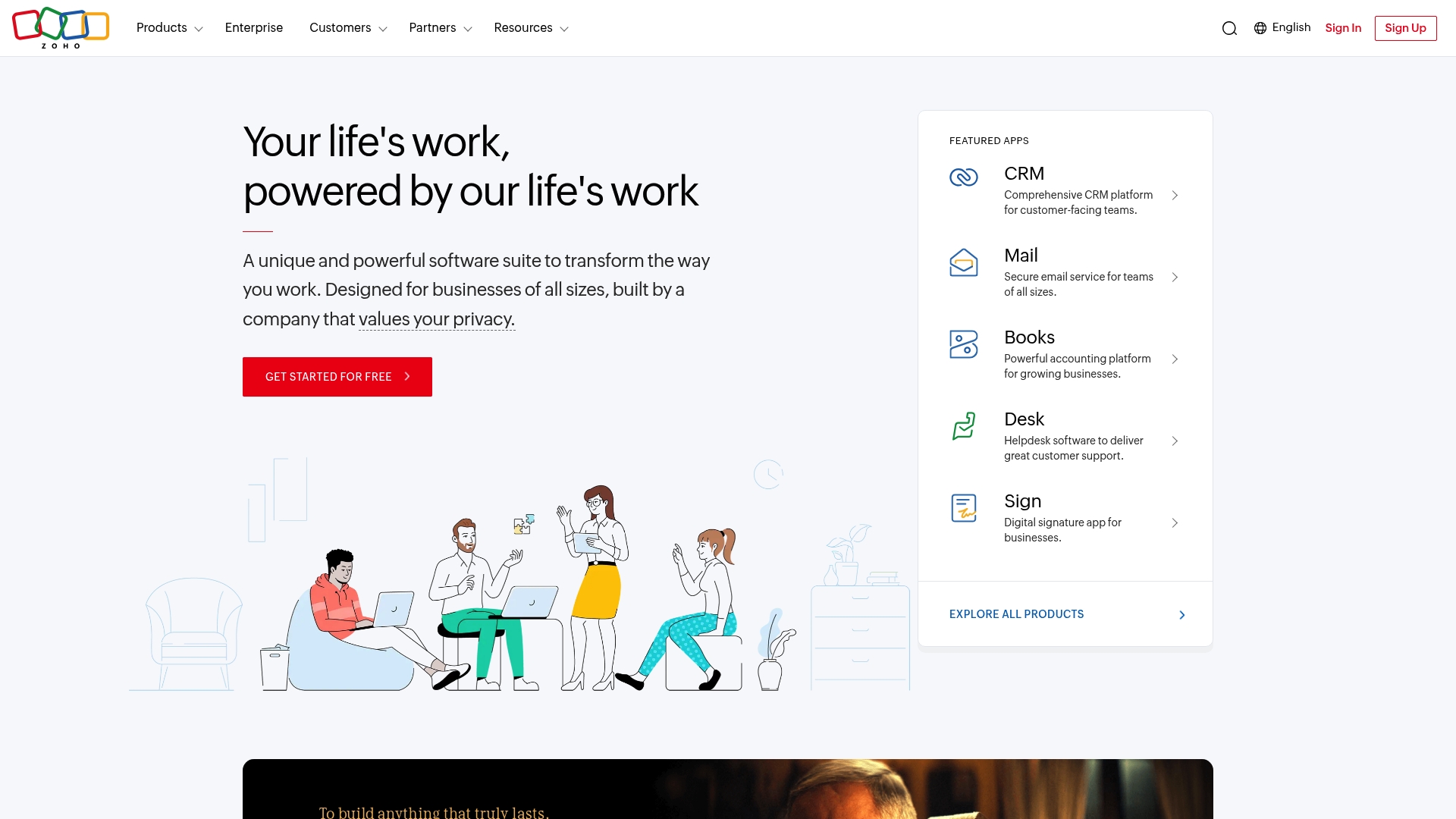
Zoho is a cloud software suite that bundles CRM, Mail, Books, People, Desk, and more into a single, integrated platform aimed at improving efficiency for businesses of all sizes. It emphasizes privacy, automation, and integration, with Zia—an AI assistant—helping surface insights and automate routine tasks. For small Kansas City home service businesses with fewer than 20 employees, Zoho can replace several standalone tools and cut administrative overhead, though there is a learning curve to tie everything together.
Core Features
Zoho offers an all-in-one cloud suite where customer relationship management, email, accounting, HR, and support live under one roof through Zoho One or individual apps. Key capabilities include CRM for customer tracking, Books for accounting and invoicing, People for basic HR workflows, Desk for support ticketing, and Zia for AI-driven suggestions and automation. The suite prioritizes privacy and data security while enabling integrations across apps so data flows between sales, finance, and service teams.
Zoho centralizes work. It reduces tool sprawl.
Pros
- Comprehensive suite of integrated business applications: You get CRM, accounting, HR, and support tools designed to share data and workflows so you don’t duplicate effort across separate systems.
- Customizable for different business sizes and needs: The platform can be tailored to match how you run jobs, schedule crews, and invoice customers, which is useful if your processes aren’t one-size-fits-all.
- Cost-effective compared to multiple separate solutions: Consolidating several functions into one vendor can lower total software spend versus licensing several standalone products.
- Strong privacy and data security policies: Zoho emphasizes data protection, which matters when you store customer contact and payment records.
- Robust AI capabilities with Zia: Zia can provide automation and insights to reduce manual work, such as identifying follow-ups or suggesting process improvements.
Cons
- May have a learning curve for new users: Small teams without dedicated admins may need time to configure integrations and train staff to use multiple apps effectively.
- Some features may require higher-tier plans: Advanced capabilities aren’t always included in entry-level options, which can push costs up if you need more functionality.
- Limited offline capabilities since it’s cloud-based: If you work in areas with spotty internet, some tasks will require connectivity to access full features.
Who It’s For
Zoho fits small business owners who want a single vendor to manage customer relationships, accounting, HR basics, and support—especially those ready to invest time in setup and customization. If you run a Kansas City home service business and you want to consolidate invoicing, customer history, and job tracking without juggling multiple subscriptions, Zoho is a practical option.
Unique Value Proposition
Zoho’s strength is integration: a broad set of business apps built to work together, supplemented by an AI assistant and a focus on privacy. That combination helps small teams automate routine tasks and keep customer and financial data in sync without stitching disparate systems together.
Real World Use Case
A local service company uses Zoho CRM to track leads from online requests, Zoho Books to issue invoices and manage cash flow, and Zoho Desk to log customer service tickets. All three apps connect through Zoho One, so job history, billing, and support notes follow each customer from lead to recurring service.
Pricing
Pricing details are not explicitly provided on the website; interested users are encouraged to explore plans through Zoho’s contact or sign-up options to get quotes based on the specific apps and user counts you need.
Website: https://zoho.com
Small Business Bookkeeping Solutions Comparison
This table provides a comprehensive overview of various bookkeeping and accounting solutions tailored for small businesses.
| Product | Key Features | Pros | Cons | Pricing |
|---|---|---|---|---|
| Kenworthy | Expert bookkeeping with QuickBooks Online Local educational resources |
Tailored local solutions Comprehensive financial guides |
Pricing not specified Limited to Kansas City |
Contact for custom pricing |
| Kashoo | Cloud-based accounting Automated transactions |
Simple interface Multi-currency support |
Limited pricing details Learning curve for advanced features |
Pricing starts from $0 |
| Xero | AI-driven insights Multi-currency and industry templates |
Real-time reporting Time-saving automations |
Pricing may increase Learning curve for advanced features |
Plans start from $2.50/month |
| FreshBooks | Invoice-first accounting Automation of recurring invoices |
User-friendly interface Strong customer support |
Higher costs for advanced features Learning curve for beginners |
Starts at $8.40/month |
| Wave Financial | Free invoicing and payments Web-based with mobile access |
Free core features Professional invoicing options |
Additional costs for payroll Transaction fees on payments |
Free basic use, $9.50/month Pro plan |
| Zoho | Integrated CRM, HR, and accounting suite | Comprehensive integration Customizable for different needs |
Learning curve for integration Advanced features may require higher-tier plans |
Contact for customized pricing |
Take Control of Your Business Budget With Expert Bookkeeping Support
The “Top Business Budgeting Tools – Expert Comparison 2025” article highlights the challenge many small business owners face: finding a dependable way to manage cash flow, simplify expense tracking, and prepare confidently for tax season—all while turning financial data into clear, actionable insights. If you are struggling with overwhelming bookkeeping tasks or unsure if your current system offers the clarity and accuracy needed to boost profitability, you are not alone.
Kenworthy Bookkeeping understands these pain points and offers tailored solutions designed specifically for small businesses in Kansas City. By combining expert QuickBooks Online bookkeeping services with hands-on support for bank reconciliations, categorization, and P&L reports, we help you streamline your finances so you can make better decisions with confidence. Discover how our consultation services can transform your bookkeeping from a burden into a business advantage.

Ready to stop guessing and start growing? Take control of your cash flow and tax readiness today by scheduling a personalized consultation with our expert team. Visit Kenworthy Bookkeeping now to regain control of your business finances and pave the way for greater profitability. Learn more about how we deliver clear financial insights and trusted bookkeeping practices tailored to your unique needs.
Frequently Asked Questions
What are the key features to look for in business budgeting tools?
To effectively manage your finances, consider features like expense tracking, revenue forecasting, and reporting capabilities. Evaluate how each tool automates budgeting processes and enhances collaboration among your team members.
How can I assess the effectiveness of budgeting tools for my business?
Assess effectiveness by comparing outputs such as accuracy in forecasts and ease of use for team members. Implement a trial phase to measure improvements in financial clarity within a month or two.
What steps should I take to implement a new budgeting tool?
Begin by defining your budgeting goals and identifying team members who will use the tool. Follow that by gathering feedback during a pilot test, making adjustments based on usability and effectiveness over the next few weeks.
How do budgeting tools help with cash flow management?
Budgeting tools help by providing real-time insights into income and expenses, which enables proactive cash flow adjustments. Utilize these insights monthly to avoid potential cash shortages and ensure you have sufficient funds for upcoming expenses.
Can budgeting tools help improve financial reporting?
Yes, many budgeting tools can streamline the financial reporting process by automating data collection and analysis. Rely on these tools to generate accurate reports that you can review and refine monthly for better decision-making.






3 Comments
Comments are closed.