
How technology transforms bookkeeping for Kansas in 2026
Many Kansas small business owners believe bookkeeping technology is complicated, expensive, and requires a steep learning curve. The reality is far different. Modern cloud-based solutions like QuickBooks Online automate up to 95% of routine bookkeeping tasks, saving businesses over half their administrative time while reducing errors by 37%. For Kansas businesses navigating state-specific tax requirements and local regulations, technology has become an essential tool for maintaining accuracy, improving cash flow visibility, and freeing up time to focus on growth. This guide explains how bookkeeping technology works, what it can and cannot do, and how to implement it effectively in your Kansas business today.
Table of Contents
- How Bookkeeping Technology Automates Routine Tasks
- AI-Powered Insights And Smarter Financial Management
- Limitations And Challenges Of Bookkeeping Technology
- Practical Tips For Implementing Bookkeeping Technology In Kansas
- Enhance Your Bookkeeping With Expert Kansas Support
- Frequently Asked Questions About Technology In Bookkeeping
Key takeaways
| Point | Details |
|---|---|
| Automation saves time | Technology reduces repetitive bookkeeping tasks by over 50%, freeing hours for strategic work. |
| AI delivers insights | Real-time dashboards and predictive analytics help Kansas businesses make informed financial decisions. |
| Human oversight essential | Expert review prevents errors and ensures compliance with Kansas tax requirements. |
| Integration matters | Proper setup with Kansas-specific elements maximizes accuracy and ROI. |
| Strategic implementation | Choosing the right tools and review schedules optimizes bookkeeping efficiency. |
How bookkeeping technology automates routine tasks
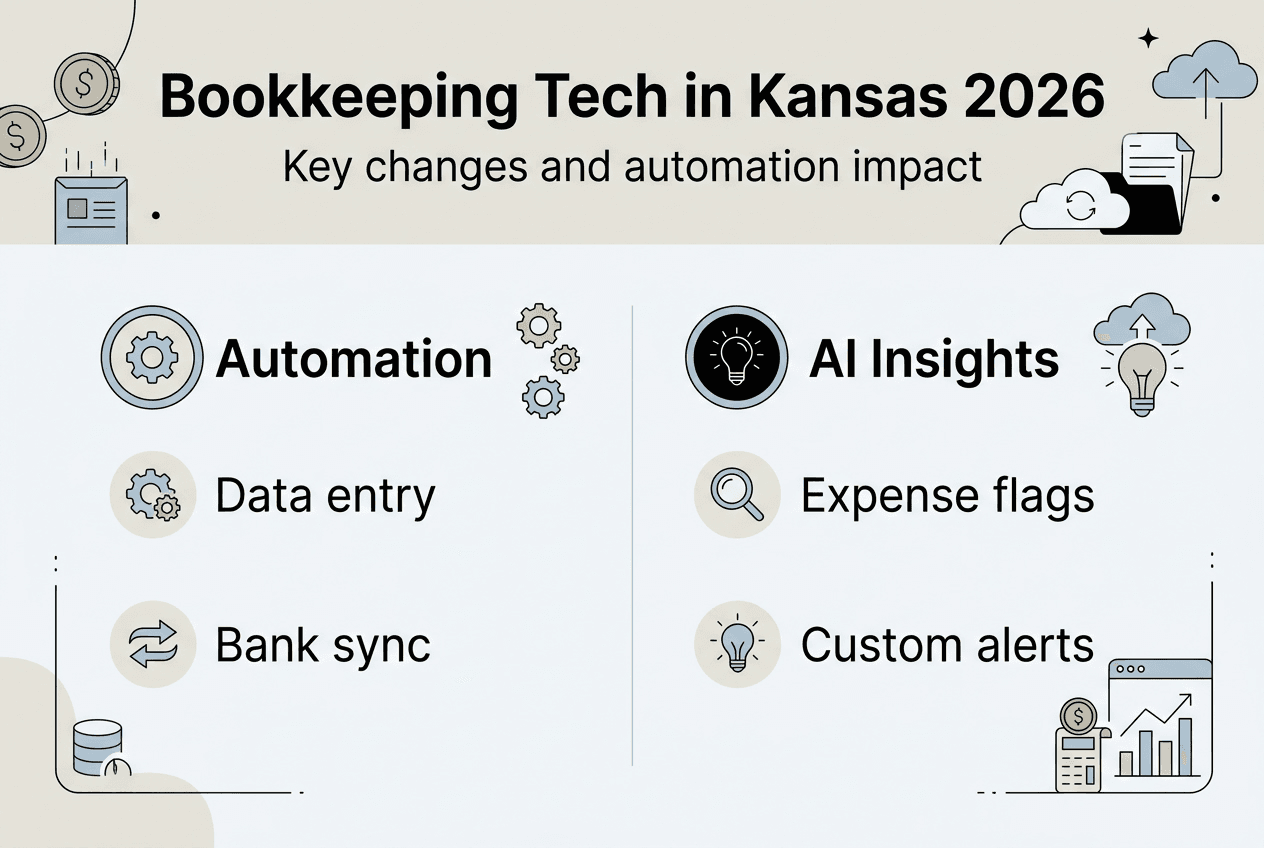
Cloud-based bookkeeping platforms have fundamentally changed how small businesses handle financial records. Instead of manually entering transactions, reconciling bank statements, and tracking invoices, modern software automates data entry, bank reconciliations, invoicing, and expense categorization with minimal human intervention. The numbers tell a compelling story: 95% of accountants now use automation tools for payroll and accounts payable tasks, while AI powers 98% of data entry automation.
For Kansas small business owners, this automation translates into tangible time savings. Tasks that once consumed entire afternoons now complete in minutes. Bank feeds automatically import transactions, smart algorithms categorize expenses based on historical patterns, and recurring invoices generate without manual input. Most businesses report saving 50% or more of their bookkeeping time after implementing automation.
The key automation features that deliver the biggest impact include:
- Automatic bank feed synchronization that imports transactions daily
- Smart categorization that learns from your patterns and applies rules consistently
- Recurring invoice generation for subscription or retainer clients
- Expense tracking through receipt capture and mobile apps
- Real-time financial reporting without manual data compilation
Automation works best when you streamline business bookkeeping with QuickBooks Online from the start, setting up rules and categories that match your business model. However, automation is not set-and-forget. Regular reviews remain essential because software cannot always distinguish between similar transactions or understand business context. A payment to a vendor might be inventory, a capital expense, or a professional service, and only human judgment can make that determination accurately in edge cases.
Pro Tip: Schedule weekly 15-minute reviews of automated categorizations during your first three months. This catches patterns early and trains the system to match your business needs, reducing future corrections.
AI-powered insights and smarter financial management
Beyond simple automation, artificial intelligence has introduced a new level of financial intelligence to bookkeeping software. Modern platforms analyze patterns, predict trends, and surface insights that would take hours to discover manually. AI features in QuickBooks Online deliver real-time insights and predictive analytics, with 68% of users reporting they now spend more time growing their business than managing books.
The power of AI lies in its ability to process vast amounts of transaction data and identify meaningful patterns. Where a human bookkeeper might spot an unusual expense during monthly reviews, AI flags anomalies in real time. It recognizes when cash flow dips below safe thresholds, identifies spending trends before they become problems, and even suggests optimal payment timing to maximize working capital.
Kansas business owners benefit from several AI-driven capabilities:
- Transaction categorization that improves accuracy by 37% compared to manual entry
- Cash flow forecasting based on historical patterns and upcoming obligations
- Expense trend analysis that highlights cost increases before they impact profitability
- Automated reconciliation that matches transactions across multiple accounts
- Predictive insights for tax planning and quarterly estimated payments
Real-time dashboards transform how you interact with financial data. Instead of waiting for month-end reports, you see current profit margins, outstanding receivables, and expense breakdowns updated continuously. This visibility supports better decision making, whether you are evaluating a new hire, considering equipment purchases, or planning seasonal inventory.
The strategic advantage extends beyond daily operations. AI helps Kansas businesses understand why bookkeeping matters for long-term growth by connecting financial data to business outcomes. You can model different scenarios, understand which services or products deliver the best margins, and identify opportunities to improve efficiency.
“The shift from reactive bookkeeping to proactive financial management represents the biggest change in small business accounting in decades. AI does not replace human judgment, but it amplifies our ability to spot opportunities and avoid problems before they escalate.”
Pro Tip: Set up custom alerts for key metrics like cash balance thresholds, unusually large expenses, or overdue invoices. AI monitoring combined with immediate notifications helps you stay ahead of potential issues.
Limitations and challenges of bookkeeping technology
While automation and AI deliver significant benefits, bookkeeping technology has real limitations that Kansas business owners must understand. The most common pitfall is assuming software will handle everything perfectly without oversight. AI algorithms excel at pattern recognition but struggle with context, nuance, and exceptions that require business knowledge.

AI can misclassify expenses, particularly when transactions blur the line between personal and business use or involve unusual circumstances. A meal with a client might be categorized as personal dining rather than business entertainment. Software purchases could be classified as subscriptions when they should be capitalized assets. These errors compound over time if not caught early.
Specific challenges include:
- Multi-currency transactions often require manual adjustment and verification
- Complex inventory management with varied cost bases exceeds basic automation capabilities
- Industry-specific accounting rules may not align with default software categories
- Duplicate entries from bank feeds occasionally create reconciliation headaches
- Partial payments and credit memos need careful review to prevent misstatements
Kansas businesses face additional complexity with state and local tax requirements. The Kansas City earnings tax, state sales tax obligations, and industry-specific regulations require configuration that generic automation cannot handle alone. Software can track the data, but you need to ensure bookkeeping compliance with Kansas-specific rules through proper setup and regular expert review.
Research on AI bookkeeping limitations reveals that while technology excels at structured, repetitive tasks, it performs poorly with ambiguous situations requiring judgment. The risk is not that AI makes mistakes, but that those mistakes scale quickly without human oversight. An incorrectly categorized transaction becomes hundreds of misclassified entries over months.
| Challenge | Technology Limitation | Human Solution |
|---|---|---|
| Context understanding | Cannot distinguish business purpose | Review and correct based on actual use |
| Tax compliance | Generic rules miss state specifics | Apply Kansas tax knowledge |
| Unusual transactions | Defaults to closest match | Evaluate and categorize appropriately |
| System errors | Duplicates or missing entries | Reconcile and verify completeness |
The solution is not to avoid technology but to combine it strategically with human expertise. Automation handles the volume, AI surfaces insights, and skilled bookkeepers provide the judgment and compliance knowledge that software cannot replicate.
Pro Tip: Create a monthly review checklist that includes spot-checking AI categorizations in high-risk areas like meals, travel, and mixed-use expenses. Catching patterns early prevents year-end surprises.
Practical tips for implementing bookkeeping technology in Kansas
Successful technology implementation starts with choosing the right platform and plan for your business size and complexity. QuickBooks Online Simple Start works well for solo entrepreneurs and very small businesses, while Essentials and Plus plans add features for growing companies with employees and more complex needs. The key is matching capabilities to your current requirements while allowing room to scale.
Customizing your chart of accounts early pays dividends throughout the year. Default categories rarely align perfectly with your business model or industry. Take time upfront to create accounts that reflect how you actually operate, making reports more meaningful and categorization more accurate. Kansas businesses should add specific accounts for state and local tax obligations, including Kansas City earnings tax withholding and remittance.
Implementation steps that maximize technology benefits:
- Connect all business bank accounts and credit cards to enable automatic transaction imports
- Set up recurring transactions for predictable expenses like rent, insurance, and subscriptions
- Configure sales tax tracking for Kansas state requirements and any applicable local taxes
- Establish approval workflows if multiple people handle financial transactions
- Schedule weekly reconciliations rather than waiting for month-end
Integration with Kansas-specific requirements ensures accuracy and simplifies tax season. Configure sales tax rates for your location, set up Kansas City earnings tax tracking if you have employees, and create categories that align with state tax forms. When you prepare for tax season, having data organized correctly from the start eliminates last-minute scrambling.
Weekly reconciliations catch discrepancies while they are fresh and easy to resolve. Monthly reconciliation means tracking down 30 days of potential issues. Weekly reviews take 15 minutes and prevent small problems from becoming major headaches. This rhythm also trains the AI more effectively, as you correct errors quickly and establish clear patterns.
| Business Size | Recommended Plan | Key Features | Monthly Cost Range |
|---|---|---|---|
| Solo/Freelance | Simple Start | Income/expense tracking, basic reports | $15-$30 |
| Small team | Essentials | Bill management, time tracking | $30-$55 |
| Growing business | Plus | Inventory, projects, multiple users | $50-$85 |
| Complex operations | Advanced | Enhanced reporting, dedicated support | $100-$200 |
Combining technology with professional bookkeeping support delivers the best results for most Kansas small businesses. Software handles data collection and basic categorization, while experts ensure accuracy, compliance, and strategic insights. This hybrid approach leverages small business accounting expertise where it matters most while keeping costs reasonable through automation.
Pro Tip: Block recurring calendar time for bookkeeping reviews, treating it like any other important business meeting. Consistency matters more than perfection, and regular attention prevents the overwhelm that comes from ignoring finances for months.
Enhance your bookkeeping with expert Kansas support
Technology transforms bookkeeping efficiency, but maximizing its value requires proper setup, ongoing maintenance, and expert oversight tailored to Kansas business requirements. Professional bookkeepers who specialize in QuickBooks Online can customize your system, establish workflows that match your operations, and provide the human judgment that ensures accuracy and compliance with state and local regulations.

Kenworthy Bookkeeping combines technology expertise with deep knowledge of Kansas tax requirements and small business needs. Whether you are implementing QuickBooks Online for the first time or optimizing an existing setup, professional guidance ensures you capture the full benefits of automation while avoiding common pitfalls. Expert bookkeepers handle complex categorizations, reconcile accounts with precision, and provide strategic insights that go beyond what software alone can deliver.
Scheduling a consultation with Kenworthy Bookkeeping gives you personalized recommendations for your specific business situation. You will learn which features to prioritize, how to configure Kansas-specific elements, and what review processes will keep your books accurate throughout the year. The investment in professional setup and support pays for itself through time savings, error prevention, and better financial decision making.
Frequently asked questions about technology in bookkeeping
What are the main benefits of using technology for bookkeeping?
Technology saves over 50% of time on repetitive tasks like data entry, bank reconciliations, and invoice generation through automation. AI-powered features provide real-time insights into cash flow, expenses, and profitability that support better business decisions. Most Kansas small business owners find they can focus more on growth activities and less on administrative tasks after implementing modern bookkeeping software.
How does QuickBooks Online handle Kansas-specific taxes?
QuickBooks Online allows you to configure state and local tax rates, including Kansas sales tax and Kansas City earnings tax withholding. You set up tax tracking for your specific location and business type, then the software calculates obligations on transactions automatically. However, ensuring proper configuration and reviewing tax reports requires understanding Kansas requirements, which is where professional bookkeeper expertise adds significant value.
Is human oversight still necessary with automated bookkeeping?
Yes, human review remains essential even with advanced AI and automation. Software excels at processing volume and identifying patterns but struggles with context, unusual transactions, and judgment calls. Regular reviews catch misclassifications, prevent duplicate entries, and ensure compliance with Kansas tax rules that generic automation cannot fully address. The most effective approach combines technology efficiency with expert oversight.
Which QuickBooks plan is best for small Kansas businesses?
Most small Kansas businesses start with QuickBooks Online Essentials, which includes bill management, time tracking, and multiple users for around $30 to $55 monthly. Solo entrepreneurs often find Simple Start sufficient initially, while growing businesses with inventory or complex projects benefit from the Plus plan. The right choice depends on your specific needs, employee count, and whether you manage inventory or track projects separately.
How often should I review automated bookkeeping records?
Weekly reviews work best for most small businesses, taking about 15 minutes to verify automated categorizations and reconcile accounts. This frequency catches errors while transactions are fresh in your mind and trains AI systems more effectively. Monthly reviews are minimum for maintaining accuracy, while daily monitoring suits businesses with high transaction volumes or tight cash flow management needs. Consistency matters more than duration.