

Bookkeeping Basics Guide for Small Business Owners
More than 60 percent of American small businesses face financial headaches because of disorganized bookkeeping. For Kansas City home service business owners balancing busy schedules and under 20 employees, getting a grip on your numbers can make or break success. This article guides you through practical bookkeeping steps so you can use QuickBooks Online confidently, track every dollar, and run your operations with fewer worries.
Table of Contents
- Step 1: Set Up Your Bookkeeping System
- Step 2: Connect and Categorize Transactions
- Step 3: Reconcile Bank Accounts Regularly
- Step 4: Generate and Review Financial Reports
- Step 5: Prepare Records for Tax Season
Quick Summary
| Main Insight | Detailed Explanation |
|---|---|
| 1. Choose the Right Accounting Method | Select either cash or accrual accounting based on your business needs to streamline financial tracking and reporting. |
| 2. Connect Bank Accounts to Accounting Software | Link business bank accounts directly to your accounting software for automatic transaction imports and easier categorization. |
| 3. Regularly Reconcile Bank Statements | Conduct monthly reconciliations of your bank accounts to resolve discrepancies and ensure accurate financial records. |
| 4. Generate Key Financial Reports | Use reports like income statements and cash flow statements to assess business performance and guide decision-making. |
| 5. Organize Tax Preparation Records | Maintain well-organized financial records year-round to simplify tax filing and prevent last-minute stress during tax season. |
Step 1: Set Up Your Bookkeeping System
Setting up a robust bookkeeping system is crucial for tracking your small business finances accurately and efficiently. Your goal is to create a reliable framework that helps you understand your financial health at a glance.
Start by selecting an accounting method that aligns with your business structure. Most small businesses choose the cash accounting method which records income and expenses when money actually changes hands. This approach simplifies tracking your cash flow and provides a clear picture of your current financial standing. Open a dedicated business bank account to separate personal and professional transactions, making categorization and tax preparation much smoother.
Compare the two main accounting methods used by small businesses:
| Method | When Revenue is Recorded | When Expenses are Recorded |
|---|---|---|
| Cash Accounting | When payment is received | When payment is made |
| Accrual Accounting | When earned, even if unpaid | When incurred, even if unpaid |
Next, establish your chart of accounts a structured list that categorizes all your financial transactions. Typical categories include revenue, expenses, assets, liabilities, and equity. Consider using accounting software that can automate much of this process and provide real-time financial insights. QuickBooks Online works well for most small businesses in the Kansas City area, offering easy transaction tracking and reporting features.
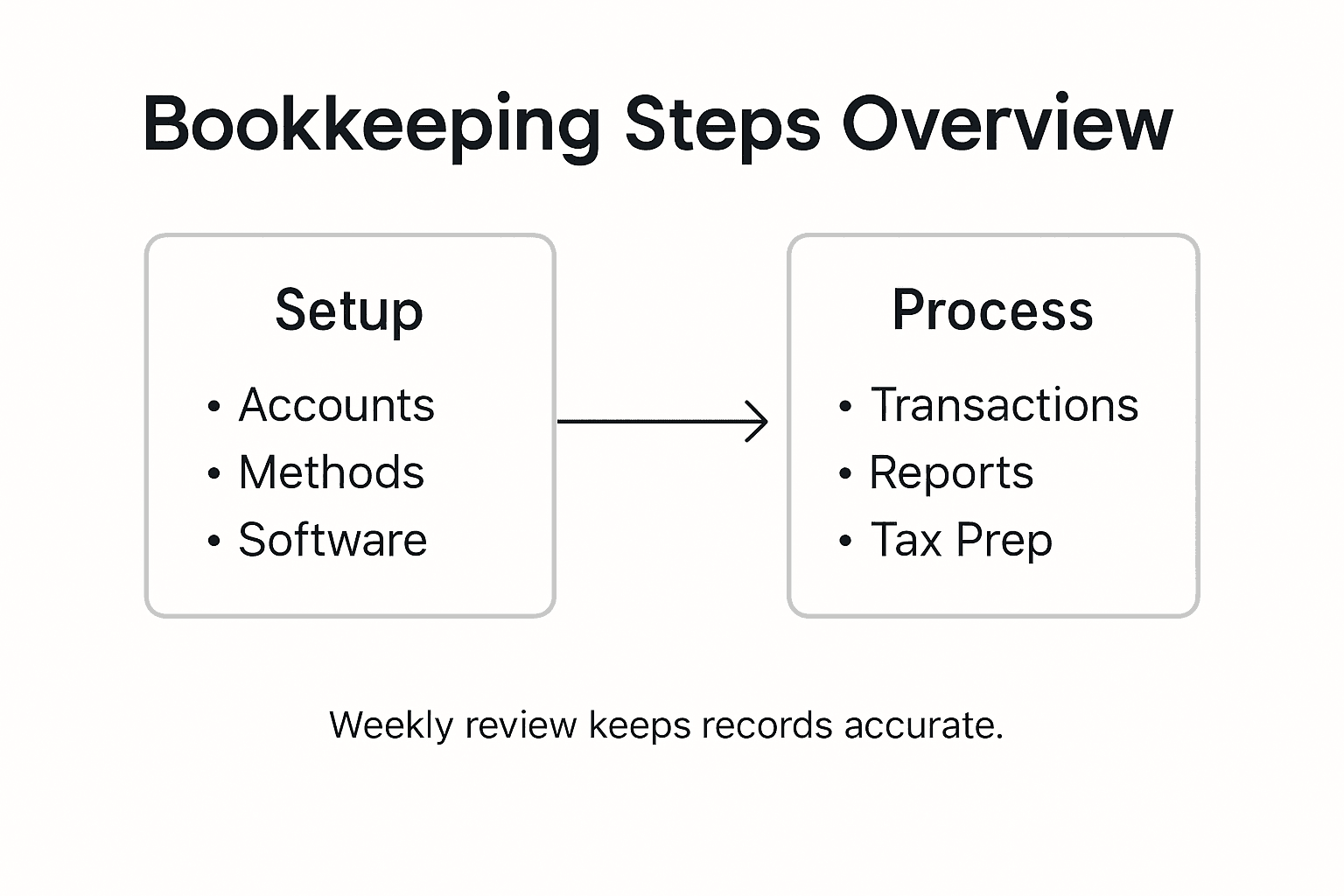
Pro tip: Invest 30 minutes each week reviewing and categorizing transactions to prevent overwhelming year-end bookkeeping tasks and catch any potential errors early.
Step 2: Connect and Categorize Transactions
Connecting and categorizing your business transactions is a critical step in maintaining accurate financial records. This process helps you track spending, understand your cash flow, and prepare for tax season with minimal stress.
Start by linking your business bank accounts and credit cards directly to your accounting software. Most platforms like QuickBooks Online offer secure bank connections that automatically import transactions daily. As transactions flow in, youll need to review and categorize each transaction carefully. Assign each transaction to the appropriate expense category like office supplies, marketing, equipment, or travel. Be consistent in your categorization to ensure accurate financial reporting.

Develop a systematic approach to managing transactions. Set aside dedicated time weekly to review imported transactions and ensure everything is correctly classified. Pay special attention to transactions that could fall into multiple categories and establish clear guidelines for your specific business. Create custom categories that match your unique business model and make tracking more precise.
Pro tip: Use color coding or flags in your accounting software to quickly identify and prioritize transactions that need additional review or have unusual characteristics.
Step 3: Reconcile Bank Accounts Regularly
Reconciling your bank accounts is a critical financial practice that helps ensure accuracy, detect potential errors, and maintain the financial health of your small business. Think of it as a financial check-up that keeps your accounting records aligned with your actual bank statements.
Begin by comparing bank statements with your accounting records systematically. Download your bank statements and match each transaction in your accounting software with the corresponding entry in your bank record. Look for any discrepancies such as unrecorded transactions, bank fees, interest payments, or potential errors. Pay close attention to outstanding checks, deposits in transit, and any automatic payments or deposits that might not have been captured in your initial record keeping.
Establish a consistent reconciliation routine typically monthly works best for most small businesses. Set aside dedicated time each month to thoroughly review and reconcile your accounts. This process not only helps you catch potential errors early but also provides valuable insights into your business cash flow. Create a checklist to streamline your reconciliation process and ensure you dont miss any critical steps. Consider using accounting software that can automate much of this process and flag unusual transactions for your review.
Pro tip: Keep digital copies of all bank statements and reconciliation reports for at least seven years to support potential tax audits and maintain comprehensive financial documentation.
Step 4: Generate and Review Financial Reports
Generating and reviewing financial reports provides critical insights into your business performance, helping you make informed decisions and understand your financial health. These reports serve as a comprehensive snapshot of your companys financial status and potential growth trajectory.
Start by focusing on key financial reports recommended by the Small Business Administration including the income statement, balance sheet, cash flow statement, and profit and loss report. Each report offers unique perspectives on your business finances. The income statement reveals your revenue and expenses, the balance sheet shows your assets and liabilities, the cash flow statement tracks money movement, and the profit and loss report highlights your overall financial performance. Use accounting software like QuickBooks Online to generate these reports automatically and ensure accuracy.
Here’s how common financial reports support small business decision-making:
| Report Type | Key Purpose | Typical Insight Provided |
|---|---|---|
| Income Statement | Measures profitability | Reveals profit trends and losses |
| Balance Sheet | Shows financial position | Lists assets and liabilities |
| Cash Flow Statement | Tracks cash movement | Identifies liquidity strengths |
| Profit and Loss Report | Summarizes income vs. outgo | Highlights cost control issues |
Develop a consistent review process for your financial reports. Schedule monthly or quarterly review sessions where you analyze these documents in depth. Look for trends such as increasing expenses, revenue fluctuations, or potential cost saving opportunities. Compare your current reports with previous periods to understand your business trajectory. Pay attention to key performance indicators that signal financial health such as gross profit margin, net profit margin, and operating cash flow. These insights will help you make strategic decisions about spending, investment, and potential business expansion.
Pro tip: Create a standardized financial report dashboard that allows you to quickly visualize your most important metrics and track your business performance at a glance.
Step 5: Prepare Records for Tax Season
Preparing your business records for tax season is a critical process that can save you time, reduce stress, and potentially minimize your tax liability. Proper documentation and organization are your best defense against potential audits and financial complications.
Maintaining comprehensive and organized financial records is essential for accurate tax reporting. Gather all necessary documents including income statements, expense receipts, bank statements, payroll records, and asset purchase documentation. Separate your records into clear categories such as business income, operational expenses, equipment purchases, and employee related costs. Ensure you have digital and physical copies of all financial documents from the past tax year. Use your accounting software to generate reports that summarize your financial activity and make it easier to complete tax forms accurately.
Develop a systematic approach to tax preparation by creating a dedicated tax folder both digitally and physically. Organize documents chronologically and by category to streamline the filing process. Consider working with a professional tax preparer who can help you identify potential deductions and ensure compliance with current tax regulations. Schedule a preliminary tax review several months before the filing deadline to address any potential issues and ensure you have all required documentation.
Pro tip: Implement a monthly document scanning and filing routine to keep your tax records current and prevent last minute scrambling during tax season.
Take Control of Your Small Business Finances with Expert Bookkeeping Support
The challenge of setting up a reliable bookkeeping system and maintaining accurate financial records can feel overwhelming for small business owners. This guide highlights the struggles with transaction categorization, regular bank reconciliations, and preparing for tax season—all essential but time-consuming tasks that can pull your focus away from growing your business. You need a partner who understands these pain points and can simplify your financial management using trusted tools like QuickBooks Online.

Discover how Kenworthy Bookkeeping provides expert services tailored to small businesses in Kansas City. We handle everything from precise transaction categorization to thorough monthly bank reconciliations and comprehensive tax preparation, so you regain control and clarity over your finances. Don’t wait for tax season stress or bookkeeping errors to slow you down. Take the next step today and schedule a consultation to see how effortless bookkeeping can increase your profitability and peace of mind at Bookkeeping Consultation. Your business deserves the care and trust that comes with professional bookkeeping support.
Frequently Asked Questions
What accounting method should I choose for my small business?
To make the best choice, consider using the cash accounting method, which records income and expenses when money changes hands. This approach simplifies cash flow tracking and provides a clear picture of your financial state. Review your options and select the method that best aligns with your business structure.
How do I connect my bank accounts to my bookkeeping system?
Start by accessing your accounting software’s settings and look for the option to link your bank accounts or credit cards. Follow the prompts to securely connect your accounts, which will allow automatic transaction imports and save you time during bookkeeping.
What is the importance of reconciling bank accounts?
Reconciling your bank accounts ensures your accounting records match your actual bank statements, helping you detect errors and maintain financial accuracy. Set a routine to reconcile your accounts monthly to catch discrepancies early and keep your business on track financially.
Which financial reports should I generate regularly?
Focus on generating key financial reports like the income statement, balance sheet, cash flow statement, and profit and loss report. These documents provide crucial insights into your business performance and help you make informed decisions about future spending and investments.
How can I prepare my records for tax season effectively?
Start preparing for tax season by organizing all necessary documents, such as income statements, expense receipts, and bank statements. Create a dedicated digital and physical tax folder, sorting documents into clear categories to streamline the filing process and reduce stress.
What is the best way to categorize transactions in my bookkeeping system?
Develop a systematic approach by regularly reviewing your transactions and categorizing them into clear expense groups like office supplies, marketing, and travel. Setting aside time each week to categorize will help maintain accuracy and streamline financial reporting for your business.






3 Comments
Comments are closed.