
Business Financial Health Assessment for Small Companies
Most American small business owners know that nearly 60 percent of financial mistakes happen because records are unorganized. For home service companies in Kansas City with fewer than 20 employees, untidy bookkeeping can hurt profits and make tax time stressful. When you use QuickBooks Online correctly, you gain a simple way to track every dollar, understand your true financial health, and make smarter decisions for long-term success.
Table of Contents
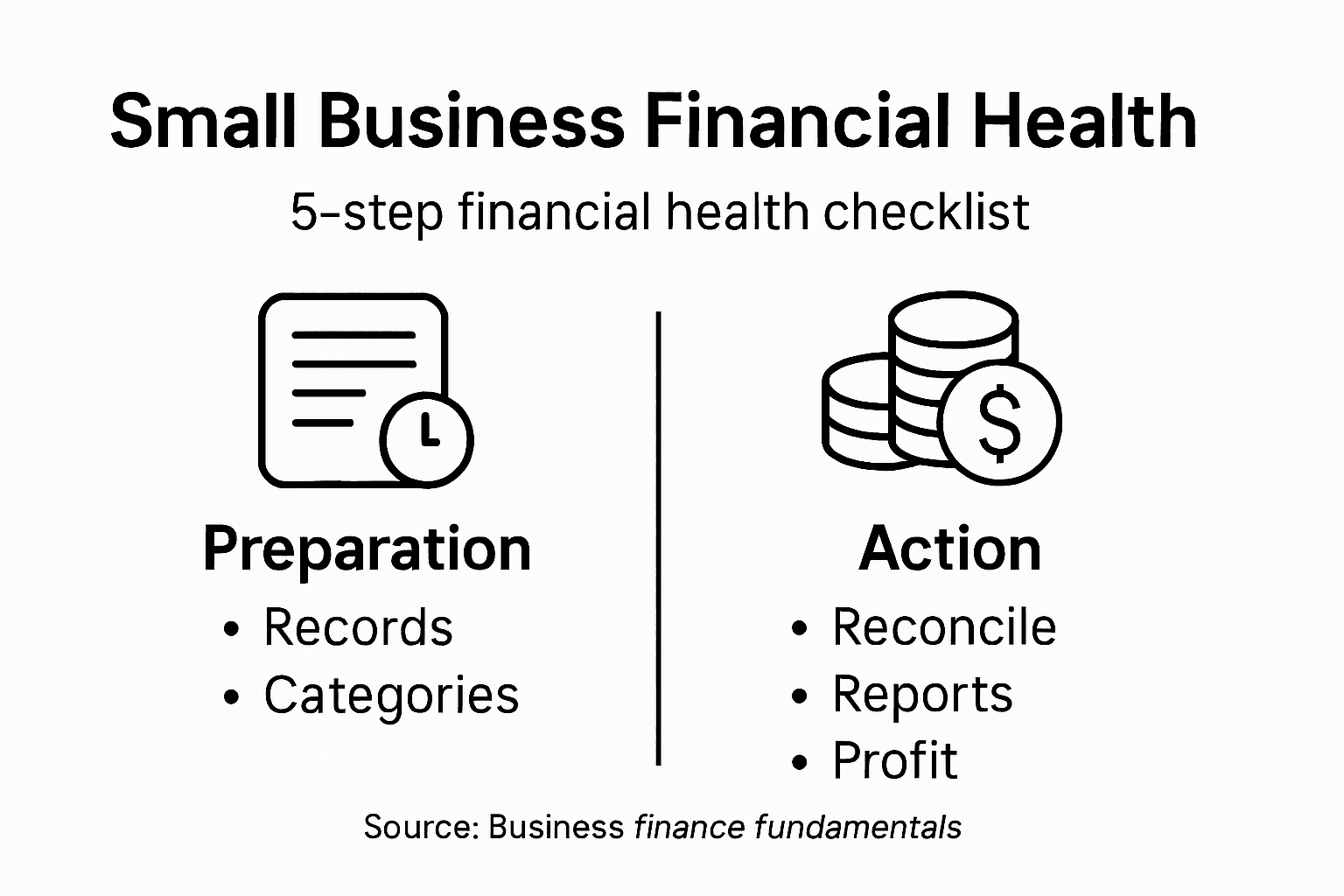
- Step 1: Organize Financial Records In QuickBooks Online
- Step 2: Categorize Transactions For Accurate Analysis
- Step 3: Review And Reconcile Bank Accounts
- Step 4: Generate And Interpret Key Financial Reports
- Step 5: Identify Opportunities To Improve Profitability
Quick Summary
| Key Insight | Explanation |
|---|---|
| 1. Organize Financial Records Properly | Set up a detailed Chart of Accounts to categorize income and expenses, facilitating better financial tracking. |
| 2. Develop Systematic Transaction Categorization | Classify each transaction accurately to turn raw data into actionable insights, improving analytical capabilities. |
| 3. Regularly Reconcile Bank Accounts | Implement a monthly reconciliation routine that helps identify discrepancies and maintain financial accuracy. |
| 4. Generate Key Financial Reports | Use financial reports like income statements and cash flow statements to assess business performance and profitability. |
| 5. Identify Profitability Improvement Opportunities | Analyze financial data to find areas for cost reduction and efficiency to enhance overall profitability. |
Step 1: Organize financial records in QuickBooks Online
Organizing your financial records in QuickBooks Online is a critical first step to maintaining accurate bookkeeping for your small business. With the right approach, you can transform your financial management from a chaotic process into a streamlined system that provides clear insights into your company’s financial health.
Start by exploring the core features of QuickBooks Online to understand the platform’s organizational capabilities. Your first priority should be setting up a comprehensive Chart of Accounts that accurately reflects your business’s unique financial structure. This means creating detailed categories for income, expenses, assets, and liabilities that match your specific business model. When configuring these accounts, be precise and consistent to ensure every transaction can be easily tracked and categorized.
As you begin entering transactions, develop a systematic approach to record keeping. Upload bank and credit card statements regularly, matching each transaction to the appropriate account. Use QuickBooks Online’s bank feed feature to automatically import transactions, which reduces manual data entry and minimizes errors. Take time to review and reconcile these transactions weekly, ensuring that every financial record is accurately captured and classified.
Pro tip: Create a dedicated weekly 30-minute block in your calendar specifically for updating and reviewing your QuickBooks Online financial records to maintain consistent and accurate bookkeeping.
Here’s how QuickBooks Online’s core features support small business financial management:
| Feature | Purpose | Business Impact |
|---|---|---|
| Chart of Accounts | Organizes accounts by type | Enables clear financial categorization |
| Bank Feed | Automatically imports transactions | Reduces manual entry and errors |
| Reconciliation Tools | Checks records against bank statements | Ensures financial accuracy |
| Custom Rules | Automates transaction categorization | Saves time, maintains consistency |
Step 2: Categorize transactions for accurate analysis
Accurate transaction categorization is the backbone of meaningful financial analysis for your small business. By systematically classifying each financial transaction, you transform raw data into actionable insights that can drive strategic decision making.

Start by understanding the fundamental principles of transaction classification methods. Each transaction in QuickBooks Online should be assigned to a specific account category that reflects its true financial nature. This means carefully reviewing each line item and selecting the most appropriate category whether it is office supplies, equipment maintenance, marketing expenses, or client revenue. Pay special attention to transactions that could fit multiple categories by examining the specific details and context.
Leverage QuickBooks Online’s advanced features to streamline your categorization process. The platform offers intelligent suggestions based on previous transaction patterns, which can significantly reduce manual data entry time. However, always review these automatic suggestions to ensure accuracy. Consider creating custom rules that automatically categorize recurring transactions from specific vendors or with consistent characteristics. This approach not only saves time but also maintains consistency in your financial record keeping.
Pro tip: Create a reference document outlining your specific transaction categorization rules to maintain consistency and train any team members who might assist with bookkeeping tasks.
Step 3: Review and reconcile bank accounts
Reconciling your bank accounts is a critical process that ensures the financial accuracy and integrity of your small business. By systematically comparing your internal financial records with official bank statements, you can catch potential errors, prevent fraud, and maintain a clear understanding of your company’s true financial position.
Learn the fundamental steps of bank account reconciliation. Begin by gathering your most recent bank statement and your QuickBooks Online transaction records. Carefully compare each transaction line by line, verifying that the amounts match exactly. Look for discrepancies such as unrecorded bank fees, interest payments, electronic transfers, or transactions that might have been missed during your initial data entry. Mark any differences you discover and investigate them thoroughly to understand their origin.
Develop a consistent monthly reconciliation routine that becomes an integral part of your financial management strategy. Use QuickBooks Online’s built-in reconciliation tools to streamline the process. Prioritize matching outstanding checks, reviewing deposit slips, and confirming all electronic transactions. Pay special attention to transactions that appear in one record but not the other. These differences could indicate potential errors, missed entries, or in rare cases, unauthorized financial activities that require immediate investigation.
Pro tip: Set a recurring calendar reminder for bank reconciliation and allocate a specific time each month when you are least likely to be interrupted to ensure thorough and accurate financial review.
Step 4: Generate and interpret key financial reports
Generating and interpreting financial reports is your roadmap to understanding your small business’s true financial performance. These critical documents provide a comprehensive snapshot of your company’s financial health, revealing insights that can guide strategic decision making and future growth strategies.
Master the fundamentals of financial report analysis. In QuickBooks Online, focus on generating three primary reports: the income statement, balance sheet, and cash flow statement. Each report offers unique perspectives on your business finances. The income statement shows your revenue and expenses, revealing your profitability. The balance sheet provides a snapshot of your assets, liabilities, and equity, while the cash flow statement tracks the actual movement of money in and out of your business.
Learn to read these reports with a critical eye. Look for trends in your financial data. Are your revenues consistently growing? Are expenses under control? Are there seasonal fluctuations in your cash flow? Pay attention to key performance indicators such as gross profit margin, net profit margin, and current ratio. These metrics can help you identify strengths and potential areas of improvement in your business financial strategy. QuickBooks Online offers customizable reporting features that allow you to drill down into specific details, helping you gain deeper insights into your financial performance.
Pro tip: Schedule a quarterly deep dive into your financial reports, treating them like a health checkup for your business finances.
Here’s a summary of key financial reports for small businesses:
| Report Type | Main Focus | Strategic Value |
|---|---|---|
| Income Statement | Revenue and expenses | Tracks profitability over time |
| Balance Sheet | Assets, liabilities, equity | Assesses financial position |
| Cash Flow | Money movement | Reveals liquidity and seasonal trends |
Step 5: Identify opportunities to improve profitability
Improving your small business’s profitability requires a strategic approach that goes beyond simply cutting costs. By carefully analyzing your financial data and understanding your business operations, you can uncover hidden opportunities to boost your bottom line and create sustainable growth.
Start by identifying and evaluating business opportunities that align with your company’s strengths. Use your QuickBooks Online financial reports to conduct a comprehensive analysis of your revenue streams, expenses, and profit margins. Look for patterns in your most profitable products or services. Are there specific customer segments generating higher returns? Are there underperforming areas of your business that could be streamlined or eliminated? Compare your financial performance across different time periods to understand seasonal trends and potential growth areas.
Adopt a lean management approach to operational efficiency. Examine your expense categories meticulously to identify areas where you can reduce costs without compromising quality. This might involve negotiating better rates with suppliers, optimizing your inventory management, or reducing unnecessary overhead expenses. Pay special attention to your labor costs and productivity metrics. Sometimes small adjustments in workflow or team structure can lead to significant improvements in overall profitability. Consider investing in technology or training that can help your team work more efficiently and generate higher value for your business.
Pro tip: Create a quarterly profitability scorecard that tracks key financial metrics and challenges your team to propose innovative strategies for improving business performance.
Take Control of Your Small Business Financial Health Today
Managing your small business finances can feel overwhelming when trying to keep everything organized, categorized, and accurately reconciled. This article highlights the critical challenges of maintaining clear financial records, categorizing transactions correctly, and generating meaningful reports to identify opportunities for improved profitability. If you find yourself struggling with these complexities or want to regain confidence in your financial management, there is a solution designed just for you.

Kenworthy Bookkeeping specializes in effortless, expert bookkeeping services that leverage QuickBooks Online to simplify every step—from organizing your Chart of Accounts to reconciling bank statements and preparing insightful financial reports. With our trusted support based in Kansas City, you can unlock the full potential of your business financial data and focus on growth instead of the guesswork of bookkeeping. Don’t wait to improve profitability and gain complete control of your finances. Get started with a personalized consultation at Kenworthy Bookkeeping Consult and explore how our services can help make your business financial health a priority today.
Frequently Asked Questions
How do I assess my small company’s financial health?
To assess your small company’s financial health, start by organizing your financial records in a clear system, such as QuickBooks Online. Focus on generating key financial reports like the income statement, balance sheet, and cash flow statement to evaluate profitability, liquidity, and overall performance.
What financial records should I keep for my small business?
You should keep records of income, expenses, assets, and liabilities to have a complete financial picture. Regularly update these records by uploading bank and credit card statements, and ensure accurate categorization of all transactions to maintain organized information.
How often should I reconcile my bank accounts?
You should reconcile your bank accounts monthly to ensure financial accuracy. Setting a recurring reminder can help you systematically compare your internal records with bank statements and identify any discrepancies.
What are the key financial reports I need to generate for my small business?
The key financial reports you need to generate are the income statement, balance sheet, and cash flow statement. These reports will provide insights into your revenue, expenses, assets, and the movement of cash, helping you make informed decisions about your business.
How can I identify opportunities to improve profitability?
To identify opportunities for improving profitability, analyze your financial reports to pinpoint your most profitable products or services. Review expense categories and look for areas where costs can be reduced or workflows optimized, potentially improving your margin by 10–15%.
What steps can I take to ensure consistent financial analysis?
To ensure consistent financial analysis, create a dedicated schedule for reviewing financial reports every quarter. Commit to allocating specific time for deep dives into your financial data to track trends and make adjustments to your business strategy as needed.
Recommended
- Role of Financial Health in Small Business Success
- Financial Health: Why It Matters for Small Businesses
- Why Generate Financial Reports for Small Businesses
- Why Prepare Financial Statements for Small Businesses
- Essential IT Security Assessment Steps for Brisbane SMEs – IT Start
- Company Formation Explained: Key Steps for UK SMEs – Kefihub