
What Is Bank Reconciliation? A Guide for Small Businesses
TL;DR:
- Bank reconciliation ensures your books match bank statements to catch errors and discrepancies.
- Regular monthly reconciliation helps prevent fraud, errors, and cash flow issues in small businesses.
- Using accounting software like QuickBooks streamlines the process, saving time and increasing accuracy.
Glancing at your bank balance and feeling relieved is a natural reaction. But that number on your screen doesn’t tell the whole story. Transactions can be missing, fees can go unrecorded, and errors can quietly pile up while your books appear balanced. Bank reconciliation is the process of matching your internal accounting records against your bank statement to catch and correct those gaps. For Kansas small business owners, this isn’t just a bookkeeping formality. It’s a financial safeguard that protects your cash flow, your tax accuracy, and your peace of mind. This guide walks you through what reconciliation is, why it matters, and how to do it efficiently.
Table of Contents
- Understanding bank reconciliation: What it is and why it matters
- Common causes of discrepancies: Spotting and solving the usual suspects
- The bank reconciliation process: Step-by-step for small businesses
- How technology streamlines reconciliation for Kansas businesses
- Our take: Why consistent reconciliation pays off for small business success
- Get expert help: Streamline your bank reconciliation today
- Frequently asked questions
Key Takeaways
| Point | Details |
|---|---|
| Reconciliation matches records | Bank reconciliation means comparing your books with bank statements to find and fix any differences. |
| Common errors can cost you | Ignoring timing differences, fees, or manual mistakes can create bigger financial headaches down the line. |
| Use tools for efficiency | Accounting software like QuickBooks simplifies and speeds up the reconciliation process for Kansas businesses. |
| Consistent checks are key | Monthly reconciliations protect against fraud, help you monitor cash flow, and keep your business running smoothly. |
Understanding bank reconciliation: What it is and why it matters
Now that we recognize the difference between checking a balance and true reconciliation, let’s break down what this process really involves.
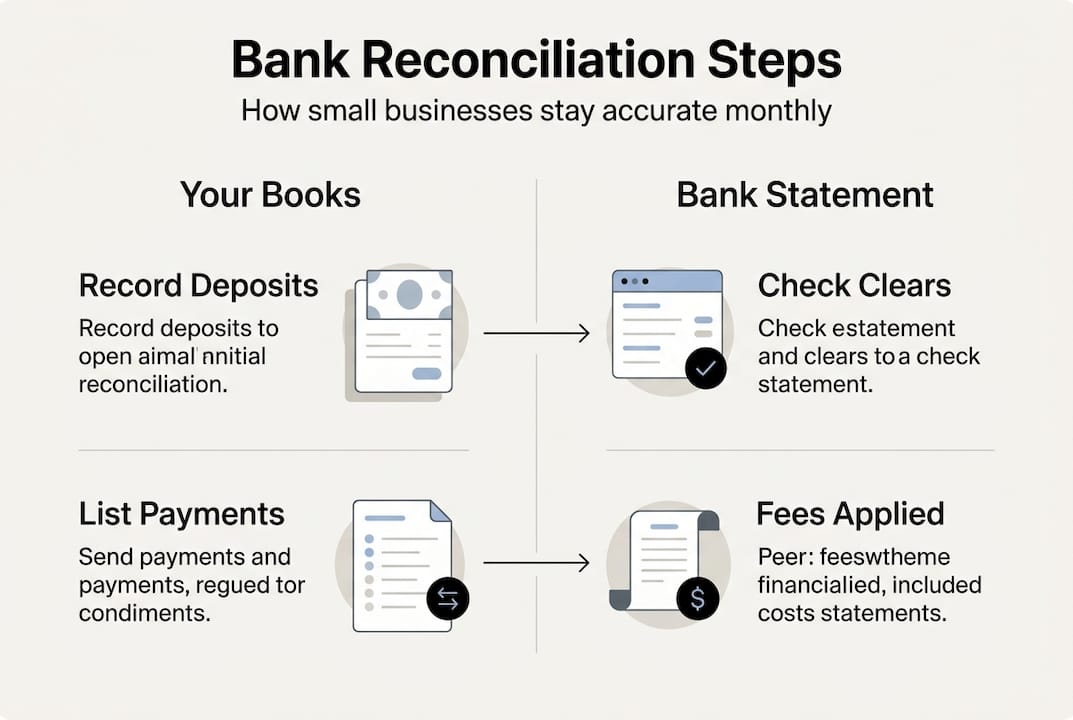
Bank reconciliation is the process of matching your company’s internal records with its bank statement to find and fix mismatches. Think of it as a side-by-side comparison. On one side, you have your bookkeeping records, which include every transaction you’ve logged. On the other side, you have your bank statement, which reflects what your financial institution actually processed. The goal is to make both sides agree.
Discrepancies between the two can arise for several reasons. A check you wrote last week may not have cleared yet. A bank fee may have been deducted without a corresponding entry in your books. A vendor payment may have been entered twice by mistake. None of these errors are obvious when you simply glance at your account balance.
“Accurate books aren’t just about knowing your balance. They’re about knowing why your balance is what it is.”
For small businesses, this distinction is especially important. You’re often working with tighter margins and less financial cushion than larger companies. A missed fee or an unrecorded payment can ripple outward, affecting payroll decisions, vendor payments, and tax filings. Understanding account reconciliation basics gives you the foundation to catch these issues before they grow.

Here’s a quick look at what reconciliation compares:
| Item | Your books | Bank statement |
|---|---|---|
| Deposits | Recorded when made | Recorded when cleared |
| Payments | Recorded when issued | Recorded when processed |
| Bank fees | Often missing | Always present |
| Interest earned | Often missing | Always present |
| Returned checks | May be unrecorded | Reflected immediately |
The role of reconciliation in your bookkeeping routine goes beyond accuracy. It builds a reliable financial picture you can actually use to make decisions. When your books are reconciled, you know exactly where you stand.
Common causes of discrepancies: Spotting and solving the usual suspects
Knowing why discrepancies happen helps you spot issues fast. So what are the main culprits business owners should watch for?
Most mismatches between your records and your bank statement fall into predictable categories. Common edge cases include timing differences, unrecorded bank fees and interest, NSF checks, data entry errors, cutoff mismatches, and fraud. Recognizing these patterns makes reconciliation faster and more focused.
Here are the most frequent causes of discrepancies:
- Deposits in transit: You recorded a deposit, but the bank hasn’t processed it yet. This is normal near month-end but needs tracking.
- Outstanding checks: You issued a check that hasn’t cleared the bank. Your books show the payment; the bank doesn’t yet.
- Bank fees and interest: Service charges, wire fees, or earned interest appear on your statement but may never make it into your books unless you check regularly.
- NSF (non-sufficient funds) checks: A customer’s check bounces. The bank reverses the deposit, but your records may still show it as received.
- Data entry errors: A transposed number or a skipped transaction can throw off your balance significantly.
- Cutoff mismatches: Transactions near the end of the month may fall in different periods depending on when they’re recorded versus when they clear.
- Fraudulent activity: Unauthorized withdrawals or altered checks can hide in plain sight if you’re not comparing records regularly.
Pro Tip: Set a recurring calendar reminder on the first business day of each month to pull your bank statement and begin reconciling. Consistency is what keeps small issues from becoming big ones.
Using a reliable bank reconciliation checklist helps you work through each category systematically. You’re not just looking for errors. You’re building a habit of financial awareness that protects your business every month.
The bank reconciliation process: Step-by-step for small businesses
Understanding causes of mismatches is important. Here’s how to actually reconcile your accounts, step by step.
Follow these bank reconciliation steps each month to keep your books accurate and current:
- Collect your records. Gather your bank statement for the period and open your bookkeeping software or ledger.
- Match deposits. Compare every deposit in your books to what appears on the bank statement. Flag anything that doesn’t match.
- Match payments. Check each payment, check, or transfer in your records against the bank’s list. Note outstanding items.
- Record bank-only items. Add any fees, interest, or returned checks from the bank statement that aren’t yet in your books.
- Correct errors. Fix any data entry mistakes you find in your records.
- Adjust your balance. After accounting for all differences, your adjusted book balance should match the adjusted bank balance.
- Finalize and document. Save the reconciliation report and note any items still outstanding for next month.
Monthly cycles and QuickBooks integration are standard practices for Kansas businesses, and for good reason. Doing this monthly keeps the workload manageable and the data fresh.
Here’s a comparison of manual versus software-assisted reconciliation:
| Factor | Manual method | Software method |
|---|---|---|
| Time required | 2 to 4 hours monthly | 30 to 60 minutes monthly |
| Error risk | Higher due to manual entry | Lower with auto-import |
| Audit trail | Paper-based | Digital and searchable |
| Cost | Low upfront | Subscription-based |
Pro Tip: When using software, always do a final manual spot-check of a few transactions. Automation is powerful, but human review catches context that software can miss.
For a deeper walkthrough, the account reconciliation steps guide breaks down each phase with practical examples. You can also review the full bank reconciliation process to see how it fits into your broader bookkeeping routine.
How technology streamlines reconciliation for Kansas businesses
Many business owners still rely on spreadsheets, but technology now offers a better way to keep things organized and efficient.
QuickBooks integration is common for local small businesses, and it’s easy to see why. Accounting software reduces manual data entry, flags potential mismatches automatically, and keeps a clean audit trail you can reference at any time.
Here’s what modern accounting software brings to your reconciliation process:
- Bank feed connections: Transactions import directly from your bank, eliminating manual entry.
- Automatic matching: The software matches imported transactions to existing records and highlights unmatched items.
- Real-time visibility: Your balance updates as transactions clear, giving you an accurate picture at any moment.
- Reconciliation reports: With one click, you can generate a report showing what was matched, what’s outstanding, and what was adjusted.
- Audit trail: Every change is logged with a timestamp, which is invaluable during tax season or an audit.
Explore QuickBooks for reconciliation to see how the platform handles these tasks in a small business context. You can also compare options using this overview of bank reconciliation tools.
Here’s how software stacks up against spreadsheets for Kansas businesses:
| Feature | Spreadsheets | Accounting software |
|---|---|---|
| Data import | Manual | Automated via bank feed |
| Error detection | None built-in | Flags mismatches automatically |
| Reporting | Manual formatting | One-click reports |
| Scalability | Limited | Grows with your business |
| Collaboration | Difficult | Cloud-based and shareable |
The time savings alone make the switch worthwhile for most small business owners. When reconciliation takes 30 minutes instead of four hours, you’re more likely to do it consistently. And consistency is everything.
Our take: Why consistent reconciliation pays off for small business success
Here’s something we’ve observed working with Kansas small businesses: most owners who struggle financially aren’t bad at running their business. They’re operating without accurate financial data. Reconciliation fixes that.
There’s a common misconception that reconciliation is something large companies do or something you only need at tax time. Neither is true. Monthly reconciliation is what separates business owners who feel in control from those who are always reacting. The streamlined bookkeeping tips we share consistently point back to one habit: reconcile often.
The compounding value of this practice is real. Catching a $40 bank fee in January prevents it from being missed for 12 months. Spotting an unauthorized charge in March stops potential fraud before it escalates. Knowing your true cash position in June helps you make a confident decision about hiring or equipment.
These aren’t abstract benefits. They’re the direct results of streamlining small business finances through consistent, accurate reconciliation. The businesses we’ve seen grow with confidence are the ones treating reconciliation as a monthly priority, not an annual chore.
Get expert help: Streamline your bank reconciliation today
If you’re ready to take the guesswork out of bank reconciliation and focus more on running your business, here’s an easy next step.
Bank reconciliation doesn’t have to feel overwhelming. With the right support, it becomes a straightforward monthly process that keeps your finances accurate and your stress low.

At Kenworthy Bookkeeping, we handle reconciliations for Kansas City area small businesses like it’s our own business. We use QuickBooks Online to keep your records clean, current, and ready for tax season. Whether you want to hand off the entire process or simply get guidance on building a better routine, we’re here to help. Book a consultation and let’s talk about what’s right for your business.
Frequently asked questions
Why should I reconcile my bank account monthly instead of quarterly?
Monthly reconciliation helps catch errors, fraud, or cash flow problems early before they become costly. Waiting until quarter-end gives problems three months to grow.
How does bank reconciliation help prevent fraud in my business?
Regular reconciliation catches unauthorized or suspicious withdrawals quickly, preventing undetected losses. The sooner you spot an irregularity, the easier it is to dispute and recover.
What tools or software work best for bank reconciliation in Kansas?
QuickBooks Online and similar accounting platforms are popular and widely used by local Kansas businesses. They automate data import and flag mismatches automatically.
How can I simplify the reconciliation process for my small business?
Use a reliable checklist, automate tasks with reconciliation software, and compare your records monthly for best results. Consistency and the right tools make the process manageable for any business size.